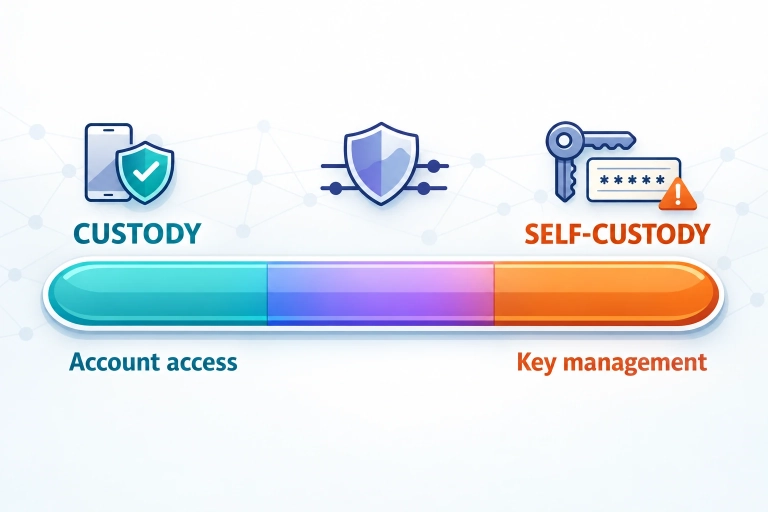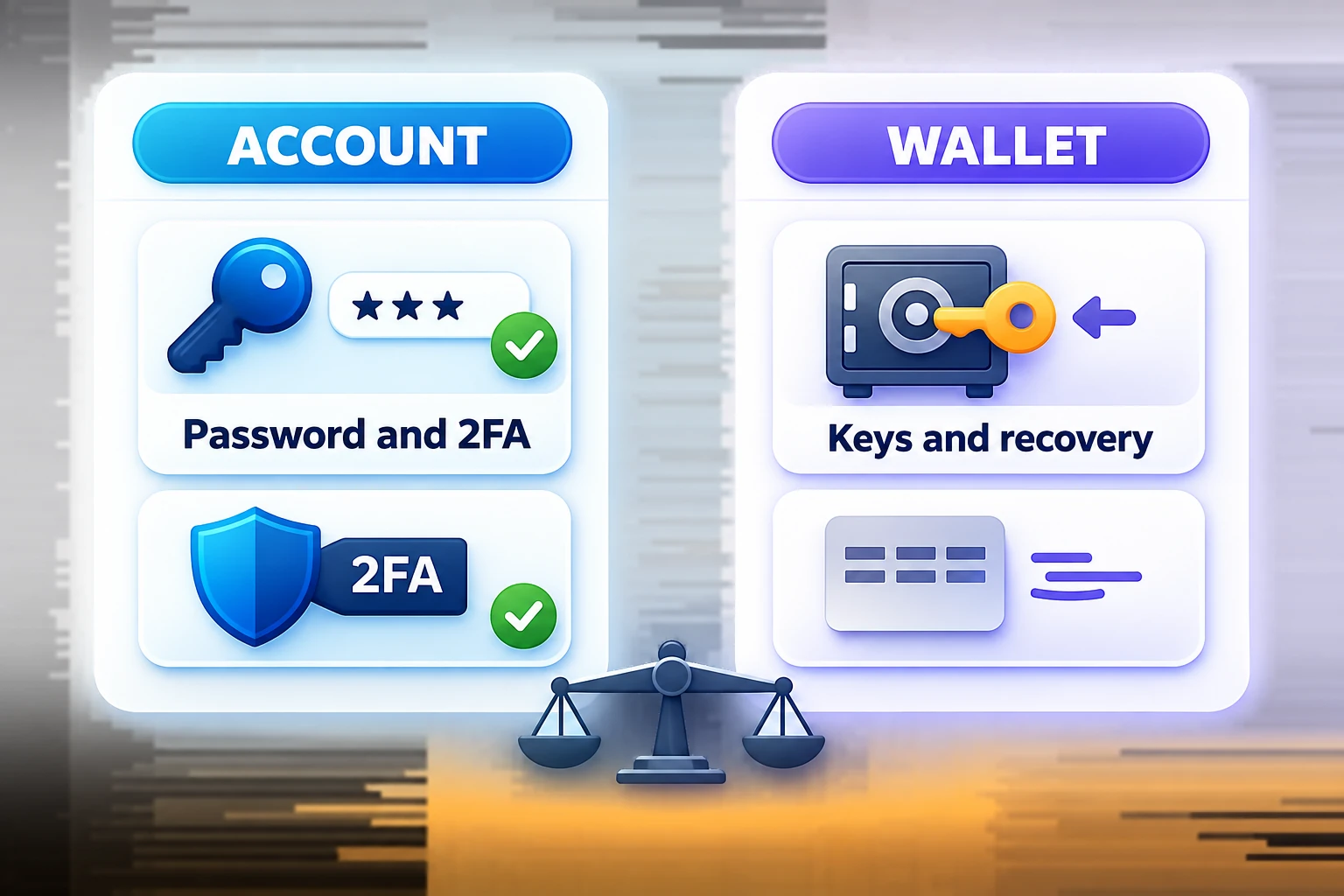
Most collectors do not lose collectibles to technical “hacks.” Instead, they lose them through account takeovers, phishing, or a poorly planned device change. That is exactly why custody (platform-held assets) and self-custody (you hold them yourself) should not be treated as an ideological debate, but as a security setup.
This guide is intentionally practical: you will get clear steps you can take today to improve custody and account security, plus an overview of what typically changes with self-custody—and what does not.
TL;DR
- Your biggest risk is not the “blockchain”—it is your login and email. Secure your password, email, and 2FA first.
- Authenticator app-based 2FA is generally more reliable than SMS when SIM swaps are a concern.
- Changing devices is a stress test. Plan your recovery before giving up your old phone.
- Self-custody gives you more control—but also more responsibility. Without a backup and emergency plan, it can quickly become dangerous.
- Rule #1 for avoiding scams: Never share seed phrases, never connect a wallet through a DM, and never trust “support” DMs. Use official channels only.
Custody vs. Self-Custody: What Does It Mean for Collectors?
Custody: Convenient, but Your Account Is the Key
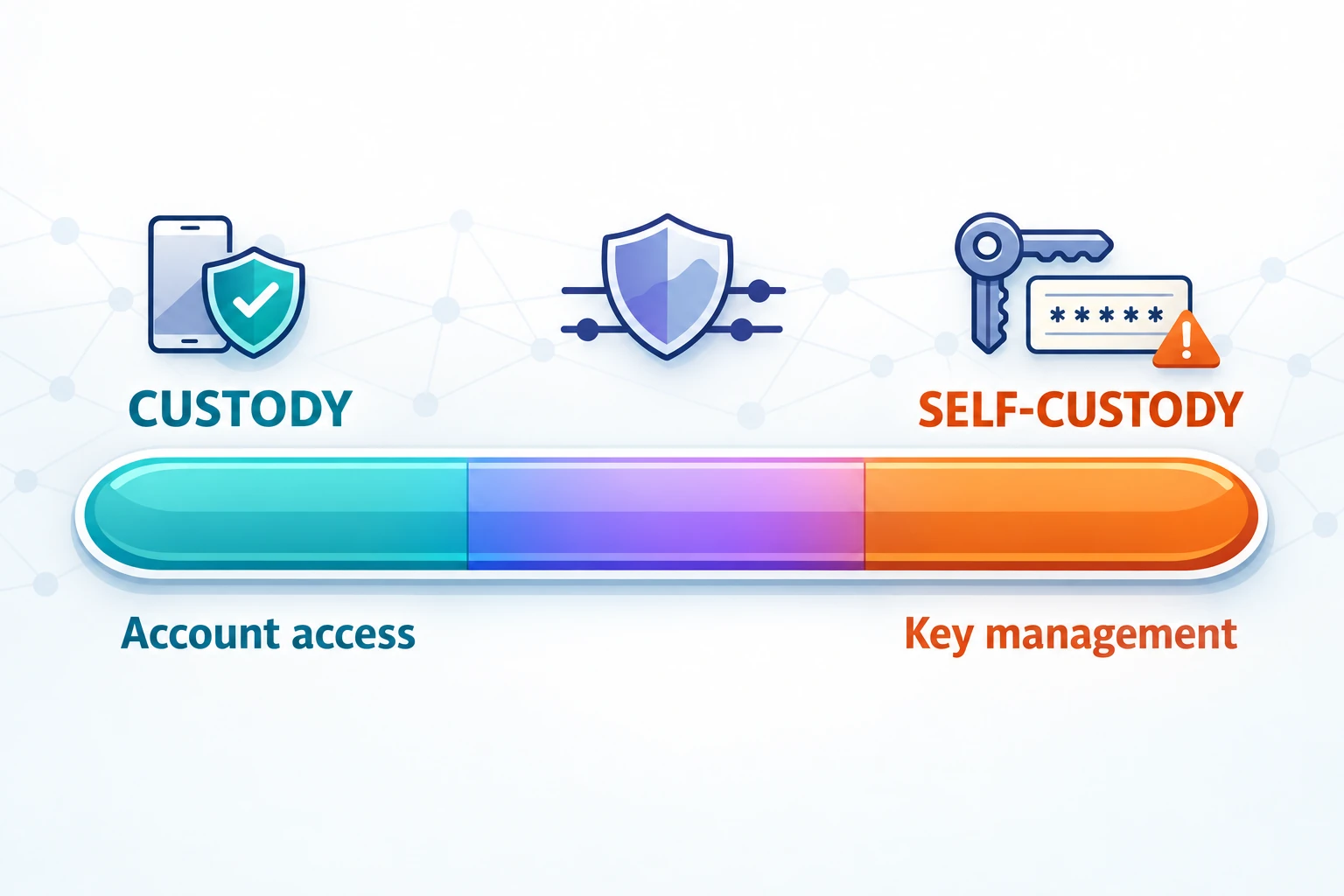
With custody, everyday access runs through your account: your login, email, 2FA, and, where applicable, support processes. That is convenient for collectors—but it also means that anyone who takes over your account effectively controls your collection.
Your security priorities should therefore be:
- a strong password and password manager
- 2FA that is set up correctly and backed up
- email security, since many recovery processes depend on it
- scam awareness, because social engineering can defeat technical safeguards
Self-Custody: More Control, but Recovery Becomes Your Responsibility
With self-custody, you manage access yourself—typically through a wallet and recovery mechanisms such as a seed phrase, recovery phrase, or another key model. This can give you more independence, but it also creates new responsibilities:
- You are your own “support.” If your recovery access is gone, it is gone.
- Phishing becomes even more dangerous because attackers target wallet access directly.
- Mistakes are often irreversible, including using the wrong address, link, or wallet connection.
For a deeper look at the expectations, risks, and opportunities surrounding self-custody in the Collect Chain context, read: Collect Chain—Phase 2: Self-Custody (Expectations, Risks, and Opportunities).
The Security Principle That Almost Always Wins: “Protect the Recovery Path First”
Many setups fail because they secure only the “front door” login, not the path behind it:
- Email compromised → password reset becomes possible → account lost
- 2FA not backed up → losing your device causes a lockout or leads to rushed, insecure workarounds
- Sensitive data stored in the cloud or notes → one leak can compromise everything
The goal is not paranoia, but preparedness. If your phone breaks today, you should know what to do without panicking and clicking a random link.
Quick Start: A Security Setup You Can Complete Today
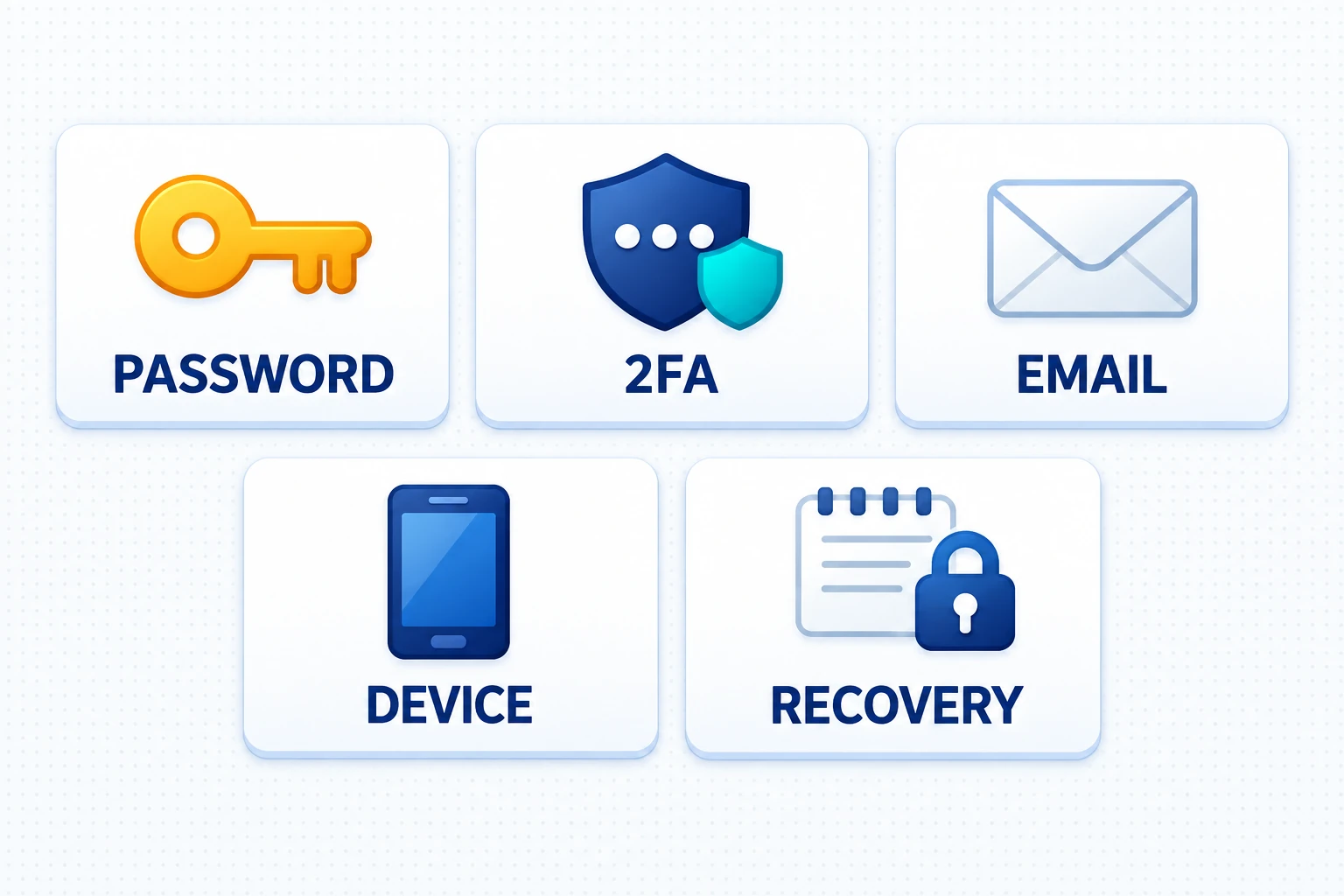
- Choose a password manager and set a master password. Use a strong, unique passphrase as your master password, then generate separate long passwords for VeVe and your email.
- Enable 2FA using an authenticator instead of SMS alone. If possible, use an authenticator app. Important: securely store your 2FA backup, such as recovery codes or a transfer option.
- Secure your email with its own strong password and 2FA. Your email is often the “master key” for resets. Treat it accordingly.
- Practice good device hygiene: OS updates, screen lock, and app PIN. Biometrics are fine, but only in addition to a strong device PIN. Do not use “1234” or your birth date.
- Turn on your social-engineering filter. Set firm rules for yourself: “Support” does not contact you through DMs. Never connect a wallet through a DM. Never share seed phrases.
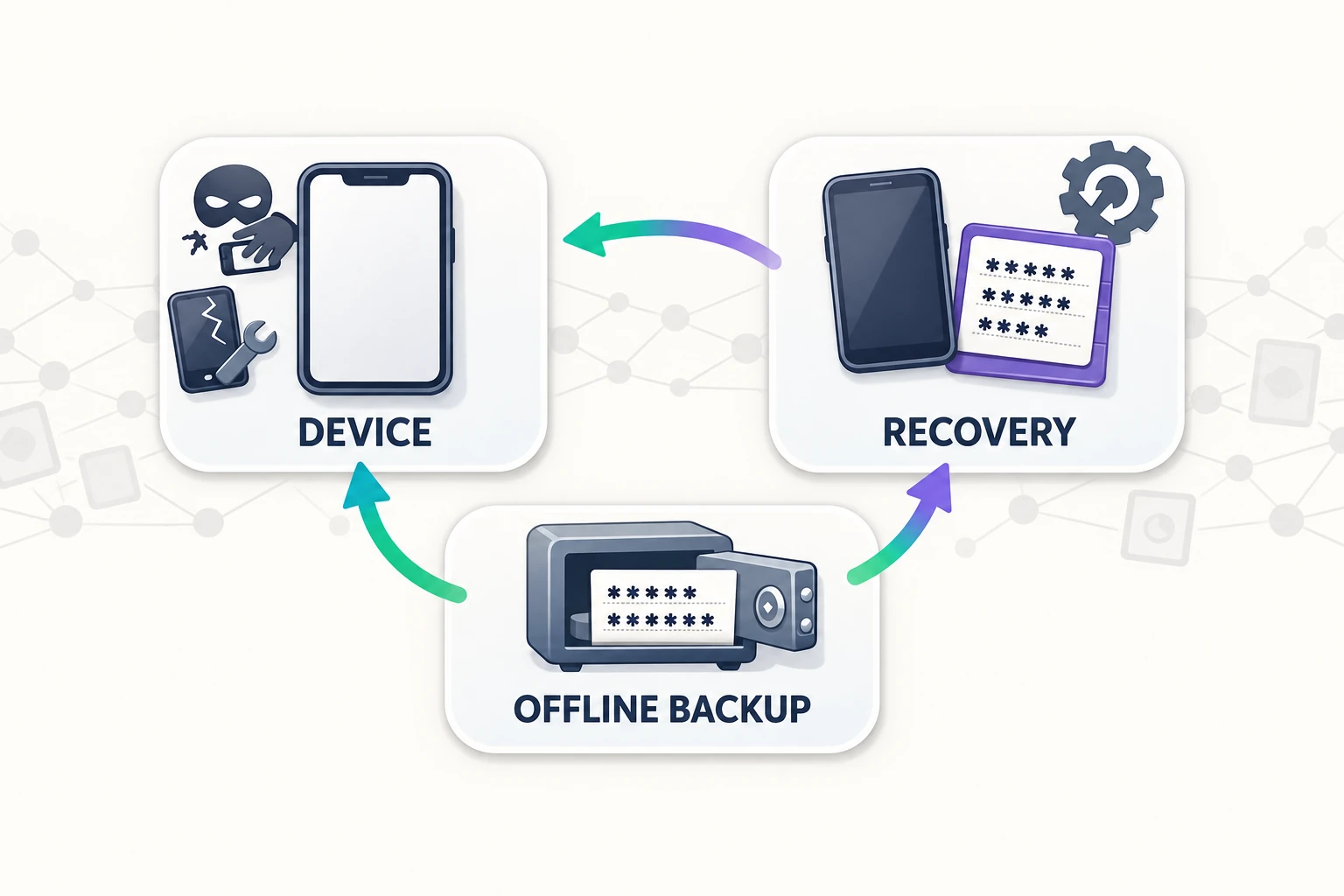
- Create a backup plan for device changes. Write down which apps are critical, how you will migrate 2FA, and what you will do if the old device is already gone.
- Create an offline emergency note or contact plan. Do not include sensitive information. Instead, document where backups are stored, who knows about them, and which steps to follow in an emergency.
- Run a mini audit. Check active sessions and logins, email forwarding rules, unknown devices, and unusual notifications. If anything looks suspicious, immediately change your password, 2FA, and recovery settings.
If you are also dealing with Collect Chain topics—such as community claims that “you need to do X right now”—read: Collect Chain Migration FAQ: Do I Need to Do Anything? Only act on information that has been officially confirmed.
How to Set Up 2FA Properly: Setup, Backup, and Device Changes
Why 2FA Often Makes the Difference
A strong password is important—but if it is leaked somewhere or you enter it on a fake website just once, it may already be compromised. 2FA acts as the second lock. The key point is that 2FA only helps if you do not undermine it yourself, such as through insecure backups or rushed “support” actions.
Backup Codes Are Not Optional
If a service provides recovery codes, treat them like an emergency key. That means:
- do not save them as a screenshot
- do not store them in unencrypted notes
- do not send them to yourself through a messaging app
- prefer offline storage on paper or a secure encrypted vault/password manager
Changing Devices: The Most Common Self-Inflicted Problem
Here is the typical scenario: your new phone is ready, your old one is sold or handed over, and only then do you realize that 2FA still works exclusively on the old device. The result is stress and time pressure—and time pressure is a scammer’s best friend.
Do it differently: plan the change while you still have both devices. If you are unsure, use a neutral checklist like the one in our migration preparation article, even if it does not match your situation exactly: Collect Chain Migration—Phase 1: Checklist & Troubleshooting.
Password Hygiene: Remember Less, Protect More
The reality for collectors is that VeVe is not your only account. You also have email, potentially exchanges and wallets, social accounts, cloud storage, and banking. “I remember everything” is not a security strategy—it is a risk.
- Use one password per service. Reusing passwords creates a domino effect.
- Use a password manager to generate long, random passwords.
- Do not share passwords, even with friends who “just want to check something quickly.”
- Do not take screenshots of login credentials.
Email Security: Your Invisible “Master Key”
If your email is compromised, everything else may follow: password resets, support contacts, and notifications. That is why you should:
- Enable 2FA on your email. It is essential, not optional.
- Check your recovery email and phone number: Do they really belong to you, and are they secure?
- Review forwarding rules and filters: Scammers often create rules that make security emails “disappear.”
- Consider a separate email for crypto/NFT activity if you have a broad attack surface.
Phishing & Social Engineering: Avoid Becoming the “Easy Account”
The most dangerous attacks often look friendly: someone offers to help, claims to be “support,” or has “urgent news.” That is not an accident—it is by design.
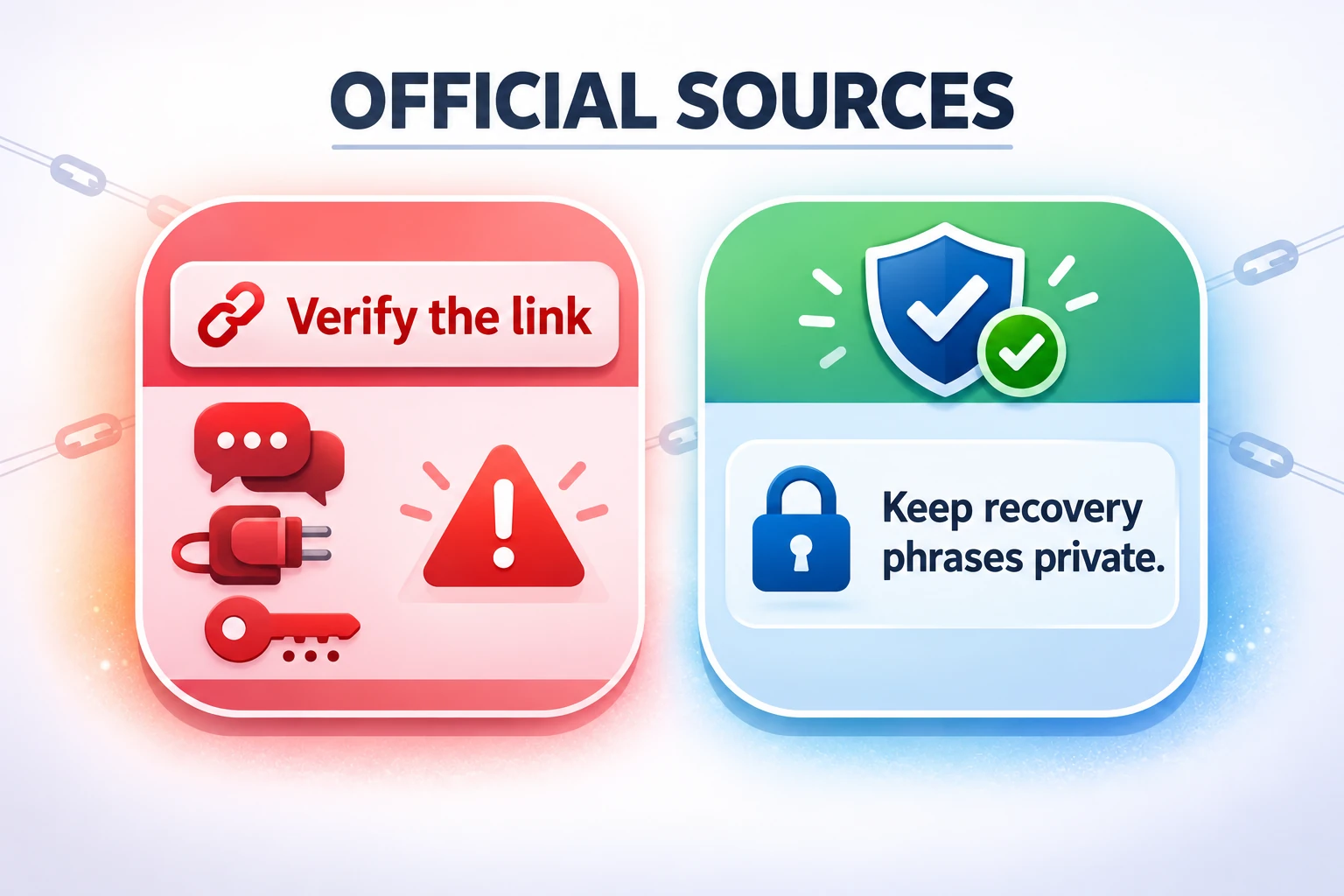
Red Flags You Should Take Seriously
- DMs marked “urgent”, including deadlines, account locks, claims, airdrops, or “you need to do this now”
- Links that look official but contain small differences
- Forms asking for codes, including 2FA, recovery codes, or “verification” codes
- Wallet connections or signatures when you are not 100% certain what you are signing
- “We just need this for a moment…” No. Never “just for a moment.”
If you encounter a specific VeVe-related scam scenario involving rules, deadlines, or entries, such as a sweepstakes format, use this article as a scam checklist: Sweepstakes: Rules, Entry & Scam Traps.
The Bridge to Self-Custody: What Changes—and What Does Not
Many people hope self-custody will automatically solve “security problems.” It does not. It shifts them.
What Typically Changes
- Recovery becomes central. The issue is no longer “forgotten password,” but “lost key or recovery access.”
- Transactions and signatures become their own risk category, including connecting to or signing the wrong thing.
- Phishing increasingly targets wallet interactions rather than only account logins.
What Stays the Same
- Your device remains a target. Malware and phishing on smartphones are still relevant.
- Your email and accounts still matter. Communication, support, confirmations, and notifications all remain potential attack surfaces.
- People remain the weak point. Social engineering works regardless of the technology stack.
If you want to verify what actually happens on-chain after the migration without falling for suspicious links, this guide can help: Collect Block Explorer Guide.
Collector Checklist: Your Minimum Setup for Worry-Free Collecting
- Password manager active, with unique passwords for VeVe and your email
- 2FA enabled, with backups such as recovery codes or a transfer plan secured
- Email hardened, including 2FA, correct recovery information, and no suspicious forwarding rules
- Devices secured, with updates, a strong device PIN, and no “jailbreak/root” for convenience
- Clear scam rules, including no seed phrase sharing, no wallet connections through DMs, and no “support” chats outside official channels
- Emergency plan ready for device loss, suspicious login activity, or clicking a phishing link
Emergency Plan: What to Do When Something Goes Wrong

In an emergency, you do not want to begin a long research session. You need a short, clear routine. Here is a practical sequence:
- Stay calm and stop: Do not attempt additional logins, open more links, or reply to DMs.
- Change passwords: Start with your email, then VeVe, then your password manager if it may also be affected.
- Check 2FA: Was it disabled or reset? Are there new devices or sessions?
- Check your devices: Remove unknown apps, profiles, browser extensions, and VPN/proxy “tools.”
- Preserve evidence: Take screenshots of suspicious messages and links, and note the times. This may help support later.
- Use official channels: Report the incident only through official in-app or support channels. Do not accept “help” through DMs.
If you are also dealing with migration or explorer checks, a consistent “verify the claim” routine can help stop scams. The blog overview is a good starting point for quickly finding the relevant safety articles: VeVeInsider Blog.
Common Mistakes to Avoid—and Why They Happen So Often
- Enabling 2FA without a real plan and failing to save backups until the phone is gone.
- Underestimating email security: no 2FA, an outdated recovery phone number, or active forwarding rules.
- Reusing a password “only for VeVe,” then being affected by a leak elsewhere.
- Trusting “support” through DMs because stress or fear narrows your judgment.
- Opening social media links without checking instead of navigating through official channels yourself.
- Saving backups in photos or the cloud, including screenshots of codes, seed phrases, or recovery information. It is convenient, but risky.
- Changing devices without a plan: old device gone, 2FA gone, recovery gone.
- Signing or connecting too quickly because “everyone says this is what you have to do,” especially with wallet-related actions.
Key Terms Explained: Collector Edition
- Custody: A platform holds the assets or manages access. You use an account login and recovery processes for everyday access.
- Self-Custody: You hold and manage your own access or keys. This gives you more control, but full responsibility for recovery.
- 2FA/MFA: A “second lock” for your login, such as a code from an app. It protects against password leaks when set up correctly.
- Recovery Codes: Emergency codes that can replace 2FA if your device is lost. They are real keys to your account.
- Phishing: Deception through fake websites or links designed to steal passwords, codes, or wallet access.
- Social Engineering: Manipulating people through pressure, fear, or authority to make them bypass security rules.
- Seed Phrase/Recovery Phrase: A wallet recovery phrase. Anyone who has it usually has control. Never share it.
FAQ
Is Self-Custody Automatically Safer Than Custody?
Not automatically. Self-custody can give you more control, but it shifts the risk: you must properly manage recovery, backups, and scam protection yourself. Without a plan, self-custody can be even riskier.
Isn’t a Strong Password Enough?
A strong password is the foundation, but phishing and leaks still happen. 2FA is the second lock. Also, if your email is not secure, a reset may bypass your password protection.
What Is the Most Important Thing to Secure?
For most collectors, it is their email, including 2FA, because it acts as the recovery hub. Next come the 2FA setup and backups, followed by device security.
How Can I Spot a Scam in the VeVe or Collect Chain Context?
If it arrives through a DM, claims to be “urgent,” and pushes you toward a link or wallet connection, it is almost always suspicious. Use official channels only and research the claim before acting. For on-chain checks, use only official explorer links and never connect a wallet through a message.
What Should I Do If I Clicked a Link?
Clicking a link alone is not always the worst-case scenario, but act proactively: change your passwords—email first, then VeVe—check 2FA, inspect your devices, end suspicious sessions, and do not take any further action on the website.