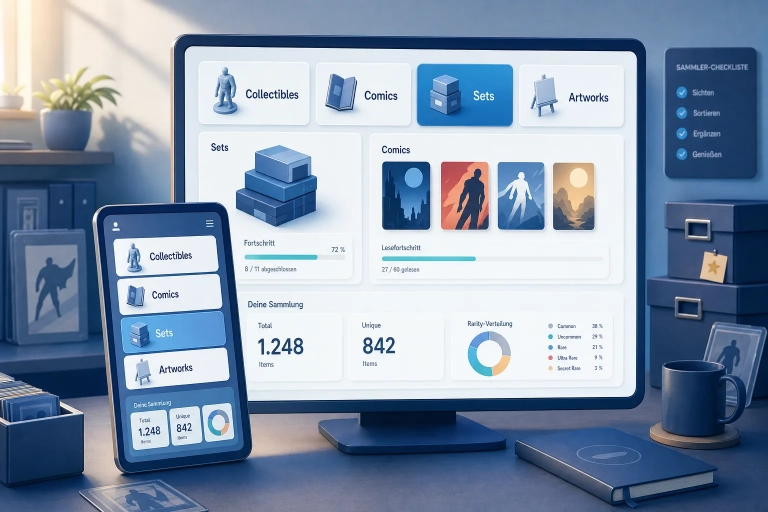
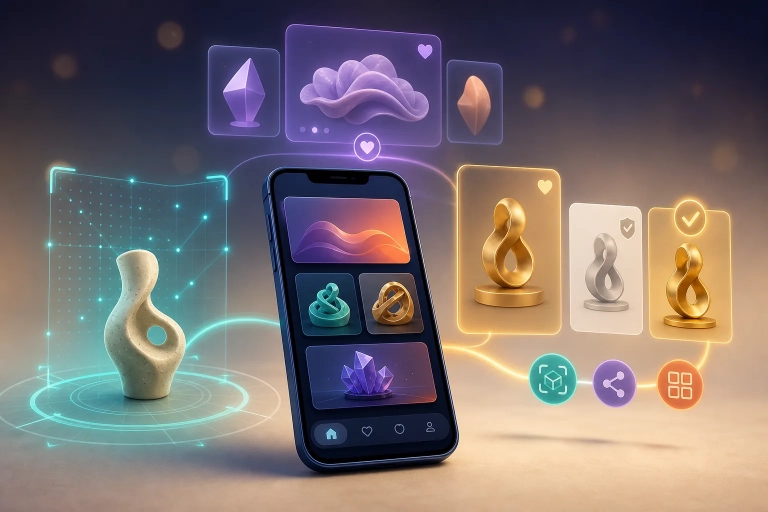
With its April 2026 update, VeVe introduced several features that may seem minor at first but can make the everyday collector experience much more organized. The main additions include VeVe Showcase for custom display groups, a more unified comics view in the Collection, a redesigned Collectibles landing page, and My Files for managing downloaded 3D files.
This guide covers not only what is new, but also how to use these features in practice—for themed displays, better organization, less device storage use, and less confusion between Showcase, Showroom, and VeVeVerse.
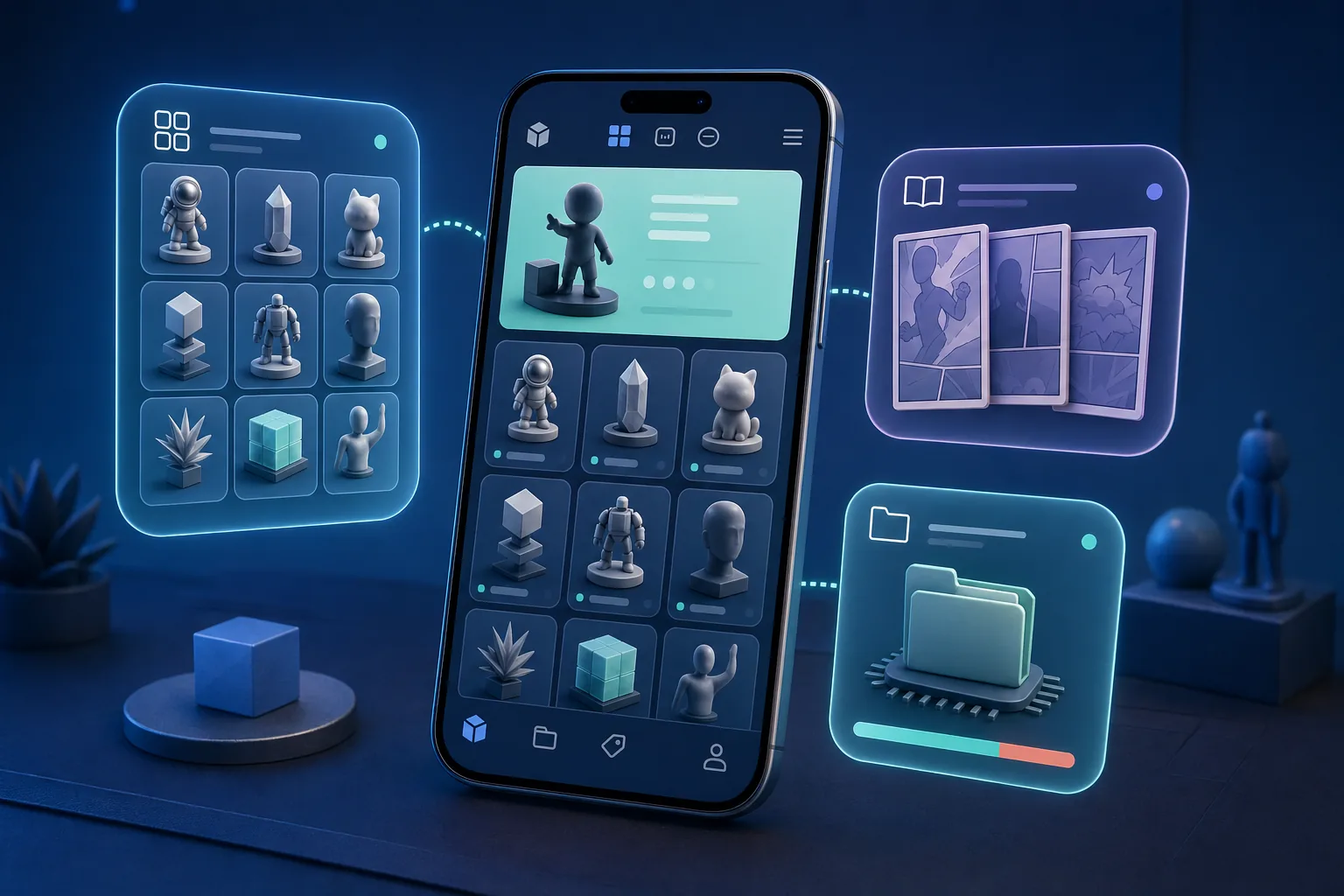
TL;DR: VeVe Showcase is designed for curated displays within your Collection, not walkable spaces like Showrooms or VeVeVerse. Comics are being brought together in the Collection so readable comics and Limited Edition Comics are easier to find in one place. My Files lets you delete downloaded 3D files without losing the collectibles themselves. However, always check your app version and use only official app stores.
What’s New in the April Update?
The update focuses on four practical areas. First, VeVe Showcase lets you create custom displays in your Collection, mix and organize content, and share it to the Feed. Second, comics are being consolidated within the Collection so you do not have to keep searching across different comics sections.
Third, the Collectibles page has been refocused around collectibles, Drops, and community AR moments. Fourth, My Files lets you manage locally stored 3D files in the app and free up storage space.
Keep in mind that these features may appear slightly differently depending on your device, region, app version, and rollout timing. If a menu is missing, that does not automatically mean there is a problem with your collection.
Showcase, Showroom, and VeVeVerse: Know the Difference
These three terms are often confused because they all involve displaying your collection in some way. For collectors, however, understanding the difference is important so you can use the right feature for the right purpose.
VeVe Showcase is a curated display area within your Collection. You can group collectibles, comics, and artworks by theme, series, character, or personal highlights.
Showroom is designed more as a virtual space where you can place and stage 3D collectibles. If you want to explore virtual spaces and collection displays in more detail, our VeVeVerse and metaverse guide is a useful companion.
VeVeVerse is the broader virtual environment built around spaces, avatars, social experiences, and digital collectibles. In simple terms, Showcase is your curated collection display, Showroom is your display space, and VeVeVerse is the wider virtual experience.
Quick Start: How to Use Showcase Effectively
If everything has simply been sitting in your Collection until now, Showcase is a good opportunity to do some spring cleaning. Do not start with too many categories. Instead, create a few clear displays that will be easy to find again.
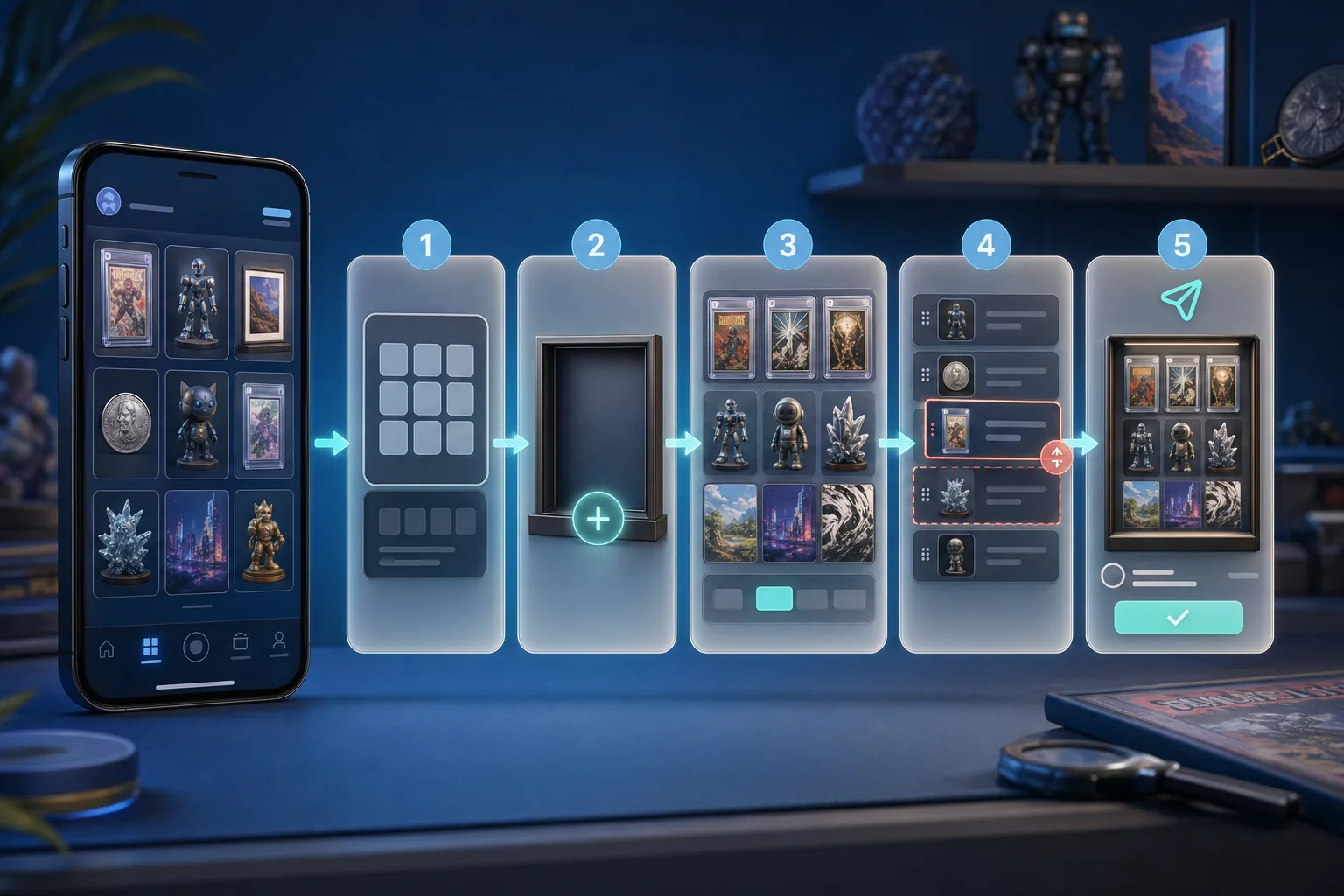
Step by Step
- Update the app: First, open the official App Store, Google Play, or your device’s official Android app store and check that your VeVe app is up to date.
- Open your Collection: Go to your collection and look for the Showcase section or the new display options.
- Choose a clear theme: Start with a display such as “Spider-Man Comics,” “Star Wars Props,” “Favorite AR Pieces,” or “2026 Highlights.”
- Mix content intentionally: Do not limit Showcase to 3D collectibles. When it makes sense, combine comics, collectibles, and artworks around a shared theme.
- Review the order: Do not organize everything by rarity alone. A story sequence, character progression, or brand-based order may be easier for visitors to follow.
- Keep names concise: Choose titles that are immediately clear in the Feed. “Marvel Zombies Setup” works better than “My Stuff 4.”
- Check before sharing: Make sure private test displays, duplicate items, or unfinished series do not accidentally end up in the Feed.
- Clean up regularly: Update your Showcases as you collect new Drops. Otherwise, they can quickly become outdated.
If you are deciding whether to focus more on comics or 3D collectibles, our comparison of VeVe Comics vs. Collectibles may help. It takes a closer look at collecting goals, usage habits, and personal priorities.
Comics in One Place: What Changes Day to Day
The new comics structure is intended to make it easier to view readable comics and Limited Edition Comics together in the Collection. This is especially useful if you own the same brand as both a readable comic and a collectible Limited Edition.
For users, this means that if a comic appears to be missing, you should first check your full Collection and its filters rather than looking only under an older, familiar menu path. Navigation can change after an app update without your comics having disappeared.
If you want a general overview of how digital comics work on VeVe, the VeVe Comics Guide offers a straightforward introduction to reading, collecting, cover variants, and management.
My Files: Free Up Storage Without Deleting Your Collection
My Files is especially useful for collectors who have viewed, placed, or downloaded many 3D collectibles. These local files can take up storage space on your smartphone. That is not the same as owning the collectible in your account.
Removing downloaded files through My Files should affect only the data stored locally. Your collection generally remains connected to your VeVe account. However, the next time you view, place, or use a 3D item, the app may need to download the required data again.
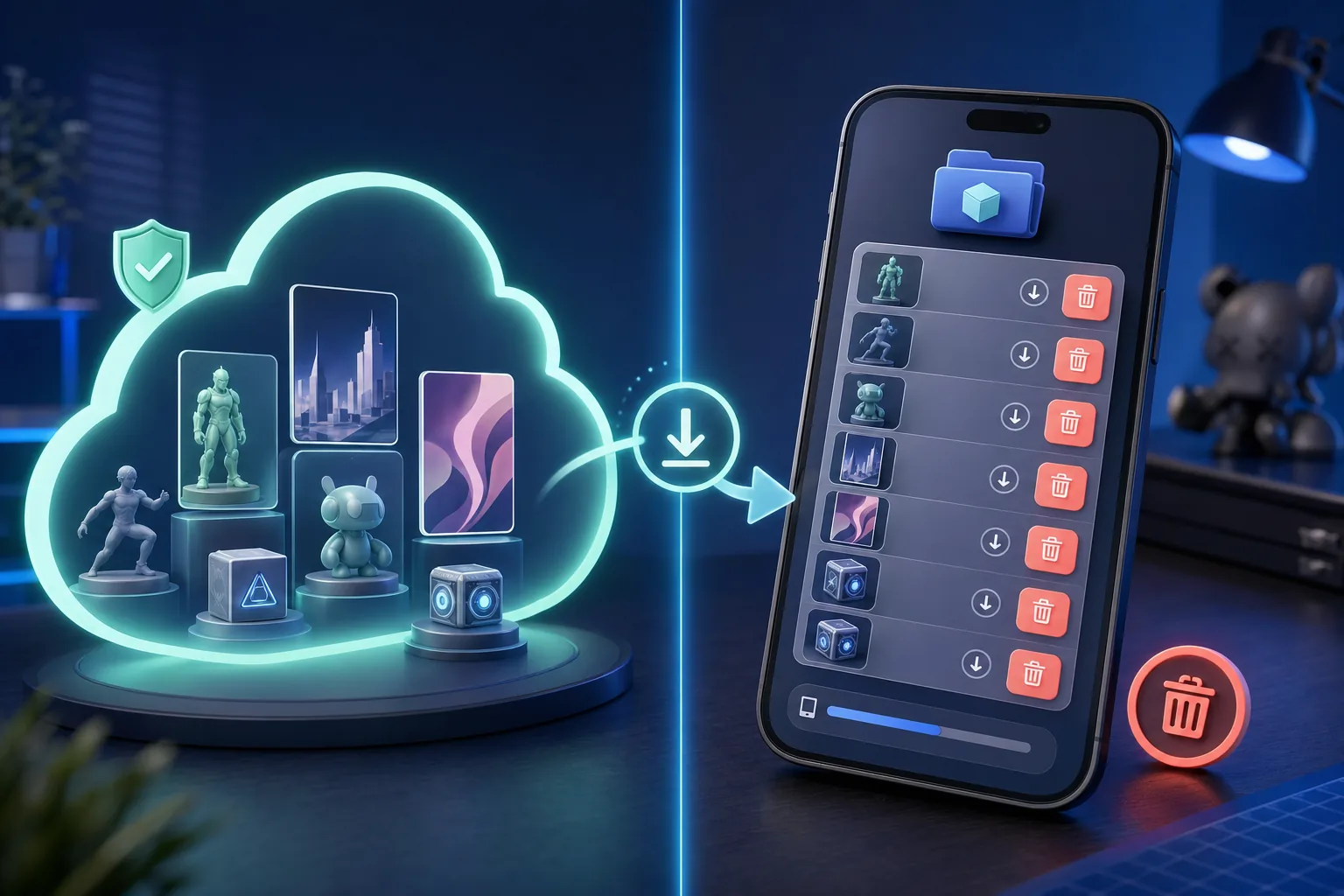
What You Should Check
- Which collectibles have been downloaded locally?
- Which files do you currently need for the Showroom, AR, or viewing?
- How much device storage is available before and after deleting files?
- Whether you want to use Wi-Fi before downloading content again later.
- Whether your device manages app cache or system data separately.
If your storage remains full despite using My Files, VeVe may not be the only cause. Operating system cache, photos, videos, other apps, and temporary data can also take up space.
Collector Checklist
- Check your app version: Missing menus are often an update issue, not a loss from your collection.
- Build Showcases with a purpose: One display per theme is more useful than one huge catch-all.
- Use filters to find comics: Check your Collection, comics filters, and search before assuming there is an error.
- Use My Files intentionally: Delete local files only when you know you do not currently need them.
- Plan to use Wi-Fi: After files are deleted, 3D data may need to be downloaded again later.
- Review before sharing to the Feed: Share only Showcases that are finished, thoughtfully organized, and ready for public viewing.
- Do not install fake updates: Use only official app stores and official VeVe channels.
Key Terms Explained
- VeVe Showcase: A curated display feature within your Collection that lets you group and share content by theme.
- Showroom: A virtual space for placing and displaying 3D collectibles.
- VeVeVerse: The broader virtual experience built around digital spaces, avatars, social features, and collection displays.
- Readable Comic: A digital comic primarily intended for reading.
- Limited Edition Comic: A collectible digital comic edition with a stronger focus on the edition, cover variant, and collectible value.
- My Files: An area of the app for managing locally stored files, especially downloaded 3D data.
- Feed: The social area where you can share content and Showcases with other collectors.
Common Mistakes to Avoid
- Confusing Showcase with Showroom: Showcase is for organization and curation; Showroom is for displaying items in a virtual space.
- Creating too many displays at once: Start small. Three polished Showcases are more useful than twelve unfinished ones.
- Organizing only by rarity: A story- or brand-based structure is often more engaging for visitors than rarity alone.
- Reporting comics as missing too quickly: Check the filters, the new Collection view, and your app version first.
- Treating My Files as a way to delete assets from your account: It manages local files; it does not remove the collectible from your account.
- Using mobile data after deleting files: Wi-Fi may be a better option if you need to download large 3D files again.
- Clicking fake update links: Do not install APKs, profiles, or files sent through DMs, comments, or unfamiliar shortened links.
- Sharing unfinished Showcases: A clear title, thoughtful order, and carefully selected content will look better than a quick test post.
If you are new and also want to review the basics of accounts, security, and making your first purchase, see our VeVe Beginner’s Guide 2026. For common issues after updates, you can also read Common VeVe Beginner Mistakes & Fixes.
Security: Use Only Official Update Channels
Product updates are a common opportunity for scams. When a new feature is announced, fake links, supposed beta access, and alleged mandatory downloads often appear. This is where you need to stay cautious.
Download or update the VeVe app only through official app stores or official VeVe channels. Never enter passwords, 2FA codes, or wallet information into forms sent to you through a DM, comment, or Discord message.
If your account appears restricted or features are missing, a careful approach is better than acting hastily. Document the situation with screenshots, check your app version, and contact official support if necessary. For more serious account issues, see our guide to Restricted Access and disabled accounts.
FAQ
Is VeVe Showcase the same as Showroom?
No. Showcase is more like a curated selection from your Collection. Showroom is a virtual space where you can place and display 3D collectibles.
Can I display comics and collectibles in the same Showcase?
Yes. That is one of the feature’s more interesting possibilities. You can create themed displays that bring together comics, collectibles, and artworks by character, franchise, or your personal collecting journey.
Why can’t I see the new features yet?
First, check whether your app is up to date. Rollout timing, device, operating system, and region may also play a role. A missing menu item does not automatically mean your collection is affected.
Does My Files delete my collectibles?
My Files is designed to manage locally stored files. Removing downloads frees up storage space on your device. The collectibles themselves should not disappear from your account as a result.
Will I need to download deleted 3D files again later?
Yes, that can happen. If you later view a 3D collectible, use it in AR, or place it in a space, the app may need to download the required data again.
What should I do if comics appear to be missing?
Check the new Collection view, filters, search feature, and app version. If your inventory still appears incorrect, document the view with screenshots and contact support through official channels.
Should I put every collectible in a Showcase?
Not necessarily. Showcase works best when you curate intentionally. Your complete collection remains in the Collection; Showcases are better suited to themed highlights or useful display lists.
Conclusion: More Organization When Used Intentionally
The April update is not simply about Drop hype—it is a practical update for collectors. Showcase helps you tell the story of your collection more effectively. The unified comics view reduces the need to search across different sections. My Files gives you more control over local storage.
However, the greatest benefit comes from using these features intentionally: keep your Showcases clear and focused, use comics filters carefully, manage storage regularly, and avoid unofficial update links. That way, VeVe becomes not only fuller but also easier to navigate.
Sources