
Snap-to-Location is one of those VeVe features that sounds simple at first: A collectible is placed in a matching spot and snaps into position. But the mechanic is more interesting for collectors because it goes beyond placement, enabling curated scenes, dioramas, animations, and modular displays.
It is important to set the right expectations: Snap-to-Location does not mean that every collectible can suddenly interact with every other object. It is a purpose-built compatibility feature that works only where VeVe has enabled it for specific items, variants, or dioramas.
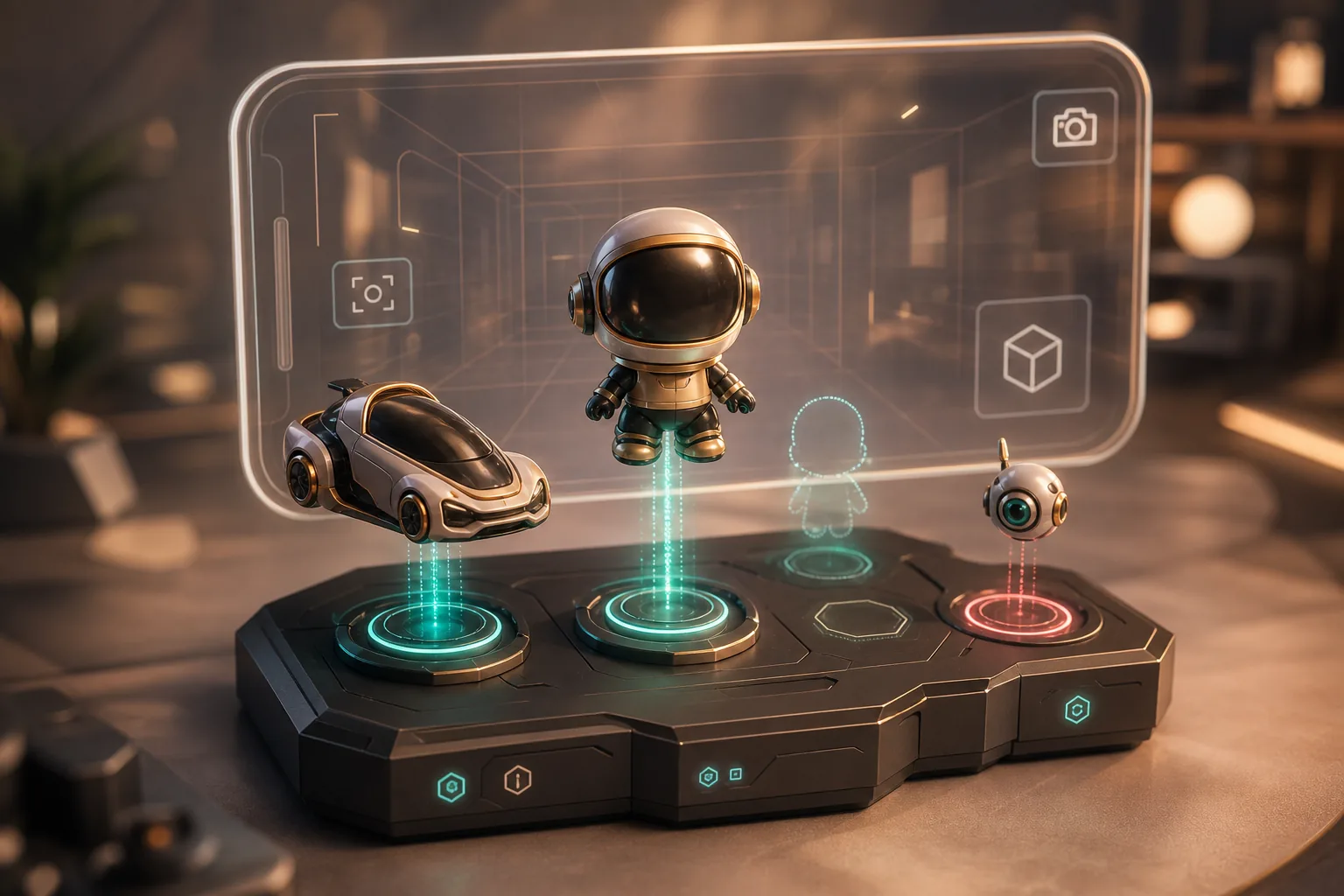
TL;DR: Snap-to-Location is a VeVe mechanic that allows compatible digital collectibles to snap into matching dioramas or scenes. This can unlock additional display effects, animations, or story moments. Before any purchase, check the official listing, required items, and specific compatibility details. Do not interpret the feature as a promise of higher prices, rewards, or an automatic increase in secondary market value.
What Is Snap-to-Location on VeVe?
Snap-to-Location is a feature that lets a digital collectible be placed in a defined position on another collectible or diorama. Instead of floating freely in space, the item finds its intended spot and visually becomes part of a larger scene.
The key difference from regular placement is the intent behind the position. With Snap-to-Location, the combination was built into the product design: A vehicle may fit on a diorama track, a character on a base, or a specific variant within a larger story scene.
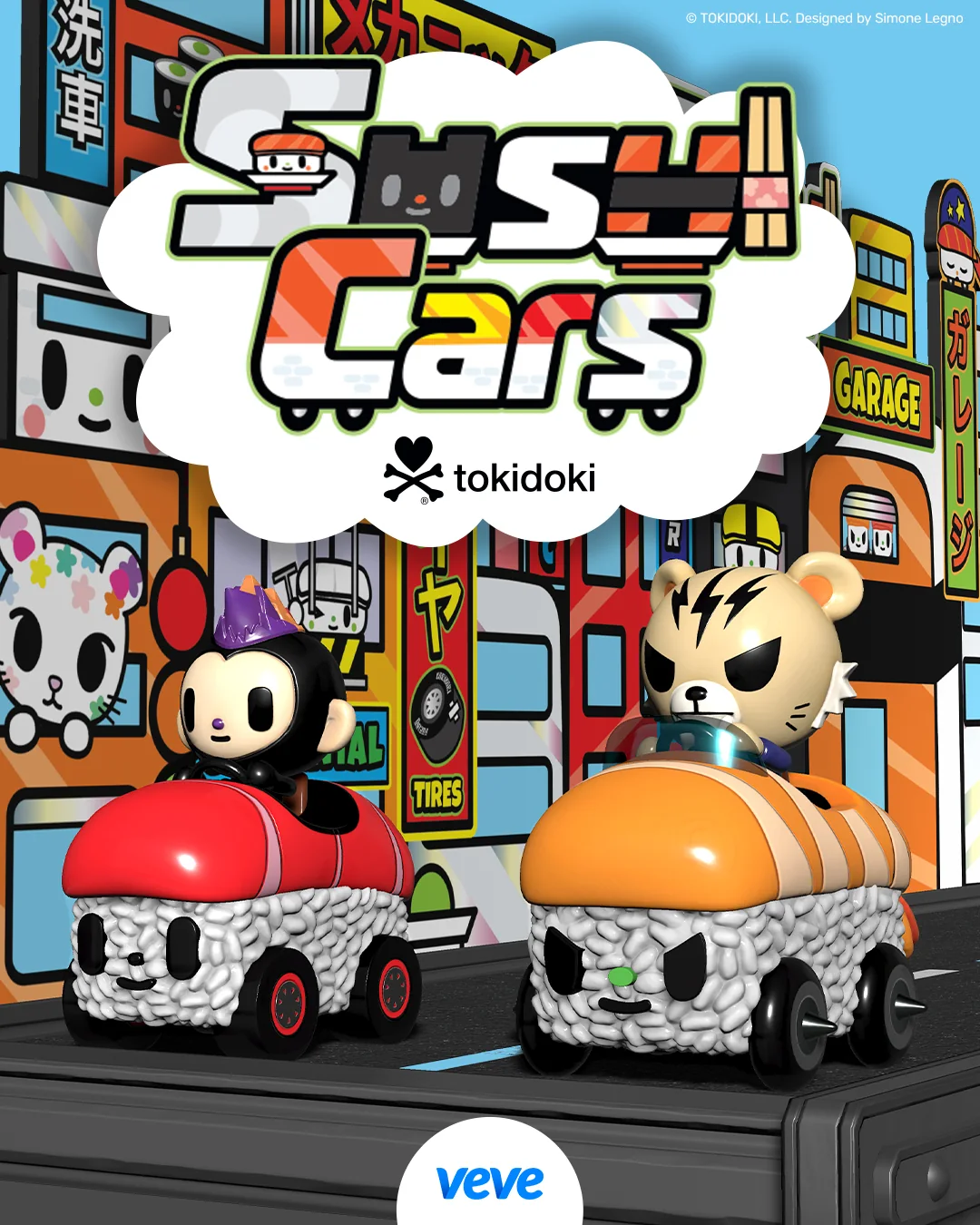
The tokidoki Sushi Cars make this especially easy to understand: The Sushi Car Diorama is designed as a conveyor belt-style display where Sushi Cars can be placed in designated positions. With Marvel’s Phoenix Five, VeVe presents the mechanic more as a storytelling tool, with Jean Grey and the Phoenix Five Diorama designed to launch an interconnected scene.
How Can You Identify Compatible Collectibles?
The most important rule: Do not rely on visual assumptions. Just because two items fit the same theme does not automatically mean they support Snap-to-Location.
The most reliable place to confirm compatibility is in the official collectible or crafting details. Pay close attention to wording such as Snap, diorama, base, compatible, display, animation, scene, variant, or required item. If a listing explains that a particular collectible can snap onto a diorama, that is far more reliable than community speculation.
For more on listing basics, see our guide to VeVe edition types, rarities, and mint numbers. Snap compatibility is a separate attribute, however, and should not be confused with rarity, FA, FE, or Special Edition status.
Snap-to-Location Is Not the Same as the Showroom, AR, or Crafting
Many misunderstandings arise because VeVe uses several display and product mechanics side by side. Snap-to-Location overlaps with the Showroom and AR, but it is not the same as either one.
Regular Showroom Placement
In the Showroom, you can display, position, and curate collectibles. That alone does not indicate any special compatibility between items. One collectible can stand visibly beside another without creating a Snap scene.
AR Placement
AR brings digital collectibles into your real-world environment. Snap-to-Location may also be relevant in AR if a compatible scene can be displayed together there. AR is the viewing context, while Snap-to-Location is the combination mechanic.
Crafting and Burning
Crafting is a separate process with specific requirements, and it may sometimes involve using or consuming items. Snap-to-Location can be connected to a crafted diorama, but it is not automatically a burn or upgrade event. To understand that distinction, read our guide to VeVe crafting and burning mechanics.
Sets, MCP, and Rewards
A Snap effect is primarily a display or interaction feature. It does not automatically provide a set bonus, MCP benefit, airdrop, or reward. For points mechanics and collector strategy, the separate MCP basics guide is a better place to start.
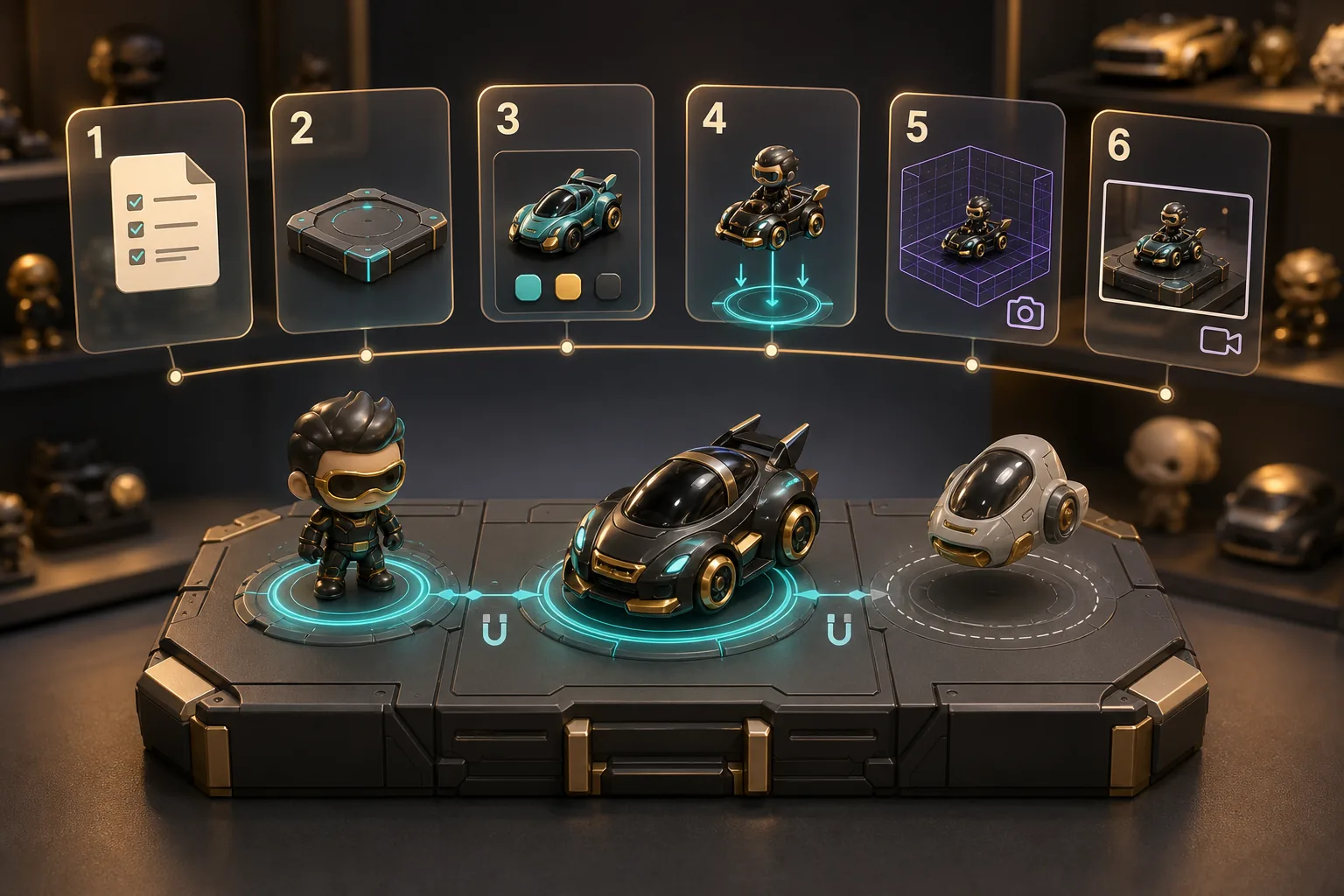
Quick Start: How to Combine Compatible Items
If you own a compatible diorama or Snap-enabled variant, do not rush. With new mechanics in particular, it helps to follow a measured process so you do not buy prematurely or draw the wrong conclusions.
1. Read the Official Listing
First, open the item details and read the description. Check whether it specifically names a diorama, base, Snap position, or matching item.
2. Check the Required Items
Confirm whether you need only one collectible or a separate base diorama. With some mechanics, the diorama itself is the key to creating the scene.
3. Do Not Mix Up Variants
Not every variant of a character necessarily has the same functionality. If only a specific Jean Grey variant or vehicle type is named, do not assume other variants will work as well.
4. Test the Scene
Place the item in its intended position in the app and watch for a snap, animation, or visible effect. If nothing happens, first check compatibility, your app version, and whether you are using the correct combination.
5. View It in the Showroom and AR
Once the scene works, test it in the context where you want to use it: the Showroom, AR, or a screenshot setup. This is where the mechanic’s collector value lies: It can make your collection more narrative-driven and easier to showcase.
6. Document, Don’t Speculate
Take screenshots or short clips if you want to share a scene. This can be useful for your own collection, social posts, and later comparisons. It does not replace official information about future features.
Example 1: tokidoki Sushi Cars and the Sushi Car Diorama
The Sushi Cars illustrate Snap-to-Location particularly well because the concept is immediately clear: Vehicles are placed on a matching diorama. The diorama works as a scene-based display stage rather than a generic Showroom surface.
According to VeVe’s official description, the Sushi Car Diorama offers multiple Snap positions where Sushi Cars can be placed. This turns individual vehicles into a curated conveyor belt scene with additional display impact.
For collectors, this is a good example of a modular setup: You can display a small selection, work toward a complete lineup, or feature a favorite vehicle multiple times, provided the rules and ownership requirements allow it. Our tokidoki Sushi Cars VeVe Drop guide also examines the series from a collector’s perspective.
Example 2: Marvel’s Phoenix Five and Jean Grey
With Marvel’s Phoenix Five, Snap-to-Location is presented more clearly as a storytelling mechanic. VeVe explains that the Phoenix Five collectibles can snap into dedicated diorama positions, building out the scene release by release.
This offers a different kind of appeal than a standalone display piece. Here, the excitement comes from a diorama telling a larger story across multiple compatible collectibles. For Marvel collectors, that may be more interesting than an isolated character because the pose, base, and story context all work together.
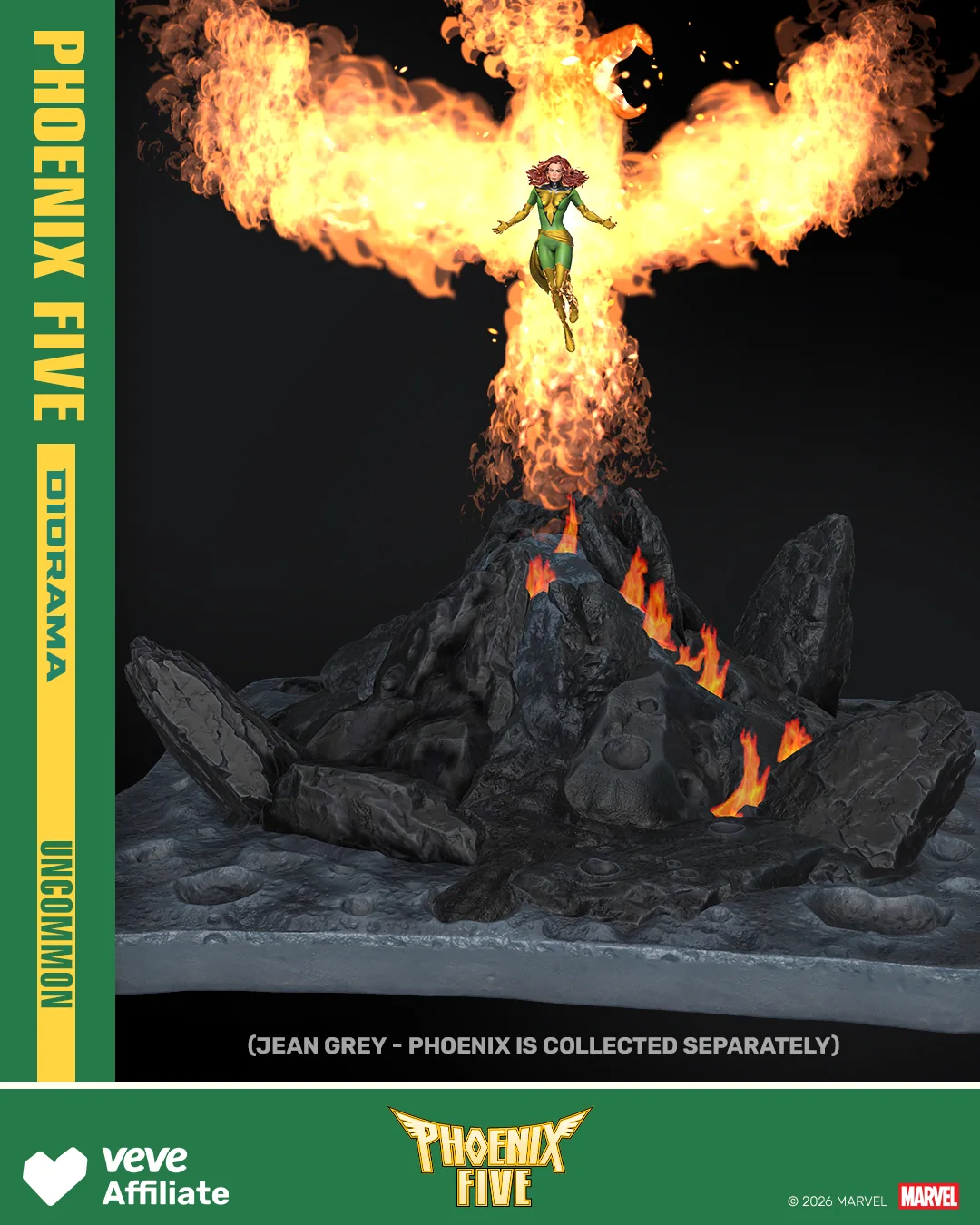
The same caution still applies: Do not automatically treat every Phoenix Five character, comic issue, or future variant as compatible. The specific official item details are what matter.
Common Snap-to-Location Misconceptions
“Every Item From the Same Brand Is Compatible”
No. Sharing a brand or series is not enough. A Star Wars vehicle, Marvel character, or tokidoki item may fit thematically without supporting Snap-to-Location.
“If There Is a Diorama, Floor Prices Will Automatically Rise”
That is a risky assumption. A better display may influence demand, but it does not have to. Market prices depend on many factors, including demand, liquidity, edition size, timing, fees, hype, and genuine collector interest. For more measured buying decisions, see the VeVe Market guide to risk, liquidity, and timing.
“A Display Effect Is Automatically Utility or a Reward”
Not necessarily. Snap-to-Location can be a compelling display feature without including additional rewards, airdrops, or MCP benefits. If a reward exists, it must be officially described separately.
“I’m Buying Now Because Compatibility Might Be Added Later”
That is speculation. Buy a collectible only if it makes sense to you based on its currently documented features and current price level. Future compatibility may happen, but it should never be the sole reason for a purchase.
“Snap-to-Location Is the Same as Crafting”
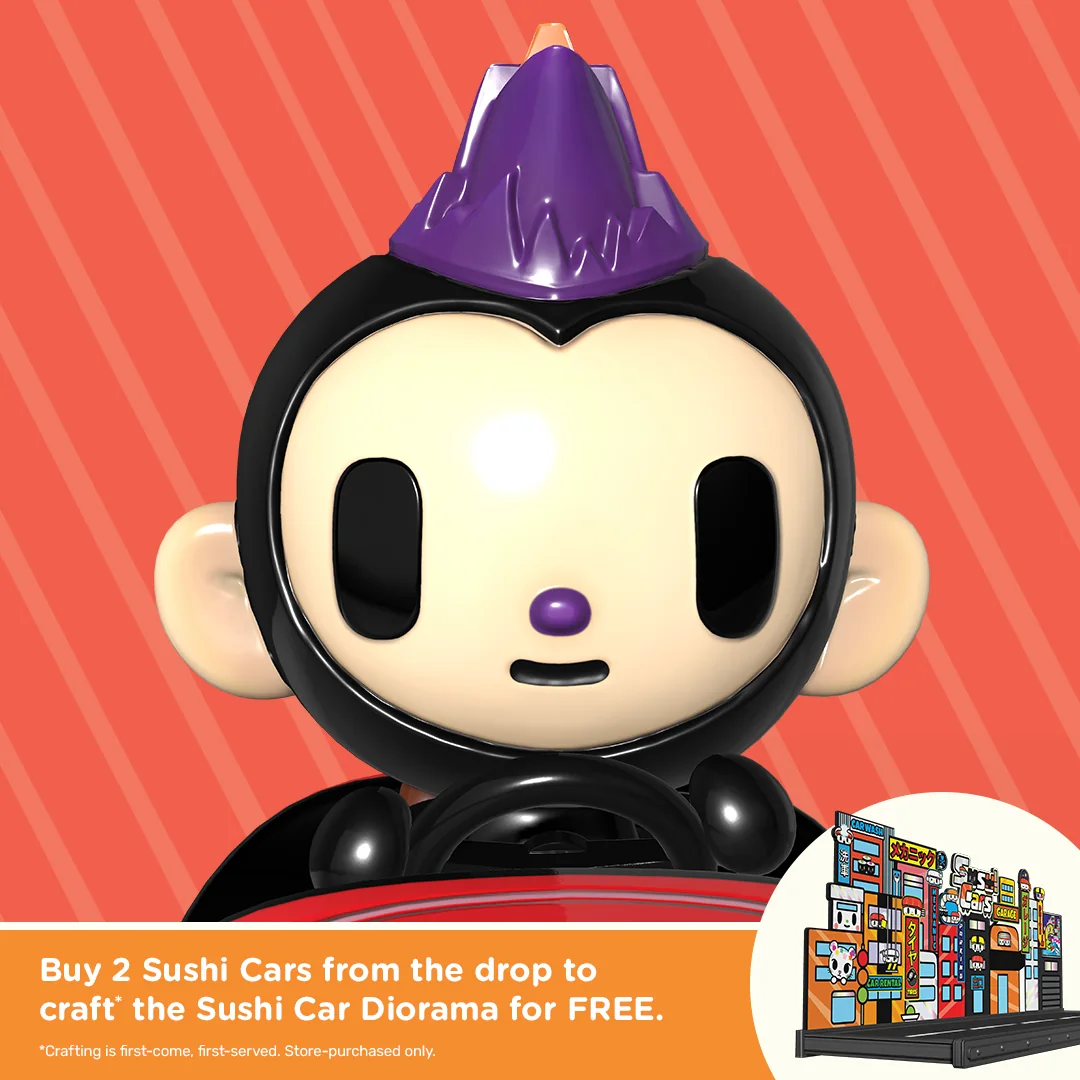
No. Although the Sushi Cars diorama is connected to crafting requirements, the snapping action itself is a display mechanic. For eligibility questions, our article on Store Only vs. Marketplace Eligible is especially important.
Collector Checklist: Before Buying a Snap-Compatible Item
- Read the official description: Does it specifically mention Snap-to-Location?
- Check the required companion item: Do you need a diorama, base, or specific variant?
- Keep variants separate: Does the feature apply to every variant or only a specific version?
- Understand the purchase source: Do Store purchases, Market purchases, or specific requirements matter?
- Do not infer a price promise: Display features do not guarantee rising floor prices.
- Set your budget first: Before checking the Market, decide what the scene is worth to you as a collector.
- Save your records: Document purchases, item details, and screenshots in case you later need support or proof.
If you are preparing for an upcoming Drop, also use the 7 quick checks for preparing for a VeVe Drop. Preparation matters more than FOMO, especially with mechanics involving dioramas, variants, or eligibility rules.
Who Is Snap-to-Location Best Suited For?
Snap-to-Location is especially well suited to collectors who want to do more than own their collectibles—they want to stage them. If the Showroom, AR screenshots, building out a series, and visual scenes matter to you, the feature can provide genuine added value.
The mechanic is less suitable if you are focused exclusively on short-term floor price movements. In that case, there is a risk of treating a display feature as a signal of potential returns. That is not a collector-first approach.
One useful question is: Would I still keep this item if the Market did not react immediately? If the answer is no, you may want to reconsider the purchase.
VeVe Snap-to-Location FAQ
Is Snap-to-Location Available for All VeVe Collectibles?
No. The feature only applies to compatible items that VeVe has designed to work together. Always check the relevant listing.
Can I Use Snap-to-Location in AR?
If a Snap scene is supported in the Showroom and AR, it can also be useful for AR displays. AR itself is only the viewing environment; compatibility is determined by the design of the specific items.
Do I Always Need a Diorama?
Not necessarily, but many Snap examples work with a base or diorama. The diorama is central to Sushi Cars, and it also plays an important role in the Phoenix Five scene.
Is Snap-to-Location a Reward?
No, not automatically. It is primarily a display and interaction feature. Rewards, airdrops, or MCP benefits must be officially described separately.
Should I Buy a Collectible Only Because It Might Become Compatible Later?
That is risky. It is better to buy based on what is currently confirmed: design, license, functionality, price, your personal collection, and verifiable compatibility.
Bottom Line: A Strong Display Feature, but Not a License to Speculate
Snap-to-Location makes VeVe collectibles feel more dynamic by allowing individual items to grow into scenes, dioramas, and modular displays. The feature is especially compelling when it meaningfully connects storytelling, animation, and collector presentation.
The best approach is a measured one: Verify compatibility, understand the required diorama, separate display effects from rewards, and avoid price fantasies. That allows Snap-to-Location to do exactly what it should for collectors: make your collection easier to showcase and tell stories with.
Sources
