Transparency notice: Some links on this page lead to our VeVe sign-up offer. If you use them, VeVe Insider may receive a commission at no additional cost to you.
VeVe is active beyond its own app. Under the username veve_official, VeVe also offers physical collectibles on Whatnot. These may include limited-edition comics, convention exclusives, special variants, prints, pins, or other collectibles.
It is important to keep the two platforms separate: A purchase on Whatnot is not a Drop or a Market purchase in the VeVe app. You are buying a physical item through a separate commerce platform, paying through Whatnot, and receiving the item by mail. This guide explains the safe buying process as of July 28, 2026.
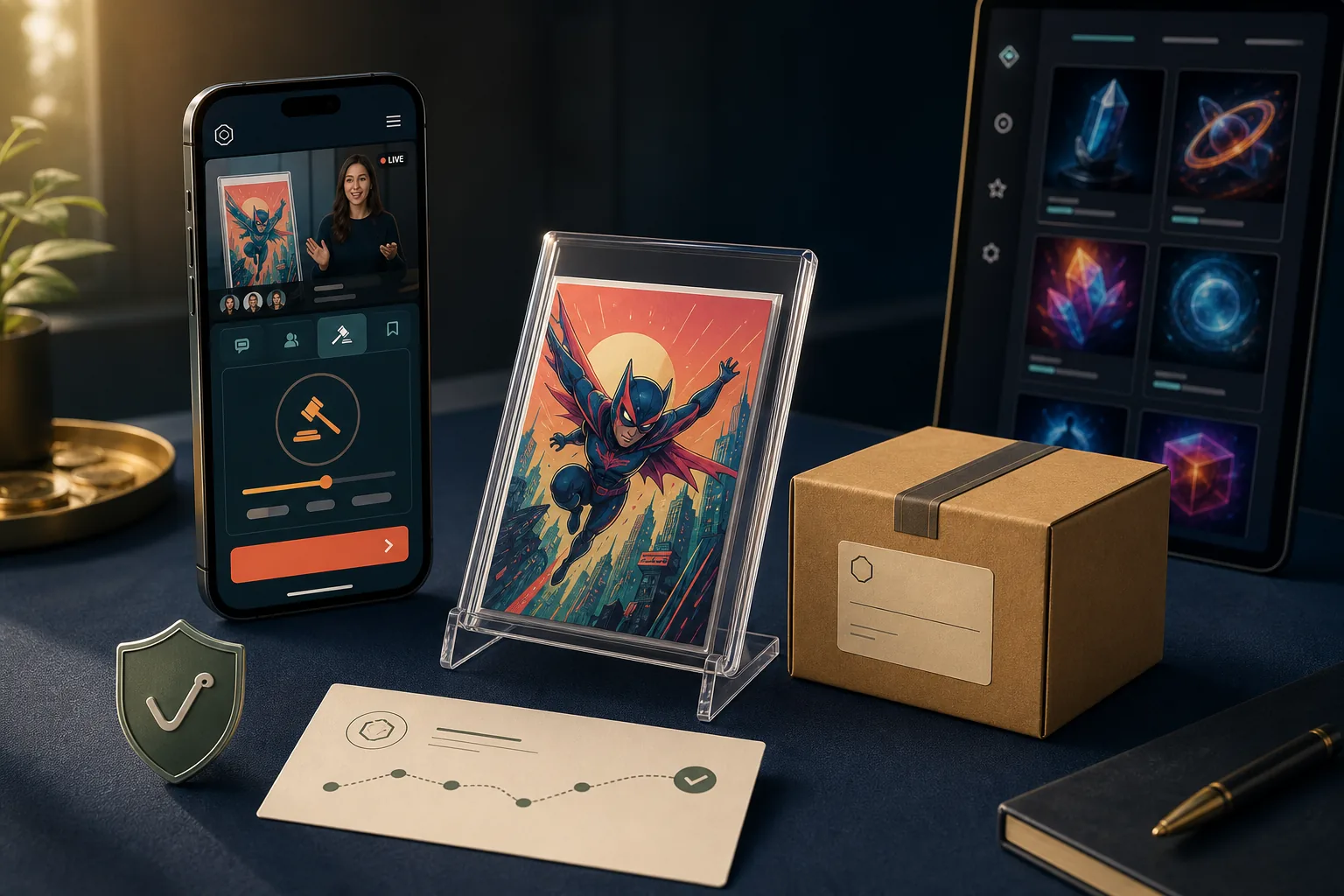
TL;DR: Verify the exact account name veve_official, read the item description before every bid, and account for shipping, taxes, and potential import costs. Pay only through Whatnot, never open wallet-connect links, and save your receipt, the item description, and tracking details after your purchase. A physical Whatnot purchase does not automatically unlock digital VeVe rewards, airdrops, or claims.
What Is Whatnot, and Why Does VeVe Sell There?
Whatnot is a live shopping platform featuring auctions, Buy It Now listings, and hosted sales shows. Sellers present items via livestream while viewers bid, buy directly, or select products listed in the shop before the show.
The format works well for collectibles because sellers can show condition, covers, packaging, and notable details live. It also gives VeVe a way to connect digital collectors with physical comics, artist merchandise, and convention releases.
On its Whatnot profile, VeVe describes its selection as a mix of physical exclusives, rare or limited-edition comics, convention items, and special variants. Available products can change at any time, however. Always rely on the specific listing rather than an older show announcement.
Whatnot Is Not the VeVe Market
In the VeVe app, you collect digital collectibles and comics within the VeVe ecosystem. On Whatnot, you are generally purchasing the physical item described in the individual listing.
- VeVe app: digital collectibles, comics, Drops, and Market listings.
- Whatnot: physical goods, live auctions, Buy It Now purchases, and package shipping.
- Payment: made with the payment method saved on Whatnot, not with VeVe Gems.
- Support: order issues are first handled through the applicable Whatnot order.
Keeping these platforms separate helps prevent false expectations. A comic connected to VeVe may appeal to collectors, but that does not automatically make it a digital VeVe collectible.
How to Identify the Official VeVe Account
The exact username is veve_official, while the profile is presented as VeVe Digital Collectibles. Do not rely solely on the profile picture, display name, or a logo shown during a stream. Those visible elements can be copied.
Whenever possible, open the profile through an official VeVe announcement or a bookmark you have already verified. If you search Whatnot manually, check every character in the username, then review the profile description, previous shows, product selection, and activity.
Warning Signs of an Impersonator Account
- The name contains extra periods, hyphens, numbers, or transposed letters.
- The account appears to have been created for a single short-notice show.
- The description promises guaranteed digital VeVe rewards or unusually high value.
- You are asked by direct message to use an external payment method.
- An alleged employee asks for your password, one-time code, or payment information.
- A link asks you to connect a wallet, provide a seed phrase, or approve a token.
- The offer creates artificial urgency outside an auction that is actually live.
Even a professionally produced show can be fake. Your strongest safeguards are a verified account, completing the purchase on-platform, and maintaining complete order documentation—not the show’s design.
How to Buy from VeVe on Whatnot: Step by Step
The buying process is straightforward, but live auctions leave little time to correct mistakes. Set up your account, shipping address, and payment method before an item you want goes live.
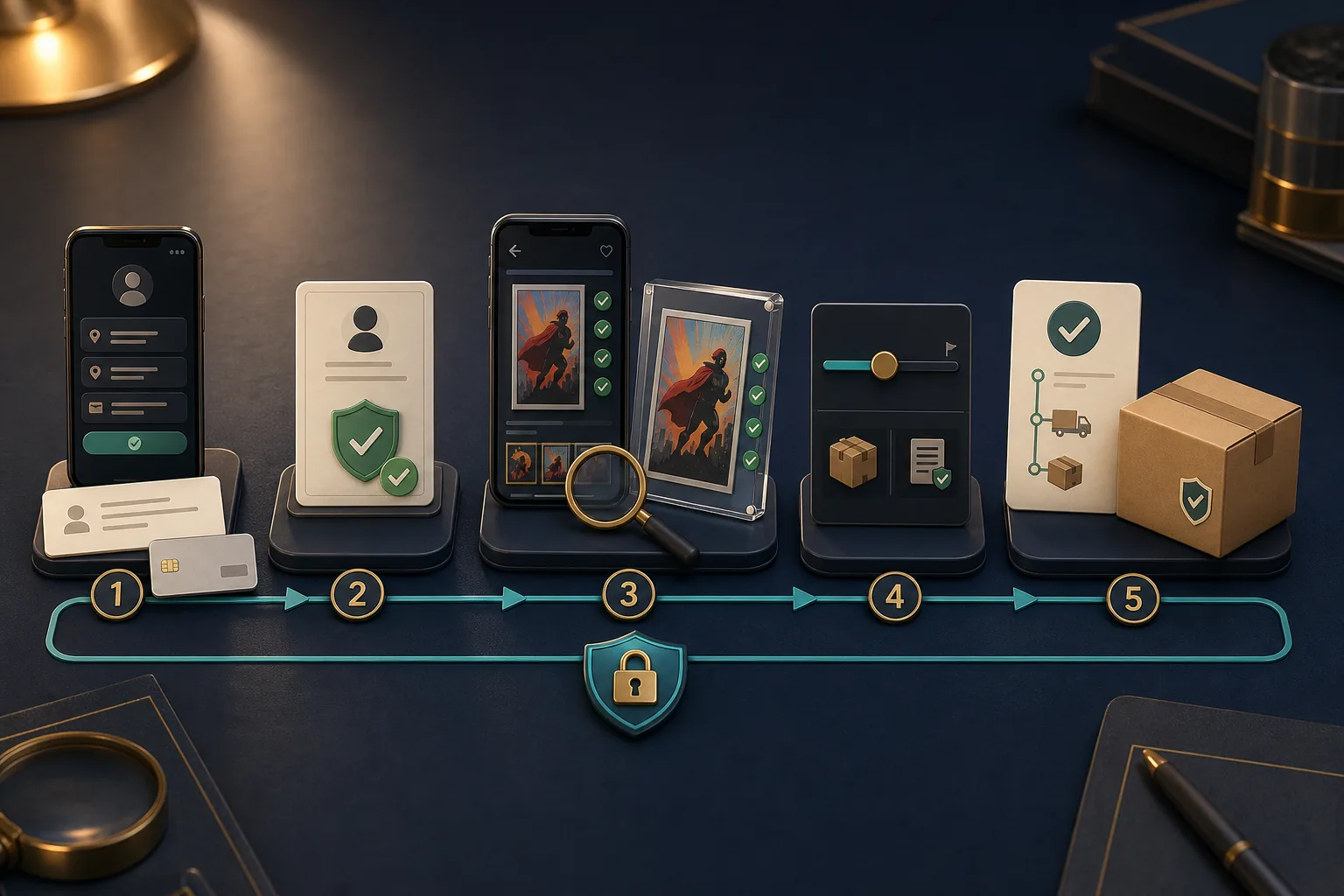
1. Prepare Your Whatnot Account
Create your Whatnot account and verify the required contact details. Add your current shipping address, paying particular attention to the ZIP code, apartment number, state, or country.
Next, add a supported payment method. Available options depend on your location and device and may include cards, PayPal, or mobile payment services.
2. Verify the VeVe Profile and Bookmark the Show
Open veve_official, verify the profile, and follow the account. For scheduled shows, you can enable a reminder so you do not have to rely on links from random direct messages.
3. Read the Full Listing
Review the title, images, description, and the condition shown during the livestream. For comics, relevant details include the cover variant, issue, signature, visible damage, and everything included with the purchase. With blind bags or mystery products, it should be clear that the specific item is unknown until opened.
Take screenshots before bidding on expensive or unusual items. Capture the description, visible condition details, and any relevant statements made during the presentation.
4. Set Your Maximum Price in Advance
In a live auction, do not consider only the bid amount. Your personal limit should also account for shipping, taxes, and potential import costs on international orders.
Bids on Whatnot are generally binding. Cancellation due to an accidental or emotional overbid is not guaranteed. A pre-bid should therefore be no higher than the amount you are actually willing to pay.
5. Review Your Purchase Confirmation Immediately
After winning, open your purchases and review the item, price, shipping costs, tax, delivery address, and payment method. Save the order confirmation and note the order number if needed.
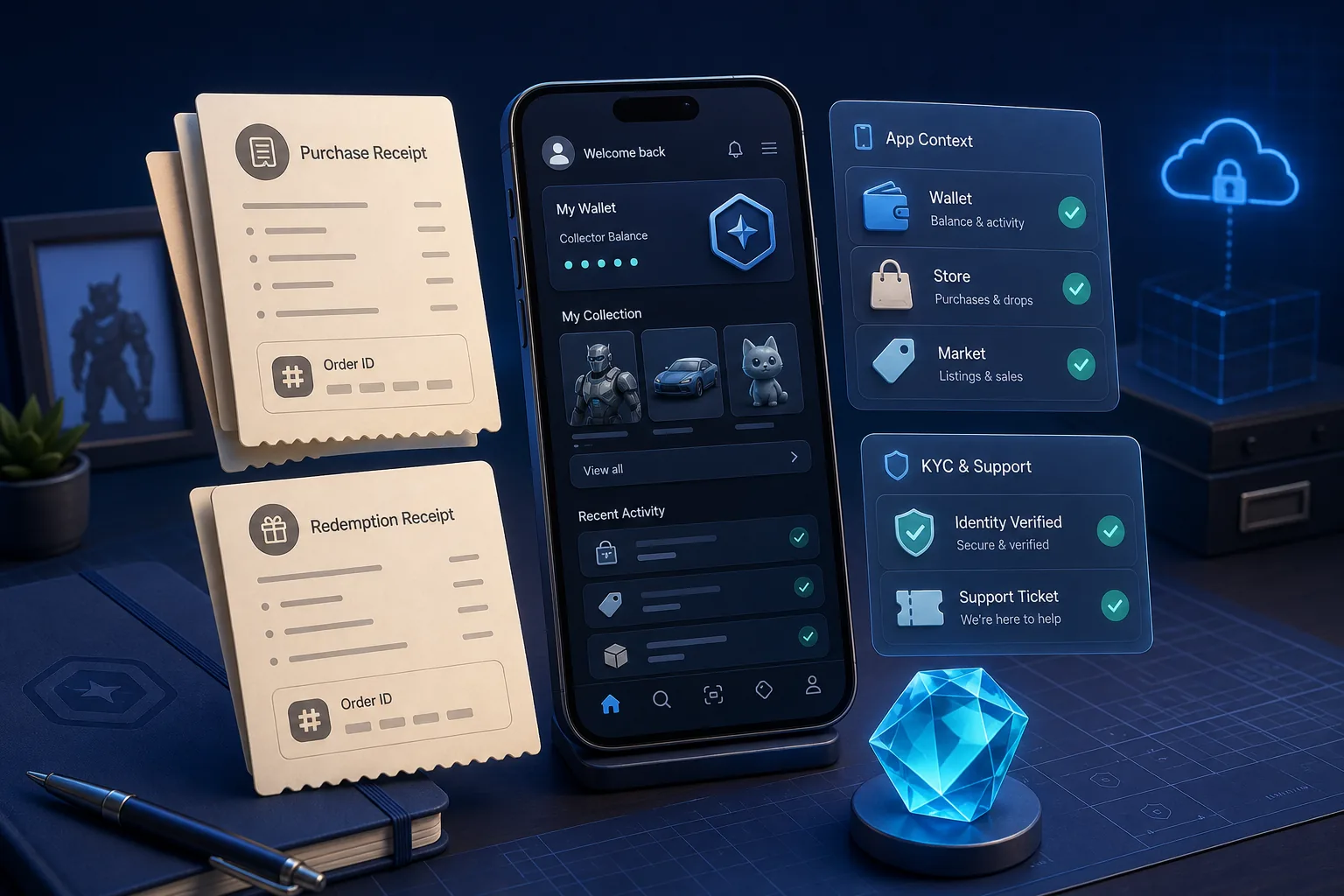
For a general documentation routine, see our guide to VeVe receipts and proof of purchase. Whatnot receipts remain separate from the VeVe app, but the same organized recordkeeping can help with support cases.
How to Calculate Shipping, Taxes, and the Final Price
The visible item price is not necessarily the final amount you will pay. Depending on the order, shipping charges, sales tax, and—for cross-border deliveries—customs duties or import fees may be added.

Shipping Costs
Whatnot calculates shipping based on factors such as item type, weight, package size, distance, and the seller’s shipping settings. Before buying, check the estimated amount shown for shipping and taxes.
Multiple purchases from the same seller may be bundled. Even so, individual receipts may each show an additional portion of the shipping cost. What matters is the total for the combined shipment, not just one line on an individual receipt.
Sales Tax and Other Taxes
For buyers in the United States, Whatnot collects applicable sales and use tax at checkout. The amount may depend on the shipping destination, shipping origin, local rules, and item type. In some cases, shipping charges may also be taxable.
Do not rely on a single assumed tax rate. Check the tax shown for the specific purchase before bidding or using Buy It Now, and save the final receipt.
International Orders
When an item crosses an international border, customs duties, import VAT, or carrier processing fees may also apply. These costs are not always shown in full during the auction and are generally the buyer’s responsibility.
According to Whatnot, refusing delivery because of unexpected import costs does not automatically result in a refund. Before making a significant purchase, check the seller’s shipping country and the rules for your destination country.
Collector Cost Estimate Before Bidding
- Maximum item price
- Displayed shipping costs
- Sales tax or a comparable consumption tax
- Potential customs and import costs
- Potential costs for a protective case, grading, or archival storage after delivery
The last item is not a Whatnot fee, but it belongs in a realistic collector budget. If you plan to preserve a delicate comic long term, consider its future storage before buying.
Returns, Cancellations, and Buyer Protection
Whatnot is not a conventional online store with a universal return policy for simply changing your mind. Auction bids are generally binding. You may be able to request a cancellation before shipment, but it does not have to be accepted.
If an item arrives damaged, incorrect, incomplete, not as described, or suspected of being counterfeit, Whatnot Buyer Protection may apply. Report issues directly through the order details rather than discussing them only with the seller in private messages.
Important Deadlines
Under the current Buyer Protection Policy, a standard request generally must be submitted by whichever comes first: 30 days after purchase or 14 days after delivery. Some product categories have shorter deadlines. For suspected counterfeits, Whatnot specifies a separate window of 30 days after receipt.
Eligible buyers in the EU or United Kingdom may have additional statutory cancellation rights. Whether a specific collectible qualifies depends in part on the product type and how it was offered.
What to Do If There Is a Problem
Open the applicable order in Whatnot.
Photograph the package, shipping label, packing material, and item before making any further changes.
Document any damage, missing contents, or differences from the description.
Use the purchase help feature and explain the issue factually.
Keep the item and packaging until Whatnot decides whether a return or refund is required.
If Whatnot requires a return, the item generally must be sent back in the condition in which it was received. Do not open sealed products if a material discrepancy is already visible from the outside and you are considering filing a claim.
Scam Protection: These Rules Are Nonnegotiable
A legitimate Whatnot purchase does not require a crypto wallet or a transfer of Gems or OMI. Anyone who sends you a wallet-connect link in connection with a physical order is not conducting a normal Whatnot checkout.
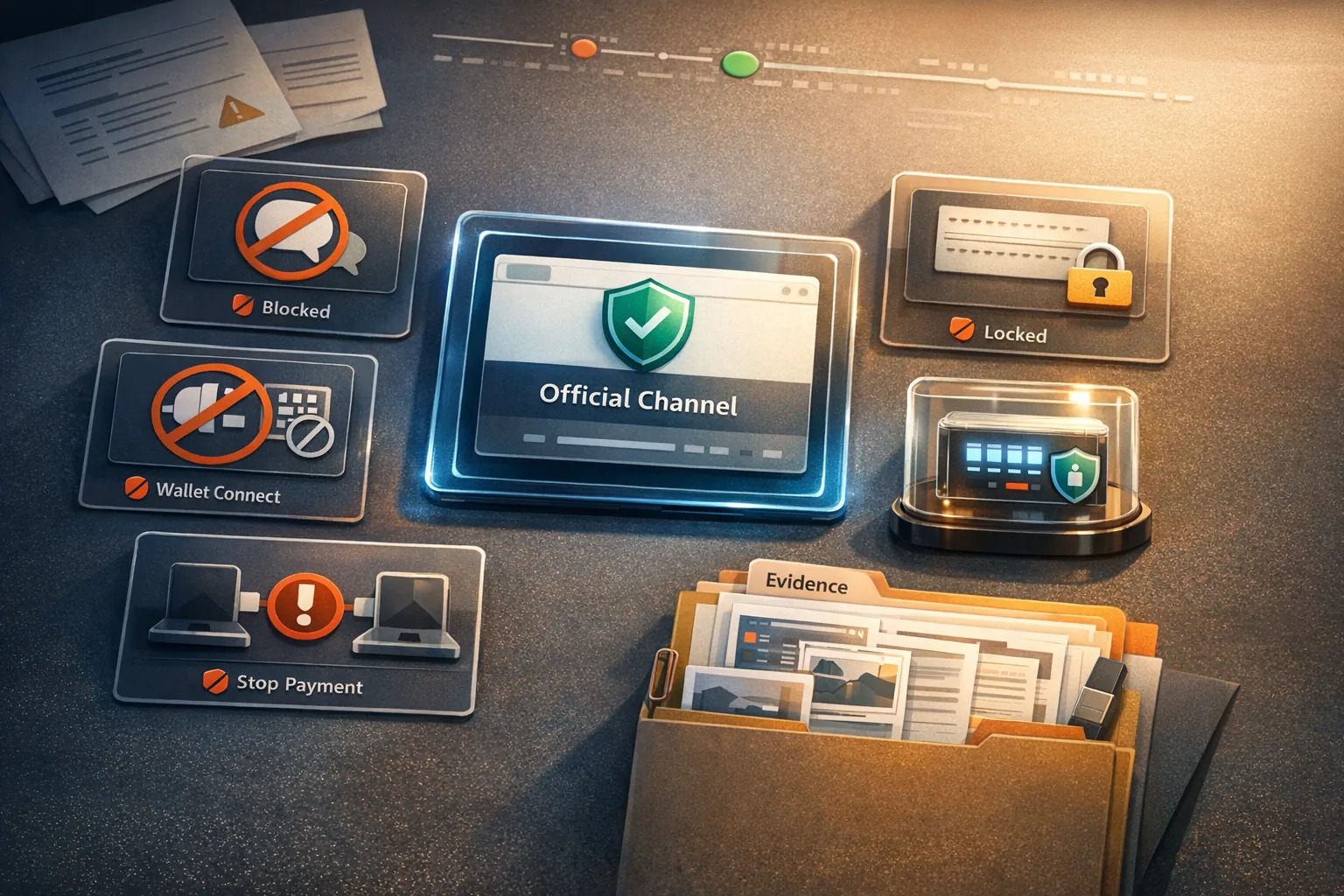
- Never pay outside Whatnot: Do not send a bank transfer, gift cards, or crypto payment to an alleged seller.
- Do not connect a wallet: Physical Whatnot purchases do not require a seed phrase, signature, or token approval.
- Never share codes: Whatnot does not request passwords, banking information, or one-time codes by email or text message.
- Check tracking within the order: Open the shipping status from the order details instead of using an unexpected email link.
- Avoid special offers in DMs: An alleged discount is worthless if accepting it means giving up Buyer Protection.
Transactions completed outside Whatnot are not covered by Whatnot Buyer Protection. This remains true even if the conversation began during a legitimate show.
Use a Chargeback Only as a Last Resort
If there is a problem with an order, begin with Whatnot’s support process. Under the current policy, orders already disputed with a financial institution are excluded from an additional refund through Whatnot Buyer Protection.
A chargeback should not be your first response. Document the process, follow the platform’s deadlines, and consider seeking independent legal or consumer-protection advice if a significant payment dispute remains unresolved.
If you need help escalating a VeVe-related issue, our VeVe Support guide explains which details, screenshots, and receipts to include in an effective ticket. For a Whatnot order, however, Whatnot Support remains your first point of contact.
Documenting Physical Purchases for Claims, Promotions, and Support
At a minimum, save the order number, invoice, item description, show screenshots, tracking details, and proof of delivery. For limited-edition comics or prints, also photograph the front, back, packaging, visible numbering, and any certificates or other proof of authenticity.
If VeVe later announces a promotion involving a physical product, review the specific eligibility terms. A Whatnot purchase does not automatically make the item eligible for a claim, crafting, an airdrop, or a digital bonus.
Our VeVe Phygital and Physical Redemption Guide explains why the purchase channel, participation window, and eligibility must be checked separately. The distinction between Store Only and Marketplace Eligible also shows why a product name alone does not prove eligibility.
Collector Checklist Before Every VeVe Whatnot Show
- Exact account name veve_official verified
- Shipping address and payment method up to date
- Item description and condition understood
- Maximum budget set, including shipping and taxes
- Shipping country and potential import costs checked
- No digital reward assumed without explicit terms
- No external payment or wallet links opened
- Order receipt and relevant screenshots saved
FAQ About VeVe on Whatnot
Am I Buying a VeVe NFT on Whatnot?
No, unless the specific listing explicitly states otherwise. VeVe’s Whatnot profile focuses on physical collectibles. The contents described in the individual listing are what matter.
Can I Pay with Gems on Whatnot?
No. Whatnot uses its own supported payment methods. VeVe Gems belong to the VeVe platform and cannot be used to pay for Whatnot orders.
Does Every Purchase Include a Digital Bonus?
No. A digital reward, claim, or promotional benefit must be explicitly included in the official terms of the applicable promotion. Keep your documentation, but do not assume it provides automatic eligibility.
What Does “Plus Shipping and Taxes” Mean?
The shipping costs and applicable taxes calculated at checkout are added to the item price. International shipments may also incur customs duties or import fees.
Can I Cancel an Accidental Bid?
You can request cancellation of an eligible order that has not yet shipped. Because bids are generally binding, however, there is no universal guarantee that the seller or platform will accept the request.
What Should I Do with a Fake Tracking Link?
Open Whatnot directly through the app or your own bookmark and check the order there. Do not enter login details, payment information, or verification codes through the link, and report the suspicious email through Whatnot’s official security channel.
Is a Whatnot Purchase Eligible for VeVe Crafting or Phygital Programs?
Not automatically. The official terms of the specific promotion determine eligibility, including the approved purchase channel, item, timeframe, and required documentation.
Sources
- VeVe Digital Collectibles on Whatnot
- Whatnot Help Center: How to buy on Whatnot
- Whatnot Help Center: Add and manage payment methods
- Whatnot Help Center: Troubleshoot shipping costs as a buyer
- Whatnot Help Center: How tax is collected from purchases
- Whatnot Help Center: International shipping, customs and imports
- Whatnot Buyer Protection Policy
- Whatnot Help Center: Request to cancel your order
- Whatnot Help Center: Protect yourself from phishing emails