Transparency notice: Some links on this page lead to our VeVe sign-up offer. If you use them, VeVe Insider may receive a commission at no additional cost to you.
A missing purchase, an incorrect Gems balance, or a locked account can quickly become concerning. However, the best next step is rarely messaging random social media accounts. Instead, submit a well-documented request through the official VeVe Help Center.
This guide explains which support route fits your issue, what to include in a strong ticket, and how to follow up effectively. We intentionally do not provide fixed response times because processing times and priorities may vary depending on the specific case.
TL;DR: Search the official Help Center first, then choose the appropriate issue category and submit exactly one ticket if needed. Include your account email, username, date and time, device, app version, error message, and any relevant order or transaction details. Reply to the existing case when you have new information instead of opening multiple tickets for the same issue.
Which VeVe Support Route Should You Use?
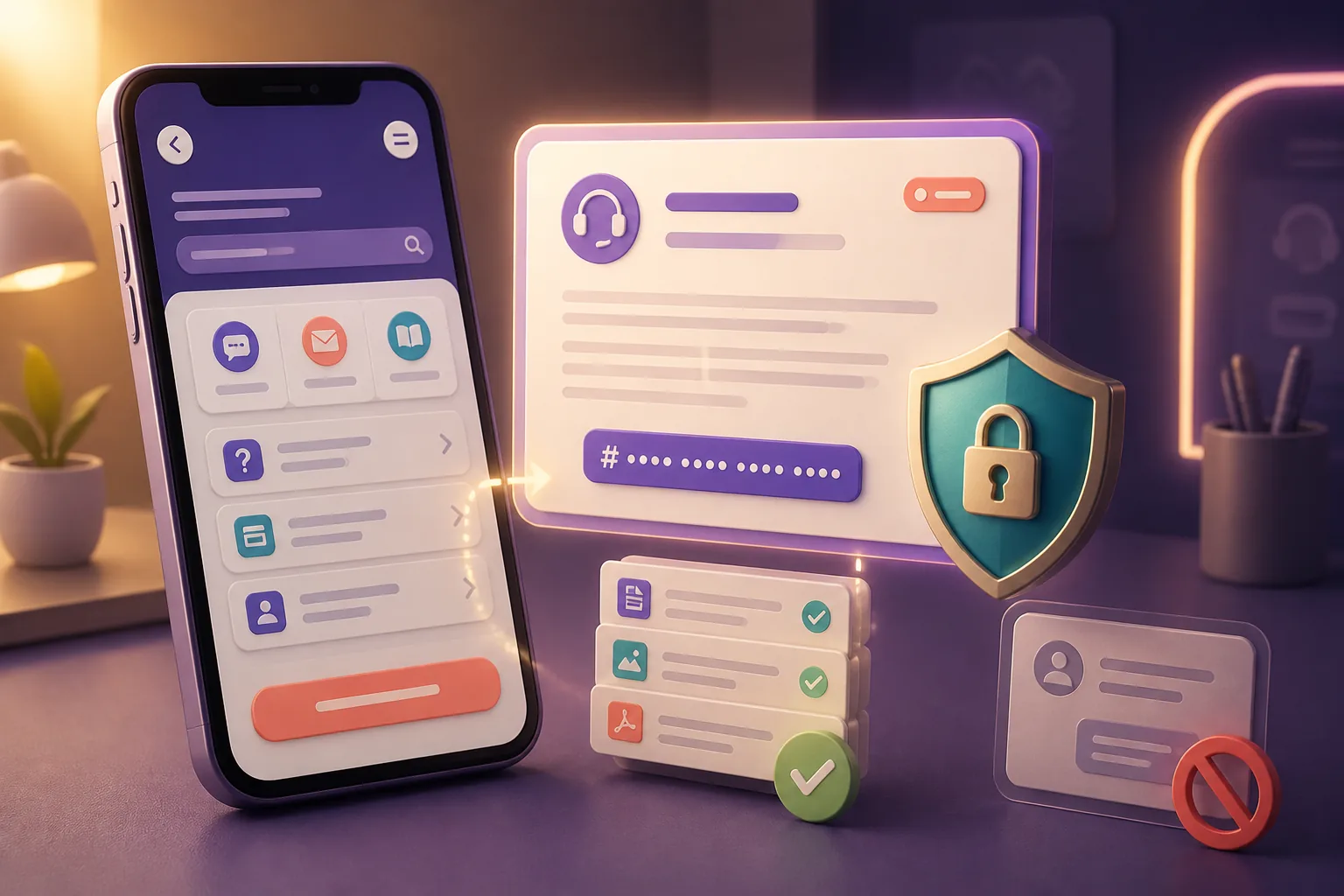
VeVe handles technical user requests through its official contact page and Help Center. For account, app, or purchase issues, select the technical support section on the contact page rather than the categories for press or brand partners.
Start by searching the Help Center for your specific issue. The suggested help articles are more than just a step before the form: For known issues, they may contain the fastest solution and help you identify the correct ticket category.
General Account and Login Issues
This includes missing login codes, password issues, an email address you can no longer access, or an account that is not accessible as expected after a long break. Before submitting a ticket, confirm that you are using the correct login method and the exact email address used to create the account.
If you see a message such as “Restricted Access” or your account has been disabled, do not try to bypass the restriction with a second account. Instead, use the Restricted Access action plan to organize the status, supporting evidence, and next steps.
Purchases, Gems, and Payment Issues
For Gems purchases, clearly state which payment method you used: the VeVe website, Apple App Store, or Google Play. Include the purchase date, amount, currency, order ID, and current status in VeVe. Never post complete payment details on social media.
If the payment appears but the Gems or purchased collectible are missing, document both sides of the transaction: the payment receipt and what appears in VeVe. Our guide to VeVe receipts and proof of purchase explains which records are especially useful for Gems, Store, and Market issues.
Market and Collectibles
For a missing collectible, a problematic listing, or an issue following a Market purchase, Support needs details that clearly identify the transaction. Record the collectible’s name and variant, mint number, purchase time, price or amount, and all visible status messages.
Also explain whether the issue appears in only one view. For example, check your Collection, the Market, and the Web App if applicable, without triggering additional transactions through repeated purchases or sales.
KYC and Identity Verification
Exact matches matter for KYC issues: Your name, date of birth, and other information should match the submitted documents. Upload sensitive documents only through the designated official process and never through a direct message.
For help with preparation, document quality, and common reasons for rejection, see our separate 2026 VeVe KYC guide. A factual description of the status is enough for the support ticket. Send additional identity documents only if the official case explicitly requests them through a secure upload.
Technical Issues in the App or Web App
For crashes, loading errors, or unresponsive features, Support needs information about your technical setup. Include your device model, operating system, VeVe version, access method, and network type. State whether the issue is reproducible and when it began.
Also list the troubleshooting steps you have already tried, such as restarting, signing in again, or switching between Wi-Fi and cellular data. Do not delete the app or local data without thinking it through if you have not yet saved important error messages.
How to Submit a VeVe Support Ticket: Step by Step
Use an official entry point: Open the VeVe contact page or VeVe Help Center from a bookmark you created yourself. Do not trust support links sent through unexpected direct messages.
Choose the issue category: Assign the case as accurately as possible to account, purchase, Gems, Market, KYC, or technical support. Selecting the wrong category may lead to additional questions.
Review the suggested help articles: Try only the steps relevant to your case. If the issue continues, proceed with the option to create a support case.
Verify your contact details: Whenever possible, use the email address connected to your VeVe account. If you have lost access to that email address, mention it at the very beginning.
Write a specific subject line: Instead of “Help, my account is broken,” use something like “Gems purchase from July 12 not credited.” The subject should include the issue, area, and date when relevant.
Structure your description: Explain what you were trying to do, what actually happened, when it occurred, and the steps that reproduce it. Separate observations from assumptions.
Attach supporting evidence: Use readable screenshots or original receipts, remove irrelevant private information, and confirm that the order ID and date are visible.
Save the confirmation: Keep the case number and confirmation email. Include these details in every later follow-up about the same issue.
Template for a Strong VeVe Ticket
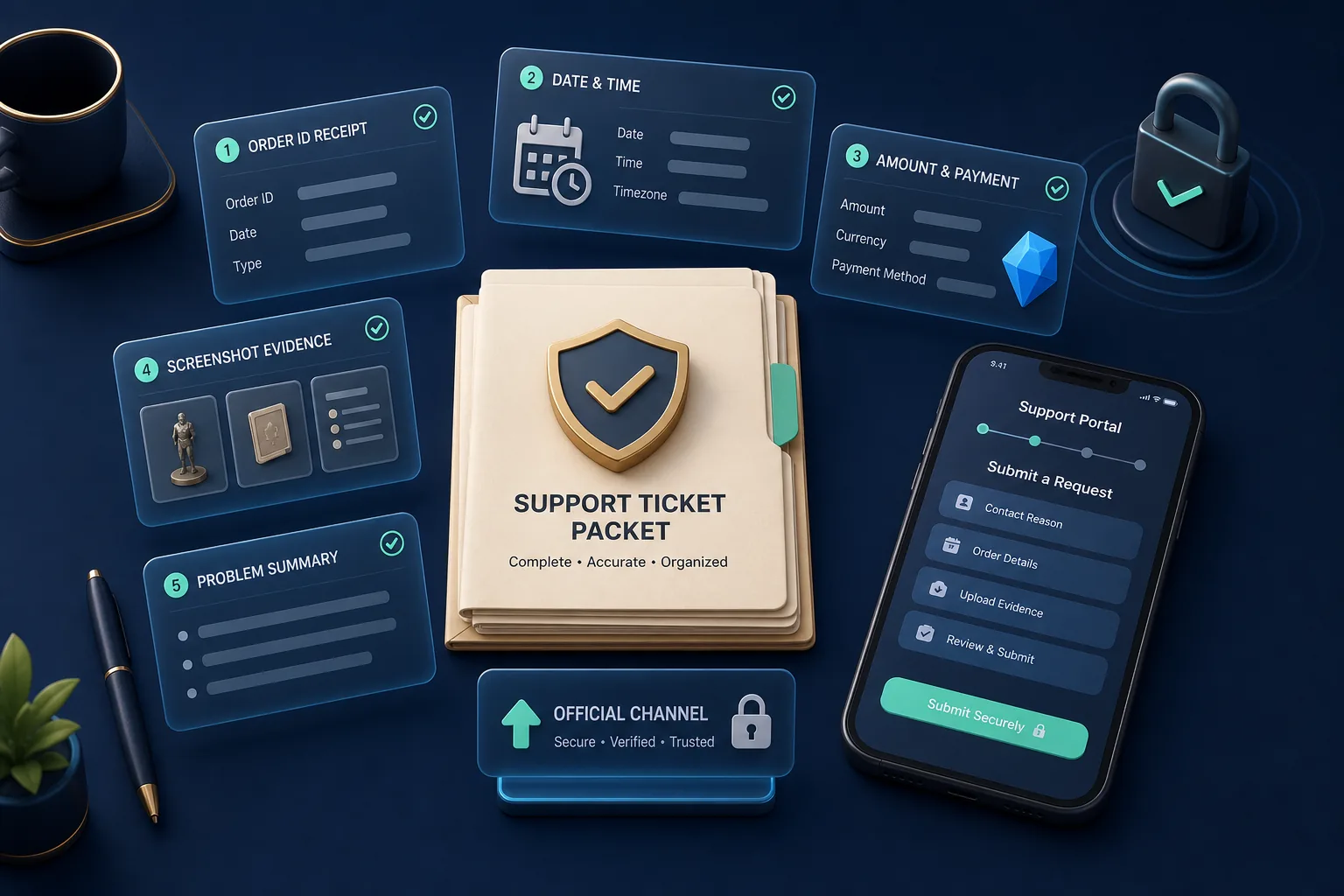
You can adapt the following structure to your case. It avoids a lengthy backstory without leaving out important information.
Subject: Area, specific issue, and date
VeVe username: Your username
Account email: The connected email address
Affected area: App, Web App, Store, Market, Gems, or KYC
Date and time: Date, approximate time, and time zone
What was I trying to do? Brief description of the intended result
What happened instead? Actual result and the complete wording of the error message
Steps to reproduce: Short numbered sequence
Technical details: Device, operating system, app version, and network
References: Order ID, collectible, mint number, or existing case number, where relevant
Already tried: Only steps you actually completed
Attachments: Screenshots and relevant receipts
A ticket should include a specific request. For example, ask Support to review the purchase status, assess an error message, or investigate account access. Phrases such as “Please fix this immediately” do not provide Support with any additional information.
Not registered with VeVe yet and want to review account setup, security, and bonus terms first? Our VeVe sign-up and starter credit guide provides an organized introduction. With a qualifying sign-up, you receive $10 in free starter credit; review the terms explained there first.
Which Screenshots and Records Are Actually Helpful?
A useful screenshot shows the full relevant context, not just a small red alert. Whenever possible, it should show the affected area, error message, and a clear status. For time-sensitive errors, showing the device time may also be useful.
- Purchase issue: Order confirmation, order ID, date, amount, and the relevant VeVe screen.
- Missing collectible: Purchase or Market history, name, variant, and mint number.
- Login issue: Error message and access method used, but never your password or 2FA code.
- KYC: Status message and a factual description; upload identity documents only when officially requested.
- Technical issue: Screenshot or short screen recording, plus your device, operating system, and app version.
Redact complete card numbers, security codes, passwords, and personal information that is not needed for the case. A support agent will never need your password, 2FA code, seed phrase, or wallet recovery phrase.
How to Check Your Ticket Status and Follow Up
After submitting your ticket, save the confirmation or case reference. Also check the spam and promotions folders for the email address you used. If you can sign in to the Help Center and it provides a case overview, use it to check the status and add information.
Add new information as a reply or comment on the existing case. If you reply to a support email, include the case number in the subject line. This keeps error messages, supporting evidence, and follow-up questions together in a clear history.
When a Follow-Up Makes Sense
Follow up if Support has requested additional information, the issue has changed in a meaningful way, or you have new supporting evidence. An imminent, documented deadline may also be important new information. Calmly explain what has changed since your last message.
Do not claim urgency when none exists. A missed purchase or a desired Market price is not automatically a security emergency. If you suspect unauthorized account access, however, immediately review your password, email security, and available protection features, and clearly flag this in the existing ticket.
Why a Second Ticket Usually Hurts
Multiple tickets for the same incident can split information across different cases. Support must then determine that the order number, account, and error message are connected. This does not automatically speed up the review.
A new ticket is more appropriate when it concerns a clearly different and unrelated issue. If the cases overlap, reference the existing case number instead of submitting the full story multiple times.
How to Escalate Without Complicating Your Case
A reasonable escalation does not mean contacting as many channels as possible at the same time. First, add a brief summary, the case number, new supporting evidence, and the specific impact to the existing case. Then ask for another review or for the case to be forwarded to the appropriate specialist team.
A strong escalation message answers three questions: What remains unresolved? What new information is available? What specific review is needed? Personal attacks, threats, or public posts containing account details do not help with technical investigation.
How to Spot Fake Support: Avoid Help Through Unexpected DMs
Scammers monitor public complaints and then contact users while pretending to be VeVe Support. A direct message asking you to use a login link, make a payment, provide a 2FA code, or connect a wallet is a major warning sign.
- Open support cases only through official VeVe websites.
- Do not share passwords, one-time codes, or recovery information.
- Do not install remote-access software at the request of an unknown account.
- Do not pay any supposed activation, verification, or expedited-service fee.
- Do not publicly post your complete case number, email address, or purchase receipts on social media.
If you have already clicked a suspicious link, secure your email account and VeVe access first. Take screenshots documenting the sender, message, time, and link without interacting with it again.
Collector Checklist Before You Submit
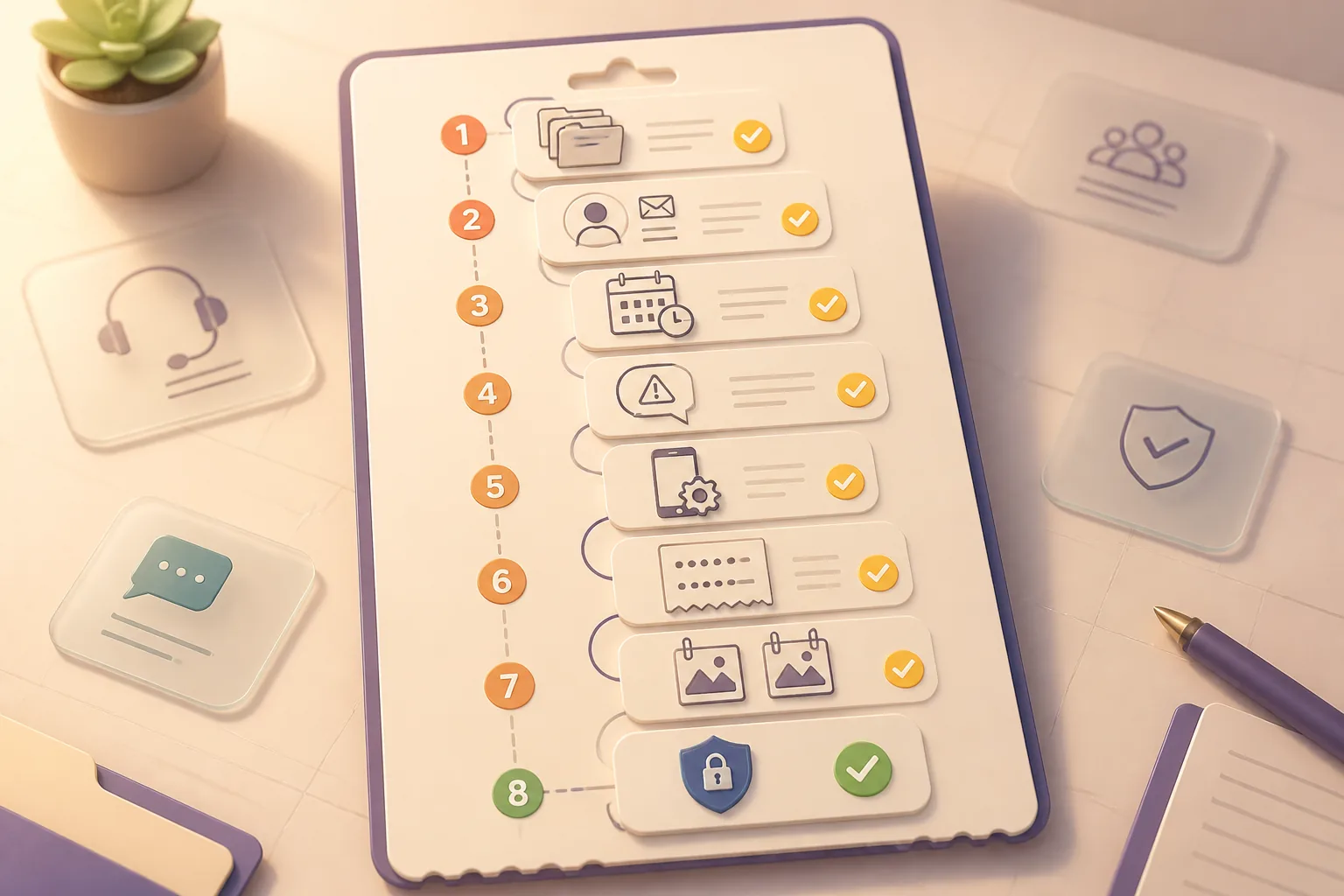
- Am I on an official VeVe website?
- Did I choose exactly one appropriate category?
- Is my subject line specific and clear?
- Are my account email and username correct?
- Did I include the date, time, and time zone?
- Did I include the order ID, mint number, or error message?
- Did I add my device, operating system, and app version?
- Do the attachments show the necessary context?
- Did I remove passwords, codes, and unnecessary personal information?
- Did I clearly state what I want Support to review?
VeVe Support FAQ
How Long Does VeVe Support Take to Respond?
There is no reliable response time that applies to every case. Timing may depend on the type of issue, the review required, current support volume, and any necessary follow-up questions. Save your case number and keep all information together in the same case.
Should I Contact Support Through Social Media?
Social media is not an appropriate place for account, purchase, or KYC information. Use the official Help Center and its case process. Do not respond to accounts that send unsolicited offers of help by DM after you make a public post.
Can I Add More Screenshots to My Ticket?
Yes, as long as the existing case or support email allows you to reply or add information. Upload only relevant files and briefly explain what each new piece of evidence shows.
What Should I Do If I Don’t Receive a Confirmation?
Check your spam folder, look for typos, and confirm which email address you used. Then check the Help Center to see whether a case was created. Do not repeatedly submit the form without first checking whether a case reference already exists.
Does Support Need My Password or 2FA Code?
No. Never share your password, one-time code, seed phrase, or recovery information. For sensitive uploads, use only the official process designated for your case.
Want to use VeVe for the first time and set up your account properly from the start? Sign up through VeVe with $10 in starter credit and receive $10 in free starter credit with a qualifying sign-up. VeVeInsider may receive a commission; there is no additional cost to you, and you receive $10 in free starter credit.
Sources