Transparency notice: Some links on this page lead to our VeVe sign-up offer. If you use them, VeVe Insider may receive a commission at no additional cost to you.
On July 20, 2026, VeVe officially explained its new Craft Locking feature. It primarily applies to limited crafting events where available editions are allocated on a first-come, first-served basis and certain ingredients may be temporarily locked during the process.
For collectors, the key point is that a Craft Lock does not automatically mean a collectible has been burned or the account has been restricted. The lock reserves a specific item for that crafting process and may temporarily limit how it can be used.
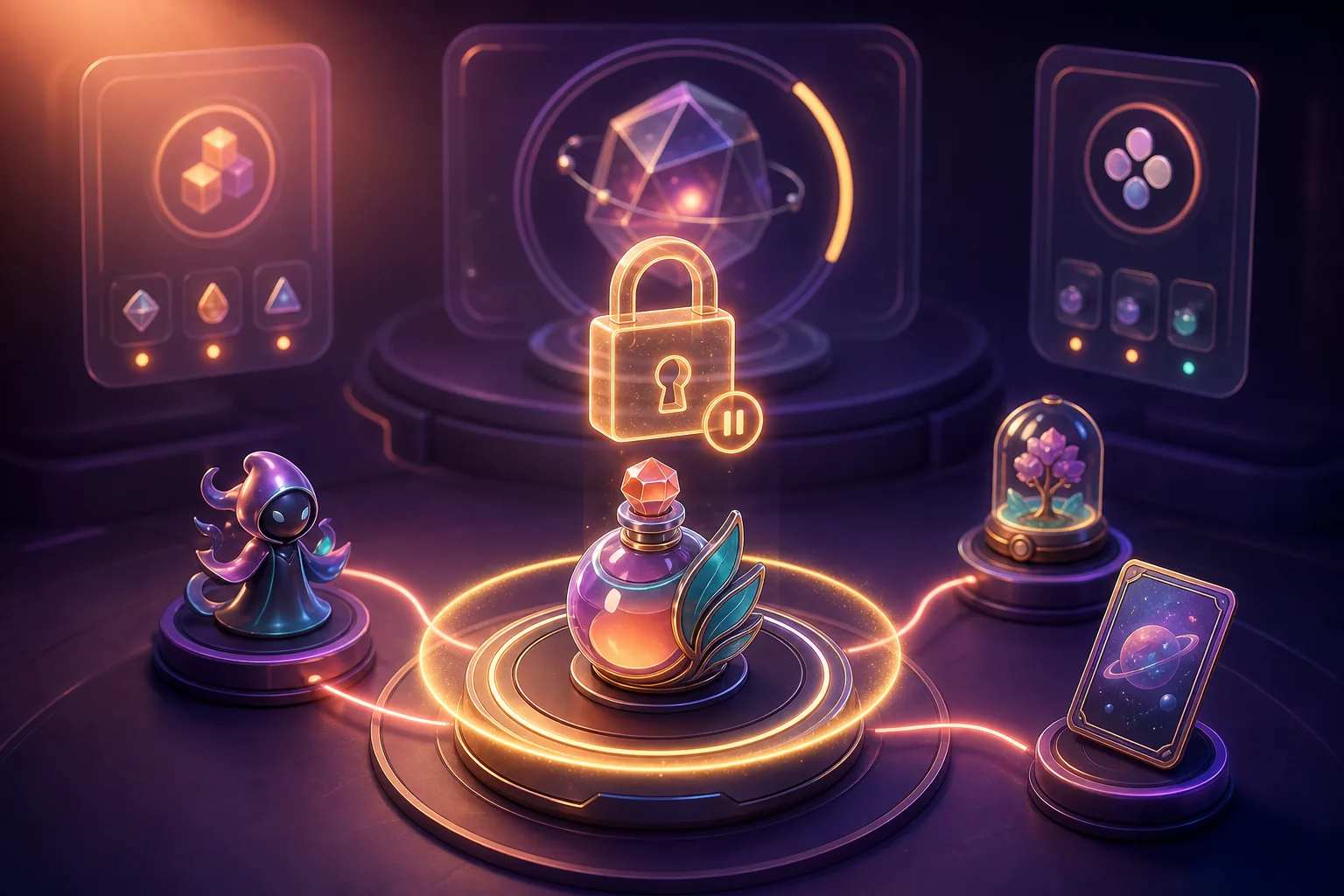
TL;DR: A Craft Lock is a temporary, event-specific lock on certain crafting ingredients. Depending on the event, affected items may not be sold, transferred, listed, or used for another process at the same time. Whether an item is later burned, retained, or kept locked for a set period is stated exclusively in the relevant craft listing.
What Is Craft Locking on VeVe?
Crafting uses specific digital collectibles or comics as ingredients to obtain a new item. Depending on the craft, those ingredients are either retained or permanently removed from circulation.
Craft Locking adds a reservation system to this process. Once an ingredient is processed or reserved as part of a craft configured to use locking, VeVe may temporarily lock it. The exact trigger depends on the event and its official description.
The lock is intended to prevent the same edition from being sold, transferred, or assigned to multiple limited crafting processes at the same time. According to VeVe, this supports fair participation and protects the integrity of limited crafting releases.
In practice, simply owning an otherwise eligible collectible does not automatically trigger a lock for every event. What matters is whether the specific craft listing includes a lock and at what point in the process it is activated.
Why Are Crafting Ingredients Locked?
For an open craft with a sufficiently long window, a brief technical delay often makes little difference. The situation is different for a highly limited craft whose available editions may be claimed within a short period.
Without a reservation, an item’s status could change while it is being processed. For example, it could be listed at the same time or selected for another process. A lock establishes a clear status during processing: this specific edition is assigned to the active craft.
This is comparable to a checkout reservation, but it is not a guaranteed allocation. For first-come, first-served crafts, the target collectible may already be unavailable before the process is successfully completed. The lock alone therefore guarantees neither a successful craft nor a specific mint number.
Which Actions Can a Craft Lock Block?
You must check the craft listing and the app to determine which features are actually locked. During an active lock, you should generally expect the affected item not to be freely available for other actions.
- Market listing: You may be unable to list the item for sale while it is locked.
- Sale or transfer: An edition already reserved for the craft cannot change owners at the same time.
- Another craft: The same edition should not be usable simultaneously as an ingredient in a second craft.
- Other event-related uses: Overlapping actions may be restricted if they require the item to be available and its ownership status to remain unchanged.
Existing listings may also matter. If a craft requires the ingredient to be unencumbered in your Collection, remove it from the Market in advance and then check whether it appears in the craft selection.
Do not rely on the rules from a previous event. One craft may allow Store and Market purchases, while another may accept only specific purchase channels, variants, or edition types. The guide to Store-Only and Market Eligibility explains why an item’s origin may matter for VeVe activities.

Craft Lock vs. Burn vs. Account Restriction
These terms are easily confused, but they have different consequences. The most important distinction is whether only one edition is temporarily blocked or the item is permanently removed from circulation.
Craft Lock
A Craft Lock is generally temporary and applies to the selected ingredients or the related event process. While locked, the item remains part of your collection but is not fully available for use.
Burn
A burn permanently removes a submitted edition from circulation. It is not released again later. Before confirming, the craft rules must explicitly state whether ingredients will be burned.
For more on the different formats, see our overview of VeVe crafting and burn mechanics. Always check the current listing as well, since a general guide cannot replace event-specific terms.
Account Restriction
An account restriction affects access to account or platform features and is not a normal part of a craft. Messages such as “Restricted Access” or a disabled account must therefore be treated separately from a lock icon or lock notice on an individual collectible.
If multiple unrelated features are unavailable, login is affected, or a general warning appears, the action plan for a restricted VeVe account can help you assess the situation.
What Happens After a Successful Craft?
After a successful craft, the result is added to your Collection according to the event rules. What happens to the ingredients afterward depends on the specific format.
- In a burn craft, the stated ingredients are permanently removed.
- In a non-burn craft, they are generally retained.
- In a craft with an additional holding or lock period, the ingredients may remain blocked for the stated period after a successful craft.
- When multiple ingredients are involved, each edition may receive the same status or a differently defined status.
There is therefore no standard lock duration. For example, for one craft in June 2026, VeVe specified a fourteen-day lock on ingredients beginning when they were processed. Other listings may set a different period or use different rules.
A recent example of a non-burn craft is the VeVe Fastball Special featuring Wolverine and Colossus. Event-specific guides like this are helpful, but the craft description currently displayed in the app always remains the definitive source.
What Happens If the Craft Is Unsuccessful?
A craft may fail because the available editions have already been allocated, a requirement has not been met, payment is not completed, or a technical error occurs during processing. Seeing the ingredients selected does not prove that the result has been reserved.
After an incomplete craft, unused ingredients should be released once the intended processing is complete. How quickly this happens and whether a defined waiting period applies depend on the event and the displayed status.
Do not immediately start the same process several times if the app is still processing or the status is unclear. Repeated inputs make documentation more difficult and may lead to conflicting status displays. First check your Collection, crafting history, notifications, and Market availability.
New to VeVe and want time to explore the app before crafting? Our VeVe signup and starter credit guide explains how to get started and how qualifying signups can receive $10 in free starter credit.
Quick Start: Preparing for a Limited Craft
For a limited craft, your preparation should be complete before the start button becomes active. The following routine reduces avoidable mistakes but does not guarantee a successful allocation.
- Read the full official listing: Check the start time, end time, available editions, ingredients, variants, purchase channels, Gem cost, potential MCP requirements, and burn and lock rules.
- Check the specific editions: Make sure all required items are visible in your Collection and selectable for the craft. If you own duplicates, know which mint number will be used.
- Remove listings in advance: Do not assign ingredients to a sale, transfer, or another craft at the same time.
- Have your Gems ready: If the craft requires Gems, the necessary balance should already be available. Use only the cost displayed in the listing.
- Update the app: Use the latest version of VeVe and restart the app before the event. Check your login, connection, and available device storage.
- Read the confirmation: Before the final step, verify the ingredients, burn notice, lock duration, and craft result.
- Document the status: Save screenshots of the rules, selected ingredients, confirmation, and any error message.

For broader technical preparation, you can also use the seven quick checks before a VeVe Drop. Although crafting and Drops are not the same, updating the app, checking your login, and having a stable connection help with both time-sensitive processes.
Collector Checklist Before Confirming
- Is this definitely the correct variant and edition?
- Will the item be burned, only locked, or fully released later?
- At which step does the lock begin?
- Is a specific lock duration stated?
- Is the craft open to Store purchases, Market purchases, or both?
- Does the process require Gems, MCP points, or any other prerequisites?
- Is the target collectible still available?
- Have I saved screenshots of the listing, confirmation, and status?
You should answer these questions again for every craft. Screenshots from older events or statements from community chats may now be outdated and are no substitute for the current listing.
Common Craft Locking Mistakes
Listing Ingredients for Sale at the Same Time
A Market listing may block craft selection or lead to an unclear status. Remove the listing well in advance, then check whether the edition is available normally in your Collection again.
Treating a Lock as a Burn
A lock icon does not automatically mean the item is gone. Conversely, a time-limited lock notice should not distract you from an additional burn requirement in the listing.
Applying One Lock Duration to Every Craft
A previous event with a seven- or fourteen-day lock does not establish a general VeVe rule. Only the duration stated for the current craft is relevant.
Making the Status Worse by Tapping Repeatedly
If “Processing” or a similar interim status appears, do not frantically start new attempts. Document the screen and wait for the process to finish or the item to be released as intended.
Saving Too Little Evidence
A support ticket without the time, app version, item names, mint numbers, and screenshots is harder to investigate. Good documentation is especially important if a lock remains beyond the announced duration.
What Should You Do If an Item Remains Locked Unexpectedly?
First, check whether the lock period stated in the listing has actually expired. Pay attention to the time zone used there and the exact point when the lock began, such as at the start, confirmation, or processing stage.
Then restart the app and check the status in both your Collection and on the crafting page. Avoid unofficial tools, external forms, or supposed support assistance through direct messages.
If the lock remains, contact official VeVe Support. Our guide to contacting VeVe Support and creating a ticket explains what to include in a complete ticket.
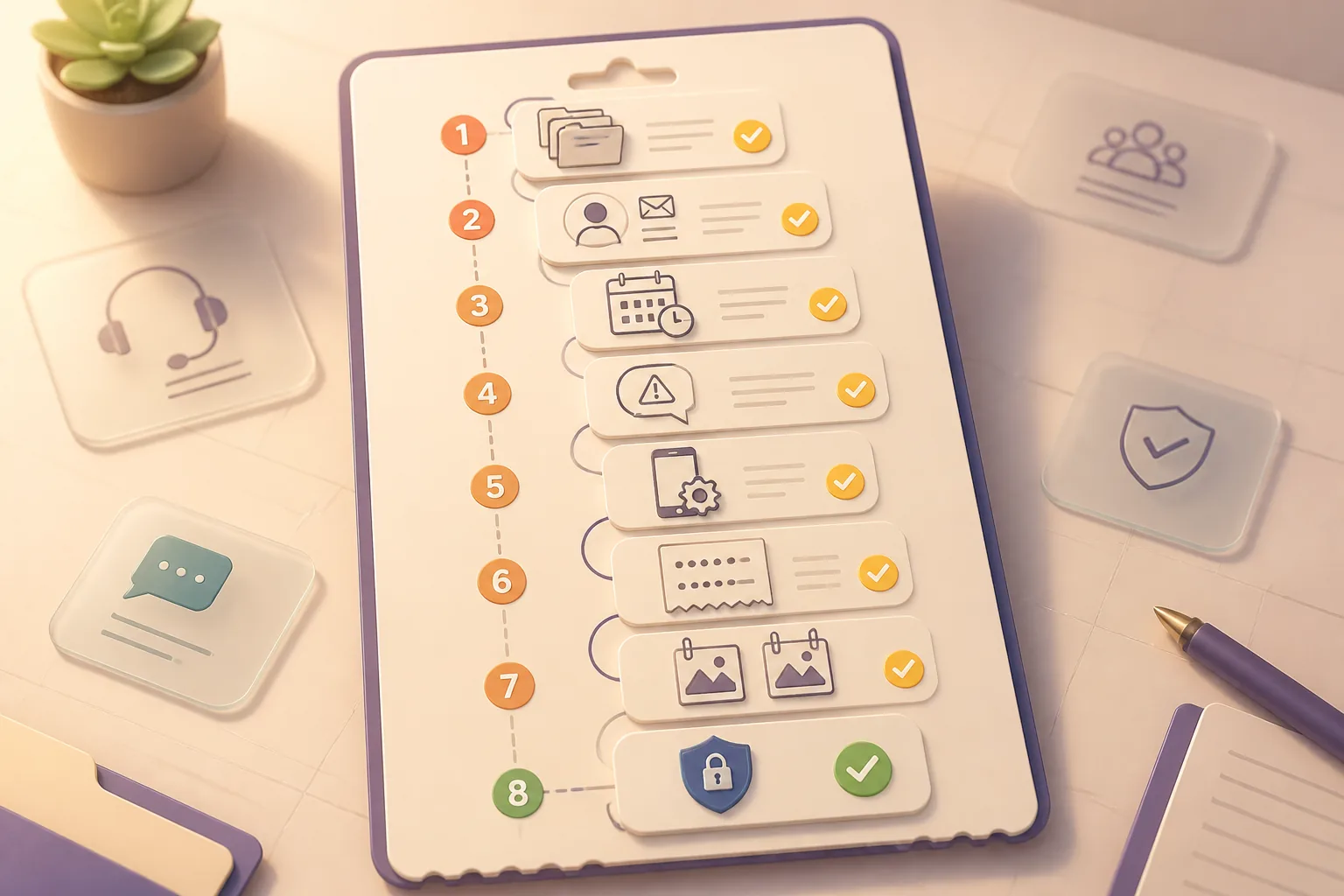
In the ticket, identify the craft, affected editions, time of the attempt, your device, and the installed app version. Include screenshots of the listing, lock notice, and craft confirmation. For more recordkeeping tips, see our guide to VeVe receipts and proof of purchase.
VeVe Craft Locking FAQ
Is Every Crafting Item Automatically Locked?
No. Whether a lock is used, which ingredients are affected, and when it begins depend on the specific craft. Check the official listing before participating.
Is a Craft Lock the Same as a Burn?
No. A lock is a temporary restriction, while a burn permanently removes an edition from circulation. However, an event may include both a burn and an additional lock or processing period.
Can I Sell a Locked Collectible?
During an active lock, you should assume that the item cannot be freely listed or sold. The event rules and the status shown in the app determine the exact scope of the restriction.
Does the Lock Guarantee My Craft?
No. Locking the ingredients does not guarantee the target collectible. For limited first-come, first-served crafts, the available supply may be exhausted before the process is completed.
When Will My Item Be Released?
That depends on the craft. After an unsuccessful attempt, an unused ingredient should become available again once the intended processing is complete. After a successful non-burn craft, an explicitly stated lock period may continue.
What Should I Do If the Lock Lasts Too Long?
Document the status, check the official deadline, and restart the app. If the lock remains after that, open a ticket with official VeVe Support and include all relevant screenshots and item details.
Conclusion: The Specific Listing Is What Matters Before Crafting
Craft Locking gives limited VeVe crafts a clearer technical status, but it adds another check for collectors. What matters is not only which ingredients are required, but also when they are locked and which actions are unavailable during that time.
Read the burn, lock, and eligibility details as three separate points. Do not commit affected editions to other actions at the same time, document your confirmation, and never assume that a duration or exception from an earlier event still applies.
If you would like to try VeVe, you can sign up for VeVe with $10 in starter credit. With a qualifying new signup, you will receive $10 in free starter credit. Disclosure: VeVeInsider may receive a commission; there is no additional cost to you, and you will receive the stated starter credit.
Sources