The redesigned VeVe Profile has become one of the most important new spaces for collectors in 2026. It can display more than just a profile picture and bio—it may also make your collection, Public Showcases, Galleries, activity, stats, and active Market Listings visible.
That’s exactly why it’s worth taking the time to review your setup. A well-designed profile can show other collectors what matters to you. But a profile that’s too open can also reveal more than necessary about your collection, selling intentions, and activity.
TL;DR: Don’t set up your VeVe Profile as an afterthought. First decide what should be publicly visible, understand the difference between Showcases and Galleries, review your active listings, and only share the stats you’re comfortable making public. Most importantly, never accept off-app deals, links sent by DM, or supposed support requests.
What’s new with the VeVe Profile in 2026?
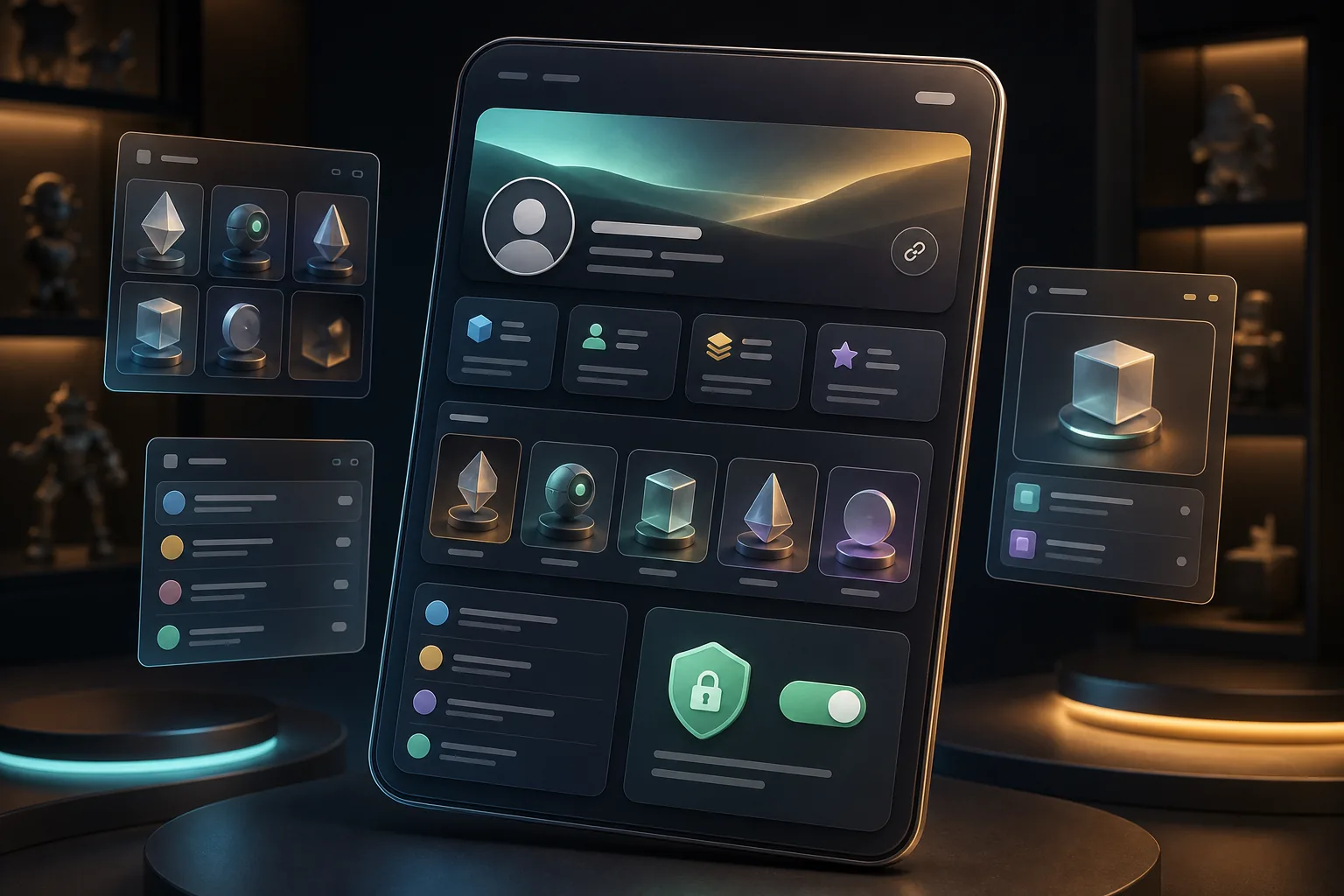
According to VeVe, the Profile Experience was completely reimagined on May 21, 2026. Instead of being just an internal app view, the profile is intended to serve as a publicly shareable collector identity. This includes public profile pages on the web, Public Showcases, Galleries, visible collection stats, active Market Listings, an Activity Feed, expanded sharing features, and Privacy Controls.
For collectors, the biggest change is that your profile can now function like a calling card. Depending on your settings, anyone with your link may be able to see what you collect, which displays you curate, whether you’re currently selling, and how active you are within the VeVe ecosystem.
That’s useful if you intentionally want to share your collection. It’s also a reason not to make everything public without first reviewing your settings.
Public Profile, Collection View, Showcase, and Gallery: What’s the difference?
Much of the confusion comes from several VeVe areas having similar names. For everyday use, this simple breakdown helps:
- Public Profile: Your publicly shareable profile page. This brings together your bio, stats, public sections, Showcases, Galleries, listings, and social features.
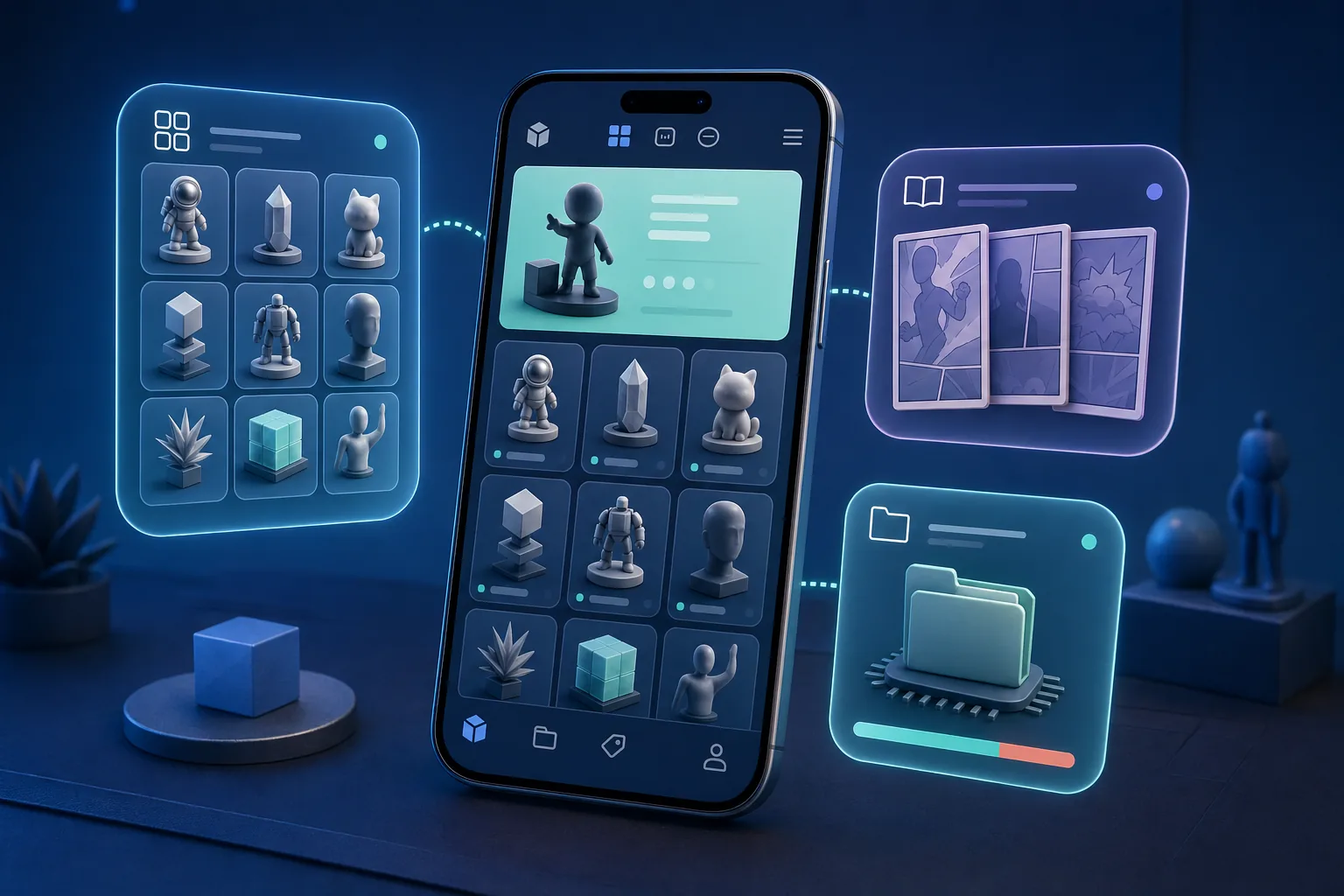
- Collection View: The collection view where you can browse your collectibles, comics, sets, and stats in a more structured way. Learn more in our guide to the VeVe Collection View.
- Showcase: A curated presentation of your digital collectibles or comics. A Showcase is more like a display, cabinet, or themed room.
- Gallery: A new visual collection featuring images from your Camera Roll. It can complement your digital collection while also showcasing physical collectibles, convention photos, or collecting spaces.
The key point is that not everything you can see internally needs to be public. A Showcase can be carefully curated, while a complete Collection View may reveal much more about your overall holdings.
Quick start: How to set up your VeVe Profile
Don’t start by asking what’s technically possible. Start with this question: What should your profile say about you as a collector?
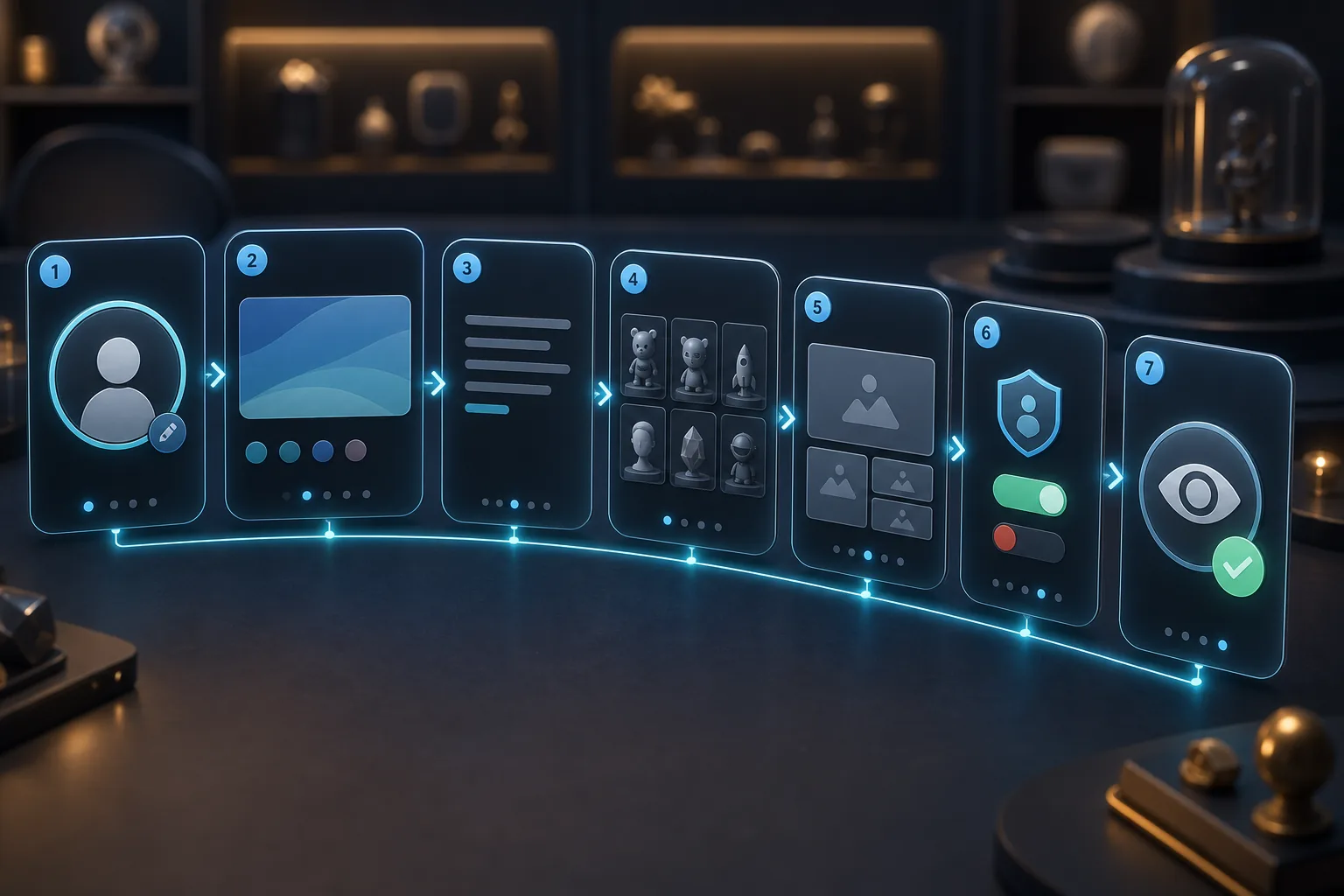
1. Choose a profile picture and banner
Your profile picture and banner give other users their first impression. Choose something that fits your collecting focus, but avoid private photos or details that could reveal your location, legal name, workplace, or family.
If you use personal branding, a collector name, or an avatar, stay consistent. That helps genuine contacts recognize you, but it doesn’t automatically prevent impersonation.
2. Keep your bio brief and secure
A good bio doesn’t need to reveal much. Your collecting focus, favorite categories, and a friendly note are often enough. Private contact details, Telegram handles, payment preferences, or phrases such as “DM me for deals” are more concerning.
Off-app deals in particular are a common entry point for scams. If you want to sell, use the designated Market features and review our VeVe Marketplace Guide first.
3. Select your Public Showcases
Public Showcases are ideal for sharing a curated view of your collection. A few strong themes are better than an overwhelming assortment. A Marvel Showcase, comics Showcase, or personal “Favorite Pieces” Showcase is clearer than a random archive of everything you own.
If you want to learn more about displays, your own files, or presentation options, our guide to the VeVe Showcase and My Files update is a useful companion.
4. Use Galleries intentionally
Galleries can make your profile feel more personal because they’re not limited to in-app assets. That’s also where the risk comes in: Photos of shelves, rooms, events, or shipping materials can reveal more context than intended.
Before uploading, check whether names, addresses, QR codes, parts of email messages, other people’s faces, or valuable physical collectibles are visible in the background. A good Gallery image should create a mood—not expose details about your personal security.
5. Review each public section separately
Don’t enable everything at once. Turn on one section, view your profile from a stranger’s perspective, and then decide whether to continue. Stats, the Activity Feed, collection-related information, and active listings are especially sensitive.
Privacy checklist: What do you really want to share publicly?
Privacy Controls aren’t just a convenience feature. They determine whether your profile feels more like a curated collector card or an open inventory.
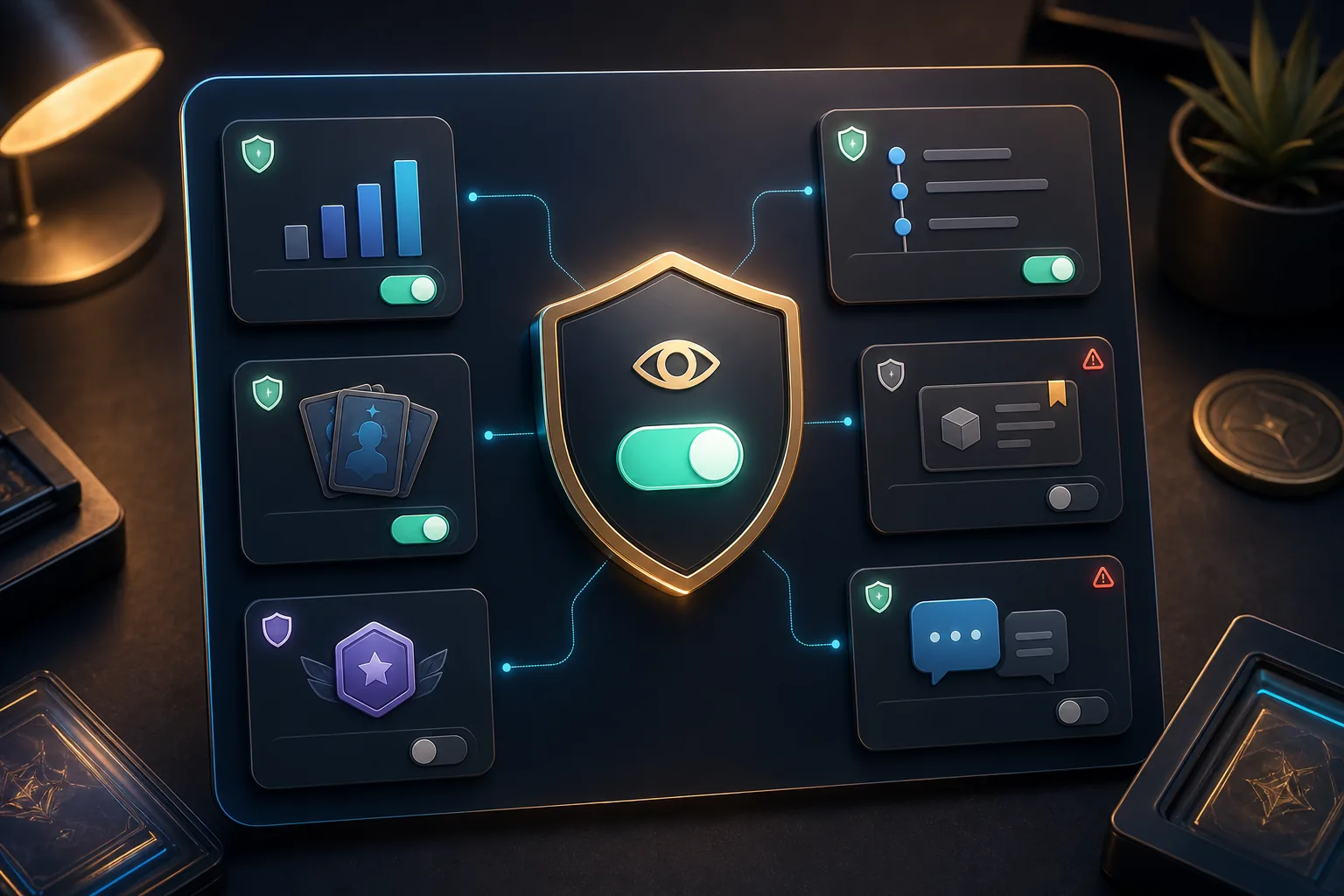
Review these areas individually
- Collectible and comic stats: Do they simply reflect your collector profile, or do they reveal too much about the size and focus of your holdings?
- Sets and rarity details: Useful collector context, but also a signal of where you’re heavily invested.
- Rank and level: Interesting in the context of the MCP, but not everyone needs to see your status. For context, read our guide to MCP Ranks and Levels.
- Activity Feed: It can help build community connections, but it also shows when and how you’re active.
- Market Listings: Useful for selling, but also a public signal of your pricing expectations and potential pressure to sell.
- Comments and followers: Socially useful, but watch for spam, impersonation, or aggressive attempts to contact you.
A good rule of thumb: Publicly share what strengthens your collector identity. Hide anything that resembles an inventory, financial profile, or private activity log.
Market Listings on your profile: Benefits and risks
Active Market Listings on your profile can be useful for sellers. Visitors can quickly see which collectibles or comics you currently have listed. This can be especially useful when your profile is thoughtfully curated around a specific theme.
The downside is that listings also reveal which holdings you want to sell and potentially how you price them. If several expensive or rare pieces are visible, your profile may become more attractive to scammers.
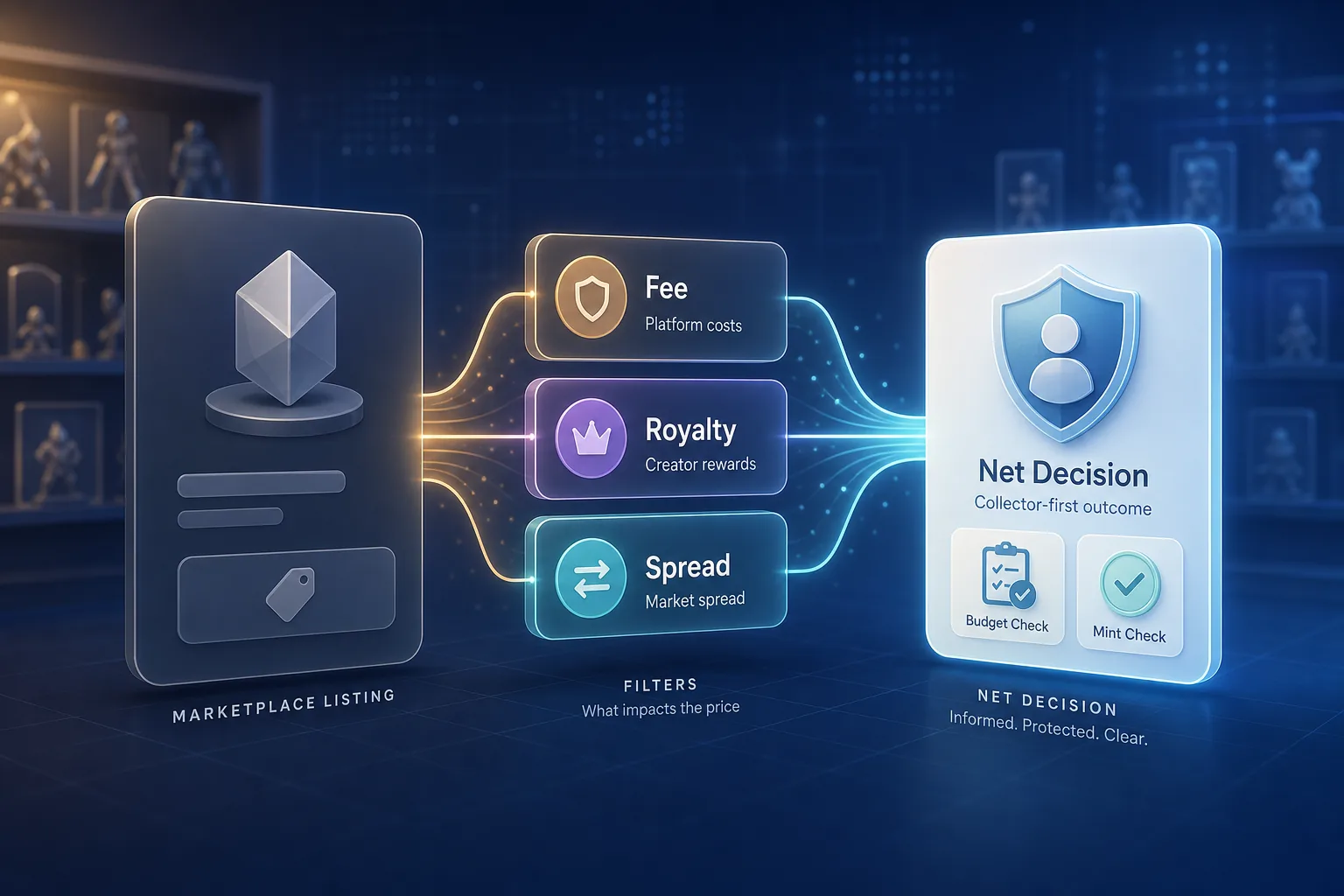
Always evaluate listings based on net proceeds and platform rules. Review fees, liquidity, spread, and timing before a public profile prompts you to make impulsive price changes. For the fundamentals, see our guide to fees, royalties, and liquidity on the secondary market.
Social and scam protection when profiles become publicly shareable
Publicly shareable profiles make VeVe more social. At the same time, familiar scam tactics can be applied more easily to profiles: fake accounts, copied avatars, cloned bios, fraudulent support contacts, and supposed purchase offers sent by DM.
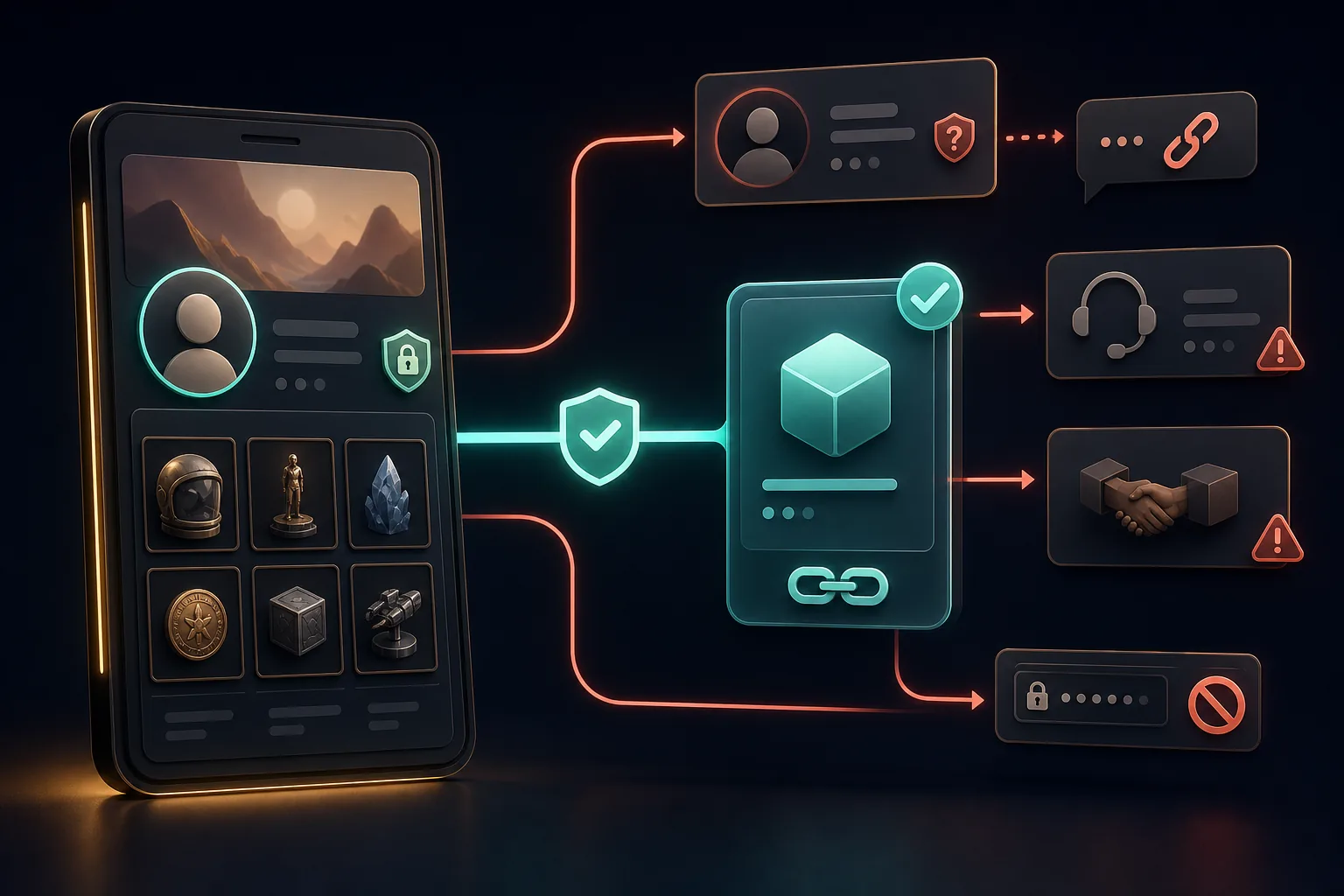
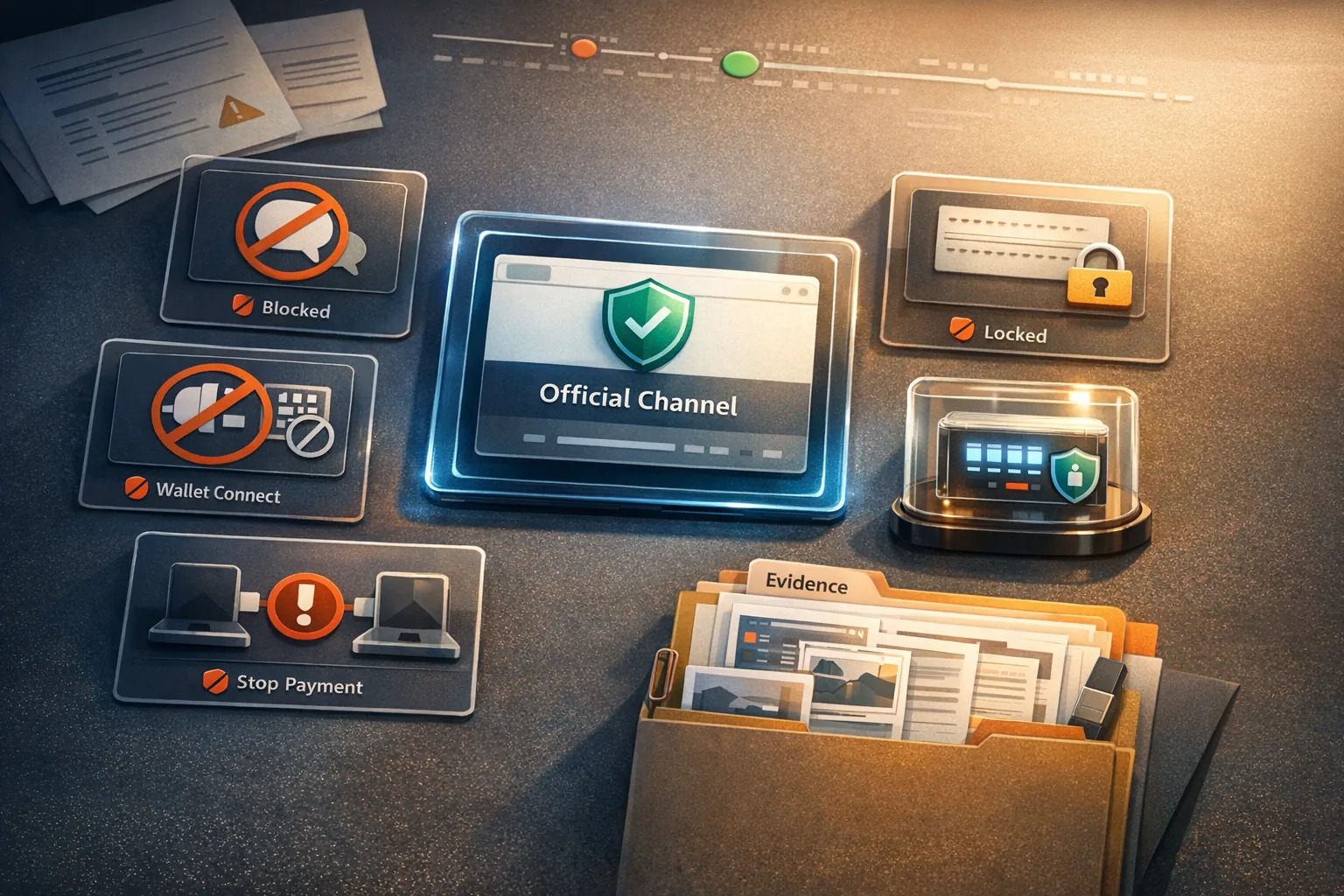
The most important rule remains simple: A legitimate transaction won’t pressure you into rushed off-app steps. If someone on social media, a messaging app, or in a comment directs you to an external link, asks you to connect a wallet, enter a code, or make a private payment, stop.
Warning signs in profiles and DMs
- The account uses the name, image, or bio of a known collector but has unusual spelling or formatting.
- The person claims to be VeVe Support, a moderator, or a partner and contacts you privately first.
- A buyer wants to pay outside the VeVe Market or pushes for a “quick deal.”
- You’re asked to sign in through a link, complete a form, or share codes.
- They use time pressure: “today only,” “last chance,” or “you’ll lose your profile.”
For general security practices, the VeVe Beginner’s Guide 2026 is a good place to start. For chat and contact-related risks, the rules in our article about scam traps during VeVe promotions are also helpful, even though that article focuses on a different event.
Common mistakes with the new VeVe Profile
- Making everything public immediately: Convenient for testing, but risky for privacy and signals about your inventory.
- Using Galleries like private photo albums: Background details may reveal sensitive information.
- Confusing listings with market value: A visible list price is not a guaranteed market value.
- Using your bio as a contact hub: External contact methods increase scam risks.
- Underestimating impersonation: Public profile pictures and bios can be copied.
- Reviewing privacy only once: Check your settings again after app updates, new features, or changes to your collecting goals.
If you document purchases, sales, or support cases, remember to keep records. Our article about VeVe receipts and proof of purchase explains which information may be useful to save for future questions.
Collector checklist: Review your profile in 10 minutes
- Your profile picture and banner don’t contain private details.
- Your bio mentions your collecting focus but doesn’t include private contact or payment methods.
- Only selected Showcases are public.
- You’ve checked Galleries for background details, addresses, QR codes, and faces.
- Stats are only visible if you’re comfortable sharing them.
- The Activity Feed is intentionally enabled or disabled.
- Your active Market Listings match your intention to sell.
- You occasionally review comments and followers.
- You only share profile links in contexts you trust.
- You don’t respond to supposed support DMs or off-app deals.
VeVe Profile 2026 FAQ
Is my entire VeVe Profile automatically public?
VeVe describes Privacy Controls that let you manage which profile sections appear publicly. Even so, review your settings directly rather than relying on assumptions.
What’s the difference between a Showcase and a Gallery?
A Showcase is a curated presentation of your VeVe collectibles or comics. A Gallery is more focused on photos and images and can also include content from your Camera Roll.
Should I display my Market Listings on my profile?
If you’re actively looking to sell, it can be useful. If you don’t want others to see your selling activity or pricing approach, you should be more cautious about making listings visible.
Are visible rank and level details dangerous?
Not automatically. They can provide context for your collector history, but they also act as a status signal. Decide whether the benefit to your profile outweighs your preference for discretion.
How often should I review my privacy settings?
Review them after major app updates, whenever you create new Showcases or Galleries, when you have active listings, or when you share your profile in new communities.
Final thoughts: The new VeVe Profile is powerful when used intentionally
The VeVe Profile in 2026 makes collectors more visible, social, and able to curate their presence. That offers real value if you want to build your identity as a collector intentionally.
The best approach isn’t to “show everything” or “hide everything.” It’s to curate: strong Showcases, secure Galleries, relevant stats, and clear boundaries around listings, DMs, and external contacts.
Sources