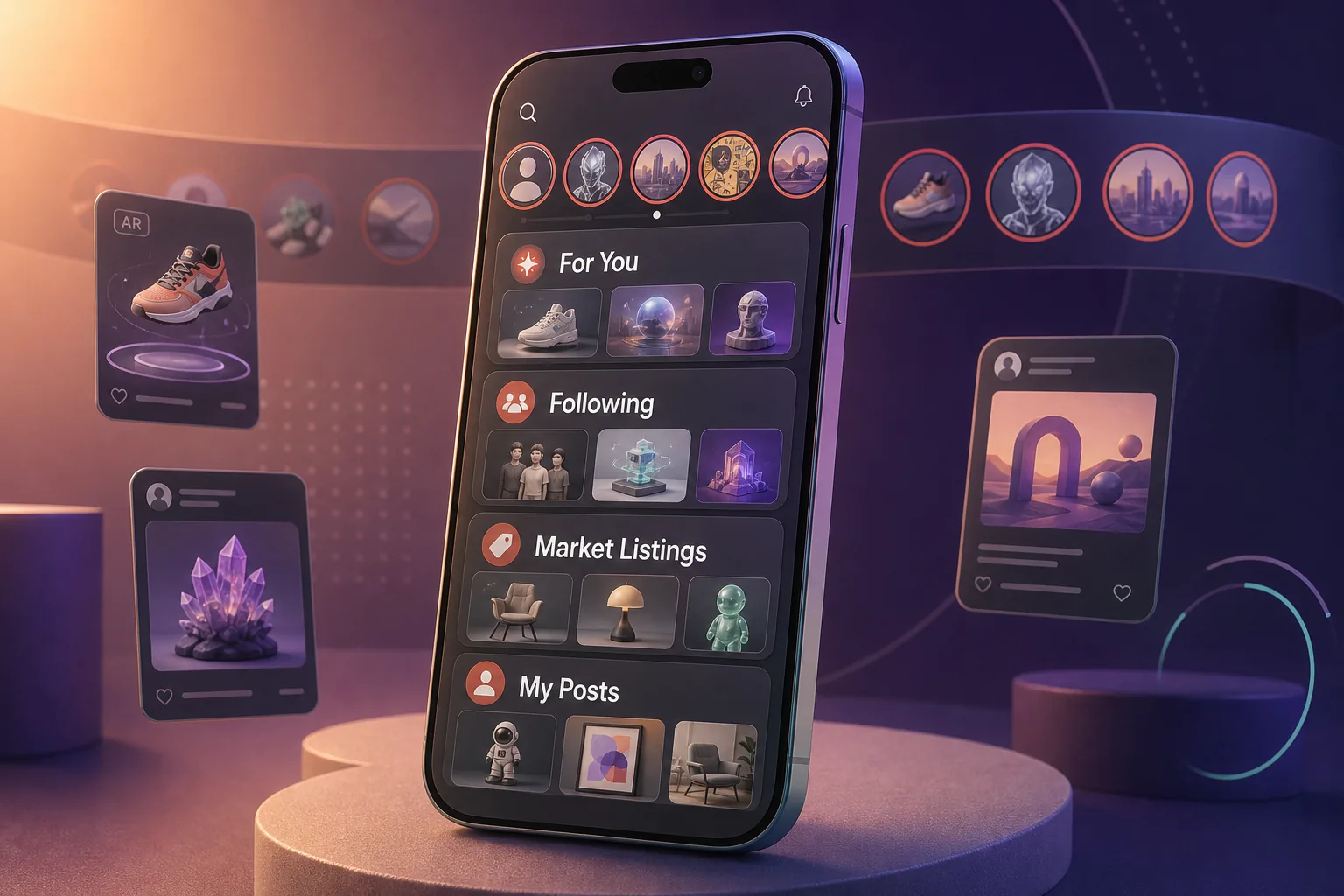
The redesigned VeVe Feed has been live since August 4, 2026. VeVe describes the update as the biggest overhaul of the Feed since the app launched. Instead of a single mixed stream of content, there are now clearly defined sections, personalized recommendations, and Stories for short-form collector content.
For collectors, what matters is not whether the Feed looks more modern, but what actually appears in it: Which posts does VeVe recommend, where do new Market listings appear, and which parts of your collection can you share through Stories? This guide breaks down the confirmed features without speculating about reach, monetization, or unexplained details of the recommendation system.
TL;DR: The “For You” section compiles recommendations based on the accounts you follow, your collectibles and comics, your interests, and your interactions. “Following” focuses on accounts you follow, “Market Listings” on shared listings, and “My Posts” on your own posts. Stories can include AR media, new additions to your collection, selected collection content, links, and your own listings. Before posting, check which content and account information you are making public.
What’s Different About the New VeVe Feed?
With this update, the Feed is becoming a more central community hub within the VeVe app. Posts, collector profiles, AR content, and Market activity are no longer just loosely connected—they are now easier to access through dedicated views.
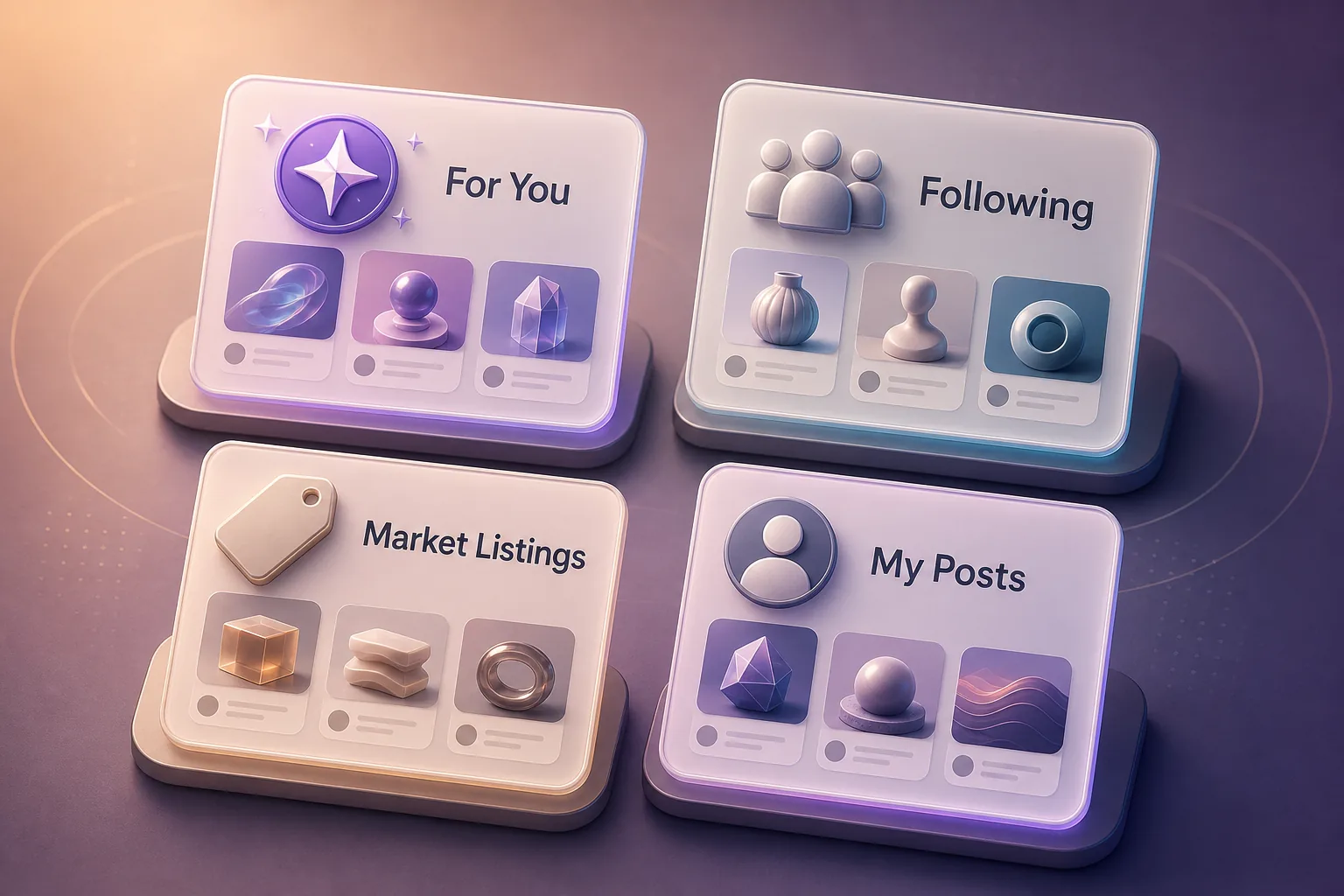
The biggest change is the separation by use case. If you are looking for inspiration, open “For You.” If you only want to keep up with familiar accounts, use “Following.” Listings are separated under “Market Listings,” while “My Posts” brings together your publishing history.
This structure makes the Feed easier to navigate, but it also requires more attention. A recommended post is not automatically a recommendation to buy, and a frequently visible listing says nothing reliable about demand, quality, or a fair price.
For You: How Your Recommendations Are Selected
“For You” is the personalized section of the new Feed. According to VeVe, several identifiable signals factor into what appears there: creators you follow, your own collectibles and comics, interests you have specified or demonstrated through app usage, and your interactions with content.
In practice, this means two collectors may see very different posts at the same time. Someone who frequently interacts with comic posts and follows comic creators will likely receive a different mix of topics than someone whose collection and activity focus more on 3D collectibles or AR photography.
VeVe has not confirmed further details about how these signals are weighted. It would therefore be inaccurate to present individual likes, follows, or posts as a guaranteed “trick” for gaining more reach. Use this section as a discovery tool, not as a fully explained ranking system.
Actively Shaping Your Recommendations
You can still give the Feed clear signals. Follow accounts whose content you genuinely want to see, and prioritize interactions with topics that fit your collection. Do not like or comment on content you are not interested in simply because you expect some kind of advantage.
- Follow creators with a relevant collector, comic, or AR focus.
- Interact intentionally instead of engaging with every post you see.
- Regularly check whether the accounts you follow still match your interests.
- Always evaluate recommendations independently, especially when they involve the Market.
Following vs. Market Listings vs. My Posts
Following
“Following” is a focused Feed for accounts you already follow. This section is useful if you want to keep up with specific AR creators, collector friends, or themed accounts without primarily browsing personalized suggestions.
The same principle applies here: A follow is a visibility signal, not a quality check. If an account changes its focus or starts posting mostly listings, you can adjust the accounts you follow at any time.
Market Listings
“Market Listings” brings shared Market listings together in one place. This separates sales posts from general community posts and makes them easier to browse intentionally.
For buyers, this view is a discovery tool, not a replacement for checking the actual listing. In the Market view, verify at least the collectible or comic, variant, rarity, mint number, and asking price. The VeVe Market Guide explains why supply, liquidity, and fees should also factor into your decision.
Sellers should not rely on Feed visibility either. VeVe has not confirmed any guaranteed reach advantage for shared listings. A Story or Feed post may attract attention, but it guarantees neither a sale nor a specific price.
My Posts
“My Posts” collects your own Feed posts. This makes it easier to review which AR images, videos, links, collection content, or sales listings you have already published.
Use this section not only as an archive, but also as a privacy check. Older posts may contain information you no longer want to display publicly. This is especially relevant to collection views, repeatedly shared listings, and images with personal details visible in the background.
VeVe Stories: What Can You Share?
Stories add a short-form publishing format to the Feed. VeVe has confirmed that they can include several types of collector content: AR photos, videos, new additions to your collection, selected collection content, links, and your own Market listings.
No specific Story duration should be inferred from this. VeVe did not confirm a reliable duration in connection with the Feed redesign, so you should not assume Stories work exactly like they do on other social platforms.
AR Photos and Videos
AR media works well for creative scenes, close-up views, or comparisons between different collectibles. VeVe generally supports capturing photos and videos featuring digital collectibles in augmented reality.
Before sharing, review the entire frame. Other people’s faces, documents, screens, addresses, license plates, or private areas of your home may be visible unintentionally. You can find more information about mobile AR use in our guide to VeVe App Update 2.0.41.
New Additions to Your Collection
Stories can highlight new additions to your collection and show selected parts of it. This is useful for themed showcases, set highlights, or curated comic selections, but it also makes the selected content easier to find publicly.
Before sharing, decide which selected parts of your collection you want to show and avoid displaying more collection content than intended. Our article on VeVe Profile 2026: Privacy, Showcases, and Listings can help you balance presentation and privacy.
Links and Market Listings
Links make Stories more versatile, but they also increase the risk of misuse. Do not automatically open every linked page just because it was shared by a familiar profile. Accounts can be impersonated, compromised, or used to send misleading messages.
Before sharing your own listings, check which item and asking price will be shown publicly. If you later change or remove the listing, also check whether an existing post still makes sense and remains current.
New to VeVe and want to explore the Feed, your collection, and the Market with a properly configured account? Our VeVe Sign-Up: Free Credit Guide covers the most important steps for getting started. Qualifying sign-ups currently receive $10 in free credit.
Comments, Replies, and Double-Tap Likes
The new Feed makes it easier to see which replies belong to which comments. This supports genuine conversations because questions and responses are less likely to get lost among unrelated comments.
Posts can also be liked with a double tap. The gesture is convenient, but it can lead to accidental likes. Because interactions are among the confirmed signals used for “For You,” it is worth correcting an unintended reaction right away.
Still, a like should not be overvalued. VeVe has not disclosed fixed reach points or any guaranteed impact from individual interactions. Claims such as “A certain number of comments will push your post higher” are therefore unconfirmed.
Quick Start: Setting Up the New Feed
- Review Following: Remove old or irrelevant follows and add accounts that match your collecting interests.
- Monitor For You: Use the Feed intentionally for a few days and see whether the recommendations move closer to your interests.
- Separate the sections: Open Market Listings specifically for listings and Following for content from familiar accounts.
- Curate your first Story: Share one clear aspect of your collection instead of as much information as possible at once.
- Review your posts: Use “My Posts” to check what is already public and whether older posts are still relevant.
- Treat links with caution: Use official channels only for logins, purchases, and support.
Privacy and Security Checklist for Collectors
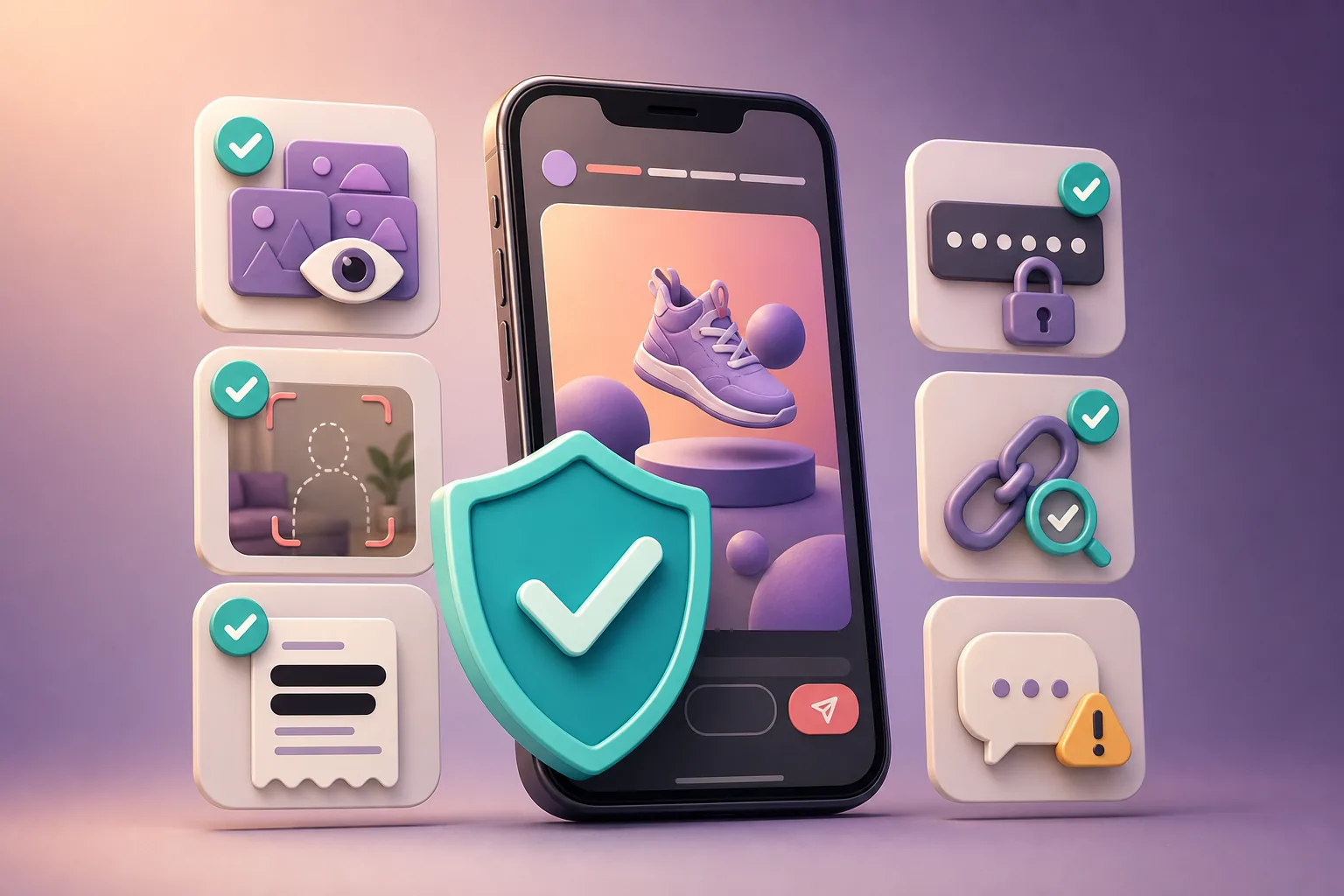
VeVe classifies Feed posts as user-generated content in its Privacy Policy. Before posting, carefully decide which personal and collection-related information will be visible in photos, videos, text, and linked views.
- Review your collection: Show only the collectibles, comics, and listings you genuinely want to display publicly.
- Protect purchase information: Do not post payment receipts, complete order information, or sensitive transaction data.
- Hide account details: Your email address, login codes, KYC documents, support case numbers, and security codes do not belong in the Feed or a Story.
- Check AR backgrounds: Look for personal documents, people, details of your home, and other identifying information.
- Check links individually: Do not open supposed bonus, claim, wallet, or verification pages from unknown posts or messages.
- Block fake support accounts: Never share passwords or one-time codes with accounts that contact you through comments or direct messages.
- Verify listings: Make purchase decisions in the official Market view, not based solely on a Feed post.
An active community Feed can give scammers opportunities to impersonate urgent support or offer supposedly exclusive benefits. Legitimate support will not ask you to post security details publicly or take immediate action through an unexpected link.
Common Mistakes With the New VeVe Feed
Confusing a Recommendation With a Buy Recommendation
“For You” displays content that is expected to be relevant, but it does not evaluate your personal collecting strategy. A recommended listing may be overpriced, unsuitable, or already outdated.
Engaging Randomly in Pursuit of Reach
The only confirmed information is that interactions are among the recommendation signals. That does not provide a reliable formula for gaining reach. Random likes are more likely to make your own interest signals less meaningful.
Sharing Too Much of Your Collection Without Thinking It Through
A public look at your collection can be fun and start conversations. It can also reveal more about your holdings and sales activity than you originally intended.
Assuming Stories Work Like They Do on Other Platforms
VeVe Stories should be used based on the features actually available in the app. Claims about automatic expiration periods, insights, monetization, or planned expansions are speculation without official confirmation.
Trusting Links Because You Recognize the Name
A profile name and image alone do not prove that an account is authentic or safe. Check the destination, sender, and context before opening an external page.
New VeVe Feed FAQ
What Does the For You Section Show?
It compiles personalized recommendations based on creators you follow, your own collectibles and comics, your interests, and your previous interactions. VeVe has not disclosed the exact weighting of these factors.
What Is the Difference Between Following and For You?
Following focuses on accounts you already follow. For You can also recommend content based on additional interest and usage signals.
Can I See Market Listings in the Feed?
Yes. There is a dedicated “Market Listings” section. You can also share your own Market listings through Stories.
Can I Find My Previous Posts?
Yes. “My Posts” brings your own posts together in one place, making it useful for regular visibility and privacy checks.
What Content Do VeVe Stories Support?
Confirmed content includes AR photos, videos, new additions to your collection, selected collection content, links, and your own Market listings. VeVe has not confirmed a specific Story duration or monetization feature.
How Do I Like a Post?
In addition to the standard interaction, the Feed supports double-tap likes. If you double-tap by mistake, check whether you want to remove the reaction.
Can Certain Interactions Increase My Reach?
VeVe identifies interactions as a recommendation signal, but it has not confirmed fixed reach rules or guaranteed advantages. Focus on genuine activity that fits your interests.
Conclusion: More Discovery, but More Responsibility Too
The new VeVe Feed connects collections, creators, AR content, and Market listings much more closely. The separate sections make it easier to intentionally browse inspiration, familiar accounts, sales listings, and your own posts.
The biggest practical benefit comes from using it intentionally: Follow relevant creators, interact with content that matches your interests, and check which collection content, links, or listings will be visible publicly before posting a Story. This makes the Feed a useful collector tool without relying on unconfirmed algorithm myths or exposing yourself to unnecessary privacy risks.
If you would like to try VeVe, you can sign up for VeVe with $10 in free credit. Qualifying sign-ups receive $10 in free credit. VeVeInsider may receive an affiliate commission; there is no additional cost to you, and you will receive the stated free credit.