Transparency notice: Some links on this page lead to our VeVe sign-up offer. If you use them, VeVe Insider may receive a commission at no additional cost to you.
The feature package released on June 30, 2026, as part of VeVe 2.0.41 changes more than just one area of the app. VeVe has reorganized the experience from discovering and purchasing a collectible to presenting it in AR afterward.
Three changes are especially relevant for collectors: a completely rebuilt augmented reality experience, a more personalized Home screen and a new purchase flow with more detailed item information. However, because updates may reach app stores and individual devices at different times, not every user will see the same interface right away.
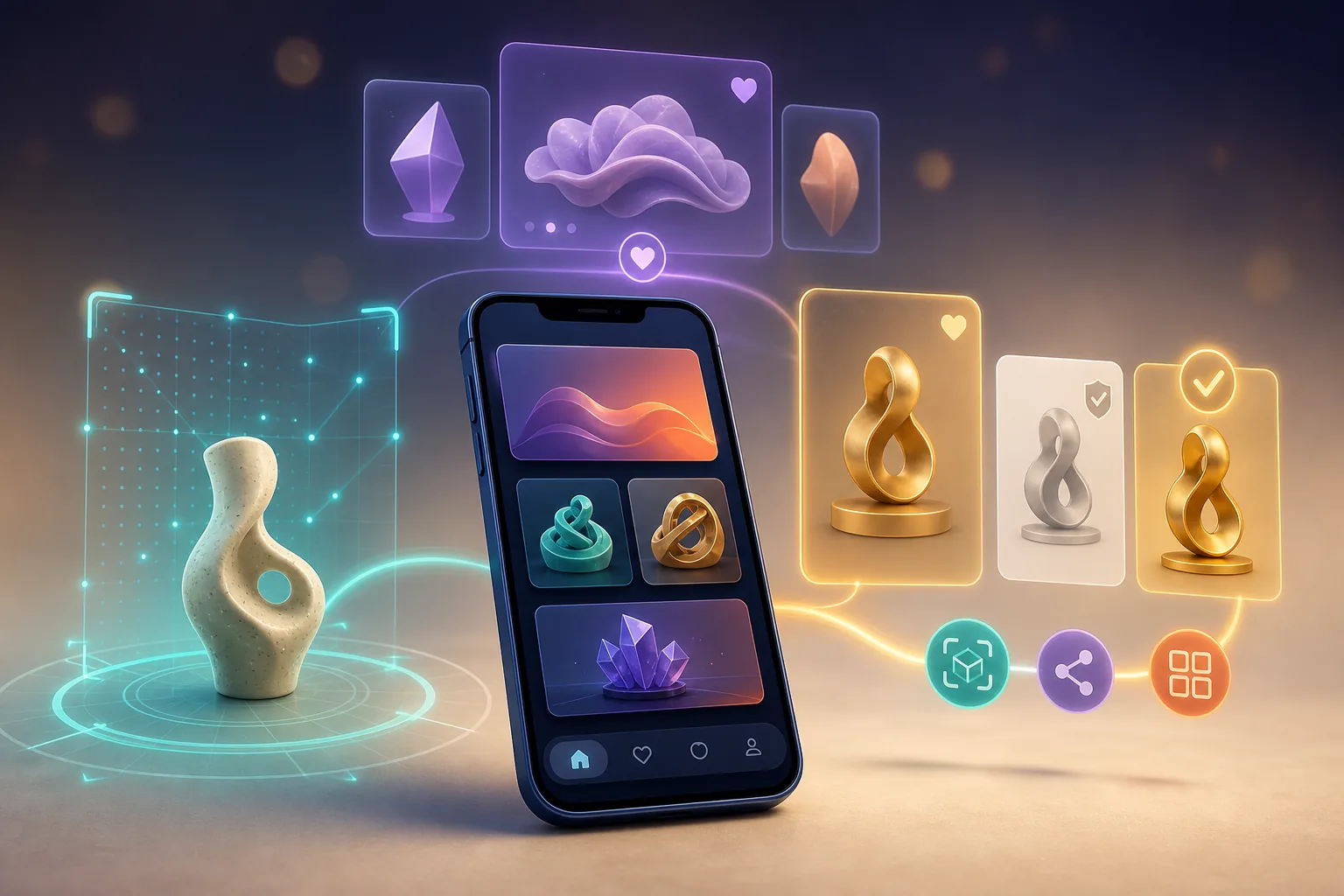
TL;DR: The update package introduces a rebuilt AR experience with photo and video capture, a personalized Home screen and a clearer purchase process. After a purchase, direct actions such as viewing in AR and sharing should be easier to access. If features are missing, first check the app version, restart the app and look for a store update.
What Is Included in VeVe Update 2.0.41?
VeVe announced the new features on June 30, 2026. The iOS version at the time, 2.0.41, listed the package in its release notes; Google Play also describes the new AR experience, improved purchase process and personalized discovery.
As of the July 14, 2026, review date, iPhones may already display a newer version number. The US App Store now lists version 2.0.42, whose description mentions the same core feature package. That does not mean 2.0.41 was incorrect: the June 30 version marked the original rollout, while a subsequent version may include adjustments or bug fixes.
- New AR: redesigned controls, smarter editing, and integrated photo and video capture.
- Personalized Home screen: curated recommendations, favorite brands and content tailored more closely to the user.
- New purchase flow: more item details before confirmation and direct actions after a successful purchase.
- Social connections: content and collecting experiences should be easier to discover and share.
The changes work together. A collectible can be discovered on the Home screen, reviewed through the new detail and purchase view, and then opened in AR or shared without a lengthy detour.
The New VeVe AR Experience at a Glance
Augmented reality has long been one of VeVe’s key differentiators. According to VeVe, the AR experience was rebuilt from the ground up with this update to make placement, editing and capture more accessible.
The practical difference is less about a single button and more about the overall workflow. Collectors should be able to open an item, position it in their surroundings, edit the scene and capture the result directly as a photo or video.
Where Can I Find the New AR Experience?
The most direct entry point is the detail view of a compatible collectible. After opening the item, an AR action should be available if the object supports it and the required files have been downloaded.
A direct AR action may also appear after a new purchase. This removes the previous detour through multiple collection areas when collectors want to try out a newly purchased item immediately.

Quick Start for Your First AR Scene
- Open a compatible collectible in the detail view.
- Launch the AR feature and grant the app camera and media access if needed.
- Move the smartphone slowly so the app can detect suitable surfaces.
- Start by placing the collectible without building an elaborate scene.
- Test its position, scale and viewing angle.
- Then use the integrated photo or video capture.
- Before sharing, check the result for any unwanted private details in the background.
For the first test, use a clear, well-lit surface. Highly reflective surfaces, low light or rapid camera movement can make detection more difficult, regardless of how well the collectible itself is rendered.
What Does Smarter Editing Mean?
VeVe describes a more intuitive experience and smarter editing. However, this should not be taken to mean that every placement will work perfectly automatically or that all older collectibles will receive identical capabilities.
The exact functionality may depend on the item, device and supported AR behavior. For dioramas or objects with special interactions, it is therefore still worth checking the individual item description.
Personalized Home Screen: What Is Changing?
The Home screen is no longer intended to show only a largely general selection. VeVe names curated recommendations and favorite brands as key parts of the new discovery experience.
For active collectors, this can shorten daily navigation. Someone who frequently engages with Marvel, Disney or Star Wars, for example, should be able to reach relevant content faster without manually searching the entire platform each time.
How to Influence Your Recommendations
VeVe does not publish the full weighting logic behind its recommendations. However, it is clear that favorite brands play a role in the personalized interface.
- Only favorite brands you genuinely want to follow regularly.
- Remove old favorites if the Home screen displays too much irrelevant content.
- Open relevant brand and item pages directly instead of only scrolling through every recommendation.
- Continue using Search, Wishlist and Collection as your own tracking tools.
- Always check Drop details and terms on the full detail page.
A recommendation is not an assessment of a collectible’s value. It only means that VeVe considers the content potentially relevant to that particular profile. Purchase decisions should still be based on the brand, design, edition, personal collecting goals and available budget.
Collectors who want to organize their watchlist independently of the Home screen can find a suitable routine in the VeVe Wishlist and Watchlist Guide.
The New Purchase Flow, Step by Step
The redesigned purchase process is intended to display more information directly on the item and make the next steps after a purchase clearer. This is particularly helpful during time-sensitive Drops, but it does not replace reviewing the actual product details.
1. Open the Collectible and Read the Details
Before purchasing, use the new detail view to check the item name, series, edition type, rarity and any other available information. The key is to make sure the selected item actually matches your collecting goals.
For Market listings, also verify which listing and mint number have been selected. A more modern interface does not automatically prevent an accidental tap or confusion between similar variants.
2. Check the Price and Purchase Method
Check the displayed amount again immediately before confirming. This is especially important when switching between the Store, a Drop and the secondary market or when opening several listings in succession.
Collectors who purchase Gems through different methods should consider app store rules and possible differences between the app and website separately. Our article on app store fees and payment methods provides additional context.
3. Confirm the Purchase
Immediately before confirming, check the item, price and available Gem balance. During a Drop, Waitlist, reservation or payment windows may also apply, and these are not removed by the app update.
If the process is interrupted, do not immediately confirm multiple times. First check your Collection, Gem balance and any purchase confirmations so you do not overlook a transaction that has already been processed.
New to VeVe and want to test the purchase flow yourself? The VeVe Signup and Starting Credit Guide covers the key steps for getting started. Qualifying new signups currently receive $10 in free starting credit; check the terms and availability before registering.
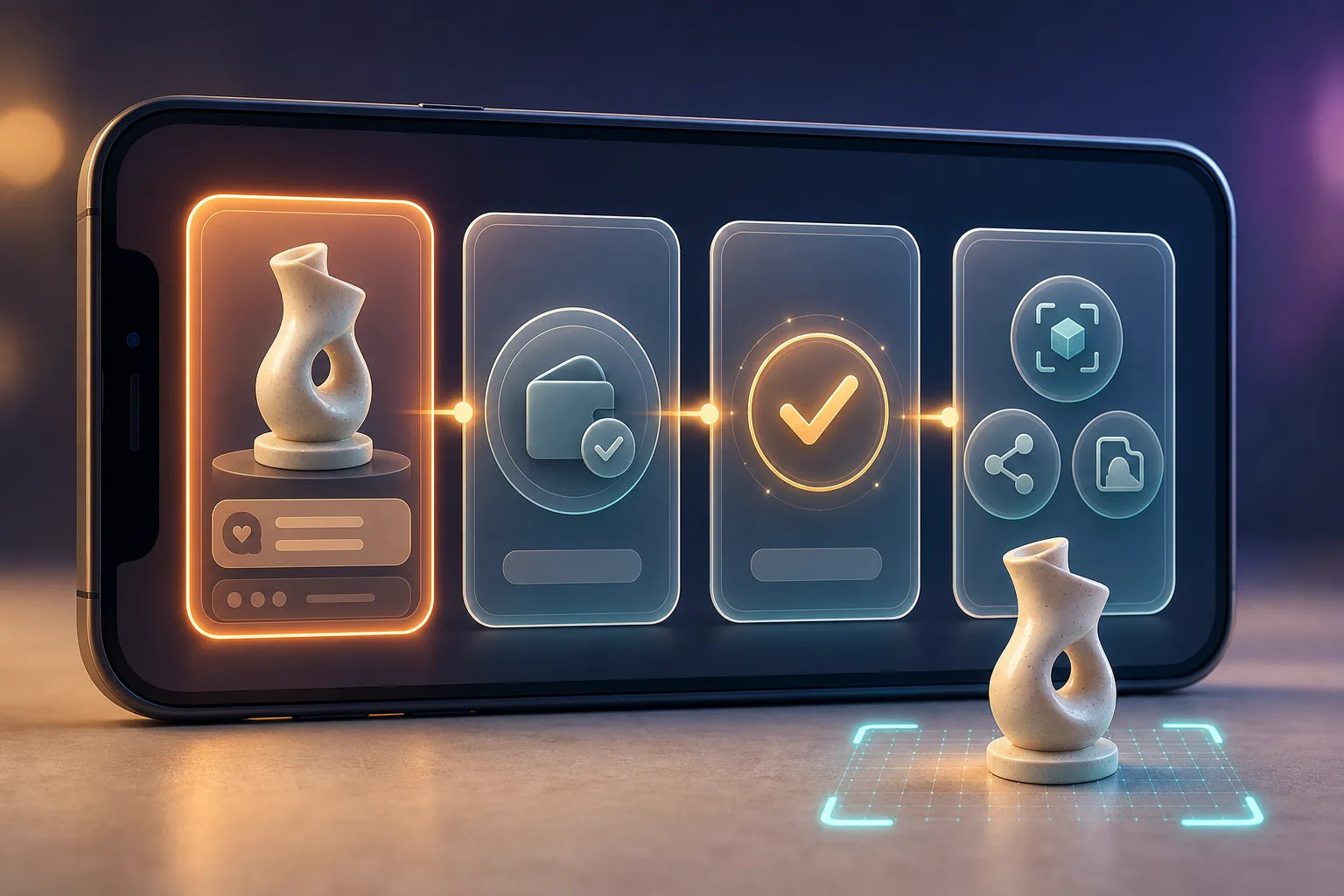
4. Direct Actions After Purchase
According to the release notes, the app may offer immediate actions after a successful purchase. These include opening the collectible in AR and sharing the item.
For collectors, this is more than a visual change. The moment after purchase shifts from a simple confirmation to an entry point for actually using the item: viewing it, displaying it, sharing it or going to the Collection.
What Collectors Should Check Before Their Next Purchase
- Item identity: Are the name, variant and series correct?
- Purchase source: Is it from the Store, a Drop or the Market?
- Price: Is the displayed Gem amount what you expected?
- Mint number: Was the desired edition selected for the Market purchase?
- Item details: Are animations, AR features or other properties explicitly described?
- Budget: Does the purchase fit your predetermined collecting budget?
- Record: Is the transaction visible in your Collection or history after purchase?
The more detailed interface can support better decisions, but it does not make those decisions for collectors. Especially when listings change quickly, a brief review is often more valuable than completing the purchase as fast as possible.
Missing a Feature? Try These Steps
A phased rollout may mean that friends or community members can already see a new view while it is still missing on your device. iOS and Android may also not display exactly the same version on the same day.
1. Check the Installed Version
Open the Apple App Store or Google Play Store and search directly for VeVe. If an update is available, install it through the official store.
Do not rely solely on automatic updates. Depending on your device and store settings, these may run later or wait for a Wi-Fi connection.
2. Fully Restart the App
Close VeVe completely and reopen the app. This reloads the interface and available configurations, which may be enough if a feature has already been enabled.
3. Restart Your Device
If the old interface remains or AR behaves unexpectedly, restart your smartphone. This simple step closes background processes and may resolve camera or storage issues.
4. Check Permissions and Storage
AR requires camera permissions in particular. Photo or media access may also be required for photo and video capture.
Also check that enough free storage is available. High-quality 3D files and video recordings may require more space than a standard item view.
5. Reinstall Only After Preparing Your Login
Reinstalling is a reasonable later step, but it should not be the first measure. Before doing so, make sure you have access to the registered email address, your password and any required login confirmations.
After installation, use only your existing account and do not create a second account as a supposed test. If the issue continues, document the device, operating system, app version and error message for Support.
The Guide to Contacting VeVe Support explains how to create a useful ticket.
Common Mistakes After the Update
Confusing Recommendations With Buying Recommendations
The personalized Home screen is intended to improve discovery. It does not predict whether a collectible will be in demand on the Market or maintain its price.
Only Skimming the Item Details
A smoother purchase process can encourage faster decisions. Careful review remains essential, especially with similar variants, mint numbers or Market listings.
Assuming AR Compatibility
Not every item necessarily has the same editing, animation or placement features. The available in-app actions and the description of the individual collectible are what matter.
Immediately Buying Again After an Error
If a confirmation stalls, check the actual status first. Tapping multiple times can make the situation more confusing, especially if the first request has already been processed.
Reinstalling Without Login Details
Deleting the app without preparing your login can quickly turn a display issue into an account issue. Check your login details first and save any relevant screenshots.
VeVe App Update FAQ
Is Version 2.0.41 Still the Current Version?
Version 2.0.41 was released on June 30, 2026, with the new feature package. As of July 14, 2026, a subsequent version may already be displayed depending on the platform and region; in the US App Store, this is version 2.0.42. What matters is therefore not only the version number, but also whether the store offers another update.
Why Does My Home Screen Look Different From Other Users’?
Possible reasons include platform differences, a phased rollout, different app versions or personalized content. Check the app store first, then restart the app.
Can I Completely Reset the Recommendations?
A complete reset feature is not described in the reviewed announcements. However, you can review your favorite brands and adjust the available personal settings.
Does the New AR Experience Work With Every Collectible?
The general AR interface has been redesigned, but the exact functionality may depend on the individual collectible. Check which actions are offered directly in its detail view.
Does the New Purchase Flow Change the Drop Rules?
No. A new purchase interface does not automatically change a Drop’s terms. Waitlist, Auto-Pay, limits and other rules must still be checked in the relevant announcement or app view.
What Should I Send Support if I Encounter an Update Error?
Helpful details include the app version, device, operating system, time, exact error message and screenshots. For a purchase issue, also document the item, displayed price and visible transaction status without sharing passwords or security codes.
Conclusion: An Update for the Entire Collector Journey
VeVe Update 2.0.41 is particularly relevant because it connects discovery, purchasing and use. The personalized Home screen is intended to surface relevant content faster, the new purchase flow provides more context, and the redesigned AR experience makes the step from a purchased item to your own scene more direct.
Collectors should still combine the more convenient experience with a deliberate review routine. Recommendations are not value judgments, a quick purchase confirmation does not replace checking the details, and new features may appear at different times depending on the platform.
If you want to try VeVe with the new app experience, you can register through Sign Up for VeVe With $10 in Starting Credit. Qualifying new signups receive $10 in free starting credit. VeVeInsider may receive a commission; there is no additional cost to you, and you receive $10 in free starting credit.
Sources