Spaces, Showrooms, and Digital Collectibles
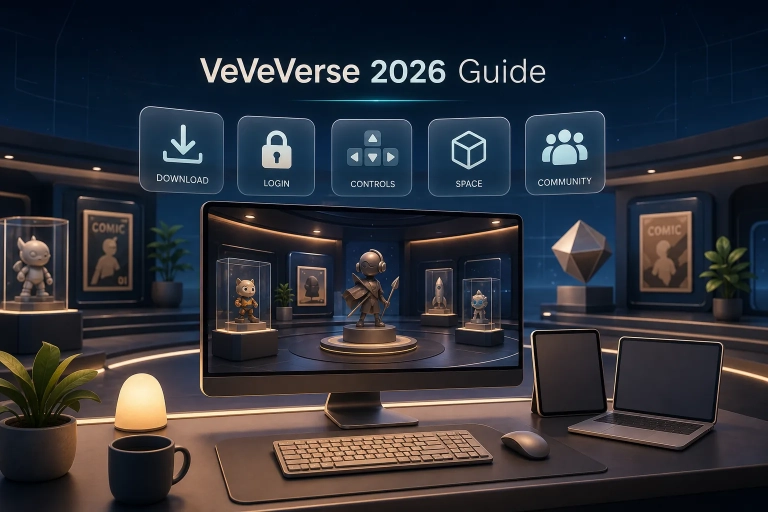
In short: VeVeVerse is VeVe’s desktop world where you can build your own Spaces, display supported digital collectibles and comics, and invite other users. For collectors, it is primarily an interactive showcase: Showrooms, lighting, decor, and social features expand on what is possible in the standard VeVe app.
Tip: If you are new to VeVe, the new-user credit guide explains how to sign up and access the offer of 10 Gems for eligible new users. (Advertising/affiliate disclosure)
What Is the Metaverse?
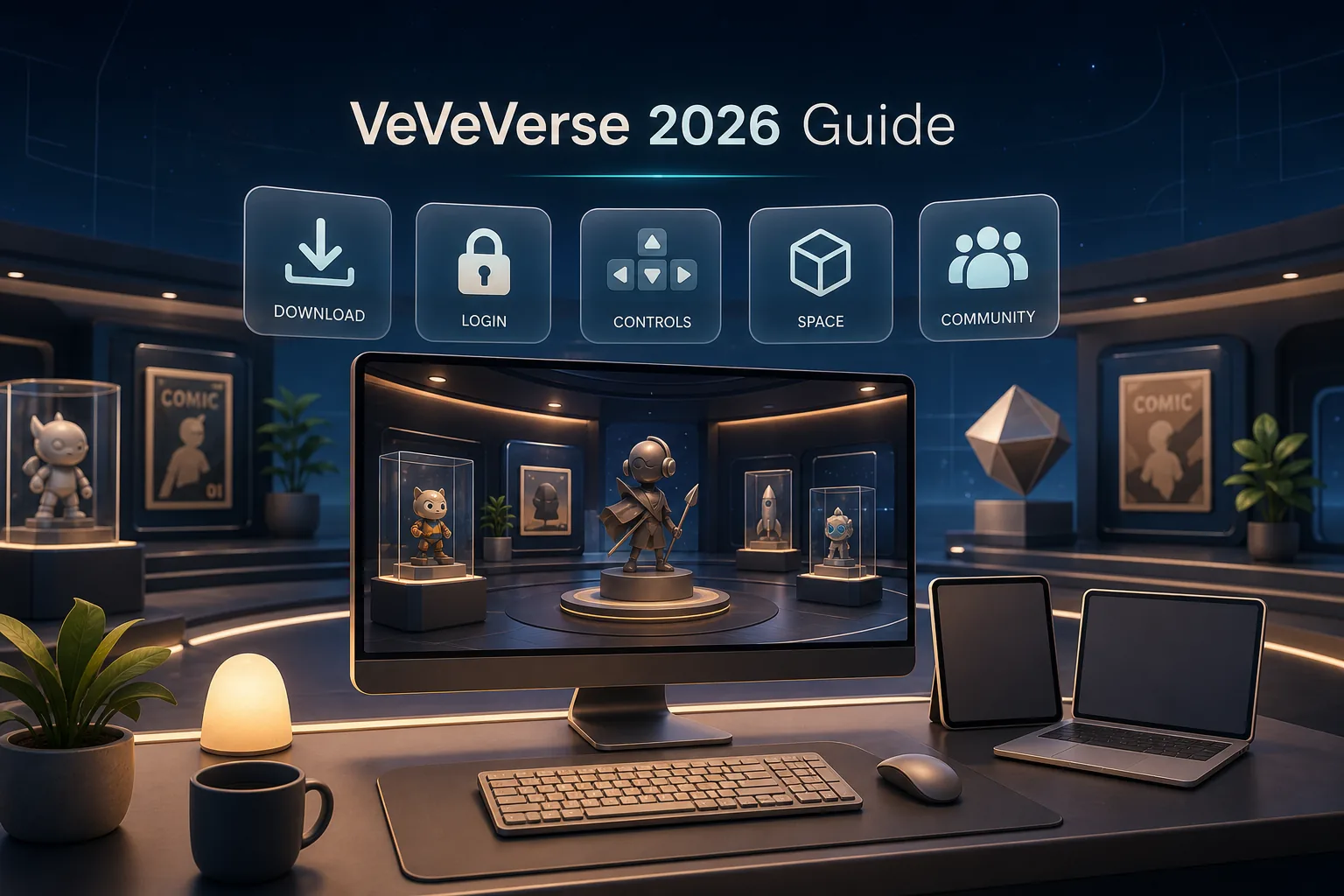
The metaverse is an umbrella term for digital spaces where people can interact through avatars, create content, and use virtual objects. It is not a single platform, but a range of virtual worlds, each with its own features and rules. VeVeVerse applies this concept specifically to digital collections and virtual exhibitions.
What Is VeVeVerse?
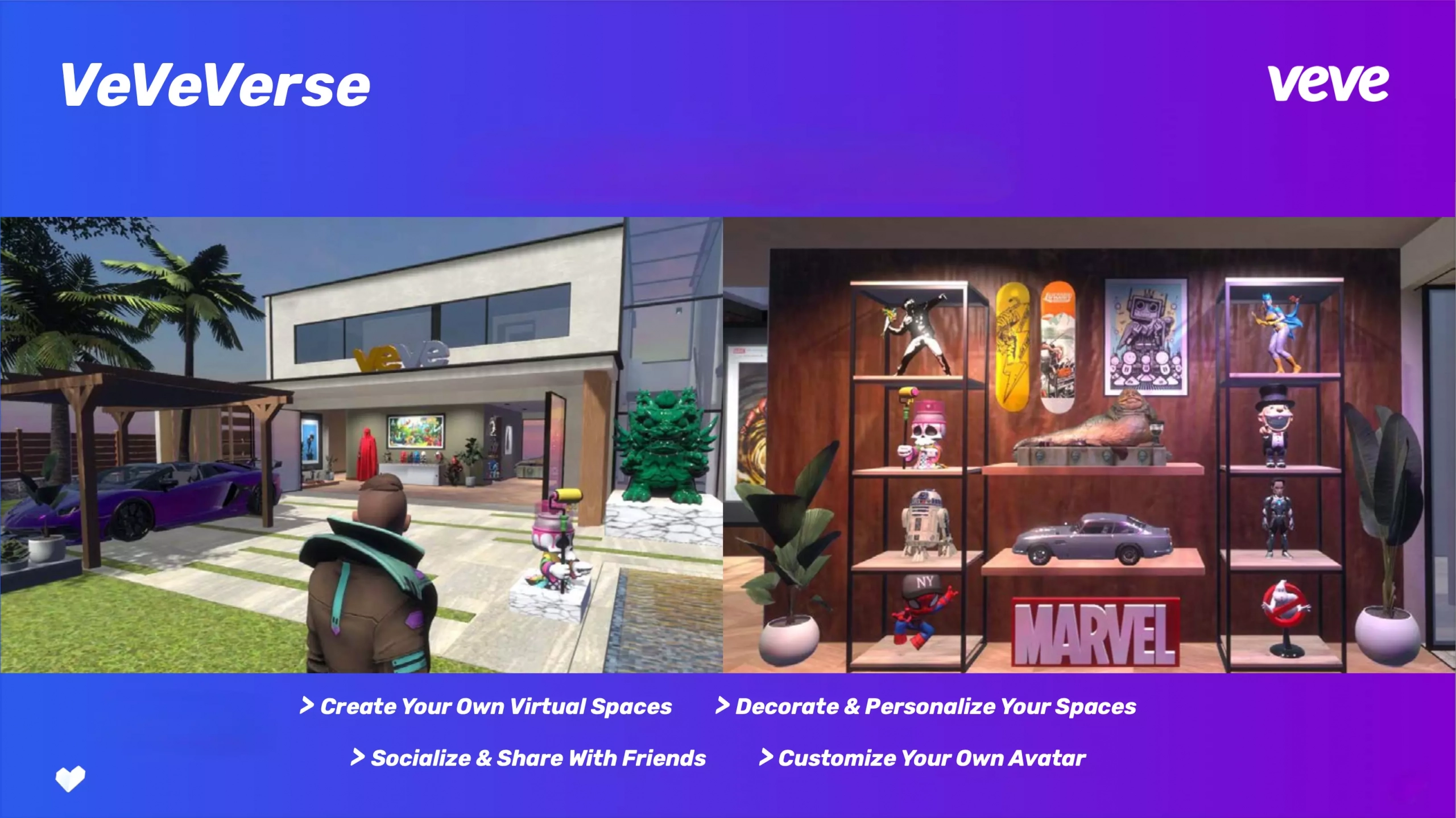
VeVeVerse is VeVe’s virtual showcase and creative world. You can create personalized Spaces such as Home, Villa, Convention Hall, Warehouse, or Empty Space; display supported collectibles and comics; and customize lighting, materials, and decor. Social features include text, audio, and video chat, member roles, and Stream Boards for videos and exhibit notes.
- Windows and Mac: VeVeVerse is currently available as a desktop application. VeVe recommends 16 GB of RAM for high graphics settings; lower settings may be necessary on less powerful systems.
- Multiple Spaces: You can create different rooms for brands, themes, or areas of your collection and archive Spaces you no longer need.
- Supported content: Many collectibles and comics are already available. However, some items may not yet appear in the VeVeVerse library.
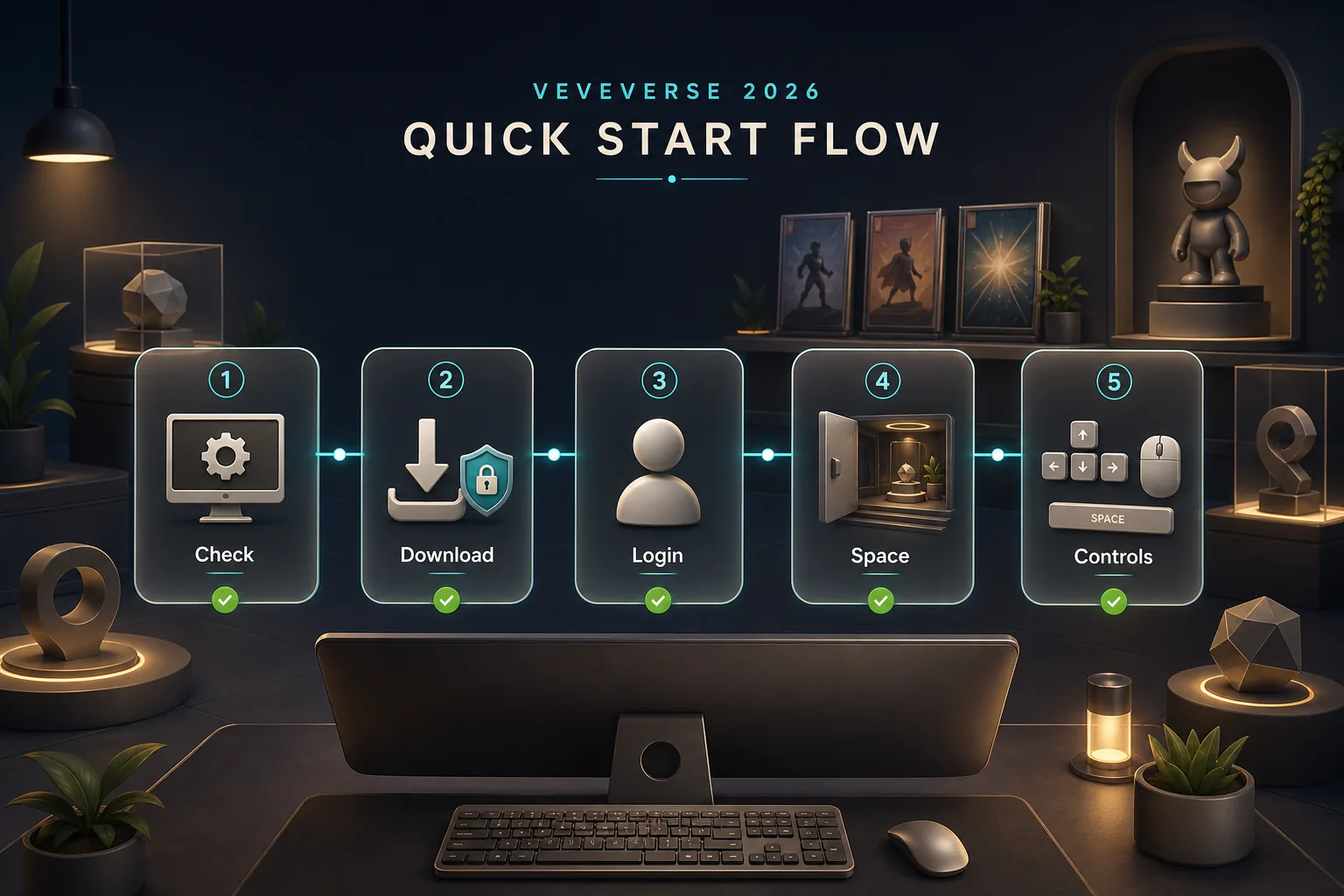
For more detailed instructions on downloading, controls, and setup, see the 2026 VeVeVerse Beginner’s Guide.
What Makes VeVe and VeVeVerse Stand Out?
1) Officially Licensed Brands
VeVe releases digital collectibles and comics from major brands such as Disney, Marvel, Star Wars, DC, and Lamborghini. New releases are offered as Drops. For many collectors, much of the appeal comes from being able to display officially licensed pieces from different brands in one collection.
2) Augmented Reality and Showrooms
Using the VeVe app’s AR features, you can place compatible collectibles in your real-world surroundings and take photos or record videos. VeVeVerse is a separate experience: It provides a more expansive desktop environment where you can build virtual spaces in greater detail and share them with others.
3) Social Experiences and Collaborative Design
VeVeVerse makes collecting social: You can invite other users into a Space, assign roles, and work together on an exhibition. Text, audio, and video features, along with Stream Boards, support virtual meetups, community spaces, and digital exhibitions.
4) Comics and Artwork
In addition to 3D collectibles, supported digital comics and artwork can be incorporated into collections and exhibitions. Comics can be read in VeVe’s designated readers and displayed as collectibles, while artwork ranges from editions to one-of-one pieces.
5) Platform Rules and Security
VeVe manages purchases, collections, and access within its own ecosystem. Use official channels only for downloads, login, and support, and do not treat collectibles as guaranteed investments. Prices on the secondary market can fluctuate, and features or eligibility requirements may change.
How Do You Buy Collectibles in the VeVe Ecosystem?
In VeVe, you buy Gems to use for Store Drops or purchases on the VeVe Market. Gems are platform credits, not cryptocurrency, and under the current terms they can neither be transferred between users nor cashed out into fiat currency. Depending on support, purchased collectibles can be displayed in AR or VeVeVerse.
When getting started, it is therefore important to buy Gems only through official channels, set a budget in advance, and review the price, item, variant, and any potential fees before each Drop or Market purchase.
How to Place Collectibles in VeVeVerse
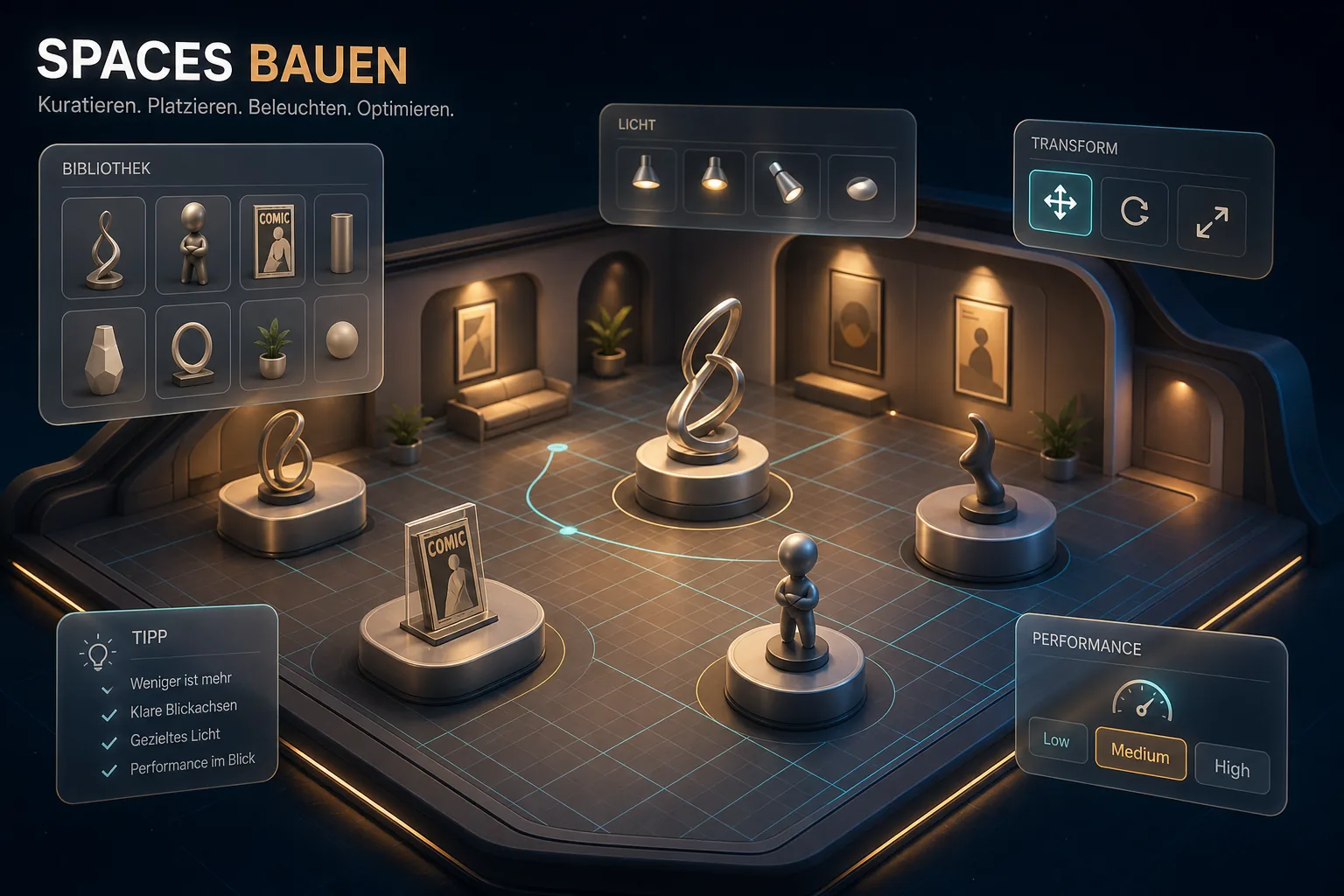
- Create a Space: Choose an available template such as Home, Villa, Convention Hall, Warehouse, or Empty Space.
- Open your content: Under “Content,” you will find supported collectibles and comics, along with elements such as lights, stairs, shapes, and vegetation.
- Place and transform: Objects can be scaled, rotated, and moved. Material options let you refine the design further.
- Set the lighting and mood: Use light sources and shadows to highlight individual exhibits and guide the viewer’s eye.
- Invite members: Assign appropriate roles and use the available text, audio, or video features, as well as Stream Boards and notes.
- Use AR separately: To take photos and record clips in real-world surroundings, open compatible collectibles in the VeVe app.
Examples: What Collecting Can Look Like in VeVeVerse
- Marvel gallery: In a Villa, you can group comic covers and 3D figures by character or series and add matching lighting.
- Star Wars Showroom: Troopers, droids, vehicles, or movie props can be staged on display stands and enhanced with notes or video content.
- Lamborghini garage: Digital vehicles can be displayed as a virtual garage in a Warehouse or Empty Space using walls, lighting, and decor.
More Depth for Collectors: MCP and Crafting
- MCP (Master Collector Program): The MCP includes points, levels, and ranks for collectors. Any associated benefits or access requirements depend on VeVe’s current rules and the individual event. Our 2026 MCP Basics article explains the key terms.
- Crafting: During limited-time events, certain collectibles may be required to obtain a new item. Depending on the event, the original items may be burned, retained, or temporarily locked. Always review the specific rules; for a general overview, see our guide to crafting and burn mechanics.
Why VeVeVerse Is Worth Exploring for Collectors
VeVeVerse combines digital collecting with interior design and social features. Instead of simply managing collectibles in a list, you can build themed exhibitions, work with lighting and decor, and invite other collectors. The desktop application offers more creative depth than a basic mobile Showroom view.
Frequently Asked Questions (FAQ)
Is VeVeVerse available now?
Do I need cryptocurrency to get started?
Can I use all my collectibles and comics?
Can I invite other users into my Space?
Is VeVeVerse available on mobile?
Practical Checklist for Your First Space
- Set up your VeVe account and use only the official VeVeVerse download.
- Check your system and graphics settings, then test the keyboard and mouse controls.
- Choose a simple Space template and start by placing only a few collectibles.
- Add lighting, materials, and decor without unnecessarily overcrowding the room.
- Check that all the items you want to use have loaded fully.
- Invite friends if needed and assign the appropriate visitor or editing roles.
- Create AR photos or videos separately afterward using the VeVe app.
Try VeVeVerse for Yourself
If you are interested in digital collectibles, comics, virtual exhibitions, and AR, VeVeVerse offers a creative addition to the VeVe app. It is best to begin with a small Space and expand it gradually once you are familiar with the controls, content library, and graphics options.
Check the VeVe offer for new users – Affiliate disclosure: We may receive a commission if you use our link. There is no additional cost to you. The offer and eligibility requirements may change.