Many VeVe users return after a long break only to find that their account no longer works as expected. The login may suddenly seem unreliable, certain features may be unavailable, or everything may simply look “locked” even though there is no suspected rule violation.
This is where it helps to distinguish between the different terms. An account that appears dormant is not automatically restricted or disabled. Most importantly, panic rarely helps—but a clear plan almost always does.
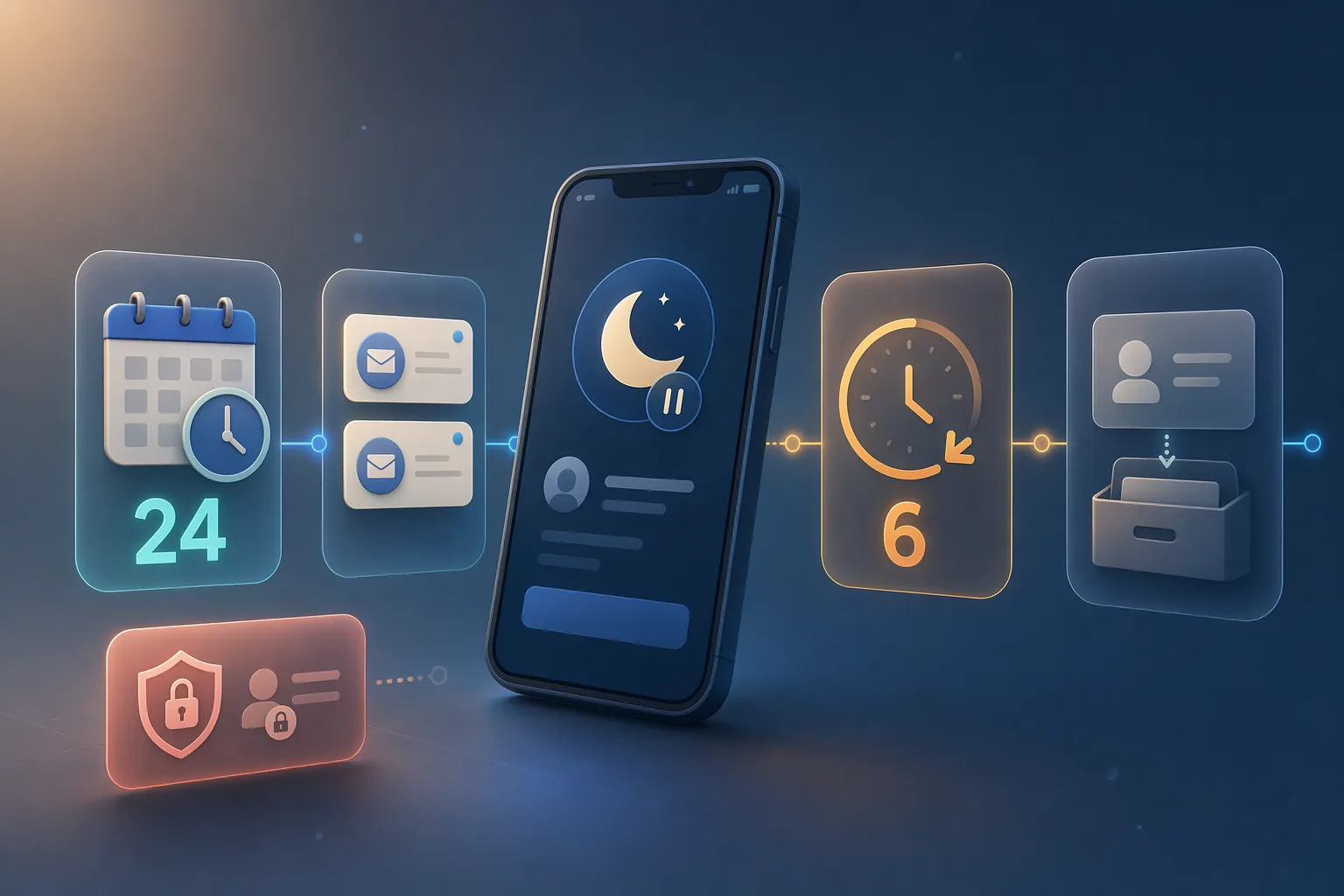
TL;DR: VeVe explicitly defines a dormant account policy in its November 2025 Terms of Use. An account is considered dormant after 24 months of inactivity. VeVe will provide notice by email at least twice. If activity does not resume within 6 months of the first notice, VeVe may close the account. For many collectors, the most important practical rule is simple: log in regularly, maintain access to your email, and handle any issues methodically rather than rushing.
What a Dormant Account on VeVe Really Means
A dormant account is first and foremost an inactivity issue. It is not primarily about fraud, Market manipulation, or security violations. It means that an account has not been used for a very long time.
It is also important to distinguish this from the everyday language used in the community. When someone says their account is “locked,” that could mean many things: a missed dormant account email, an old password, lost email access, 2FA issues, or an account status with more serious restrictions. Dormancy is only one possibility.
Dormant vs. Restricted vs. Disabled
If you assume the wrong account status, you will start with the wrong solution. That is why it is important to separate these terms clearly.
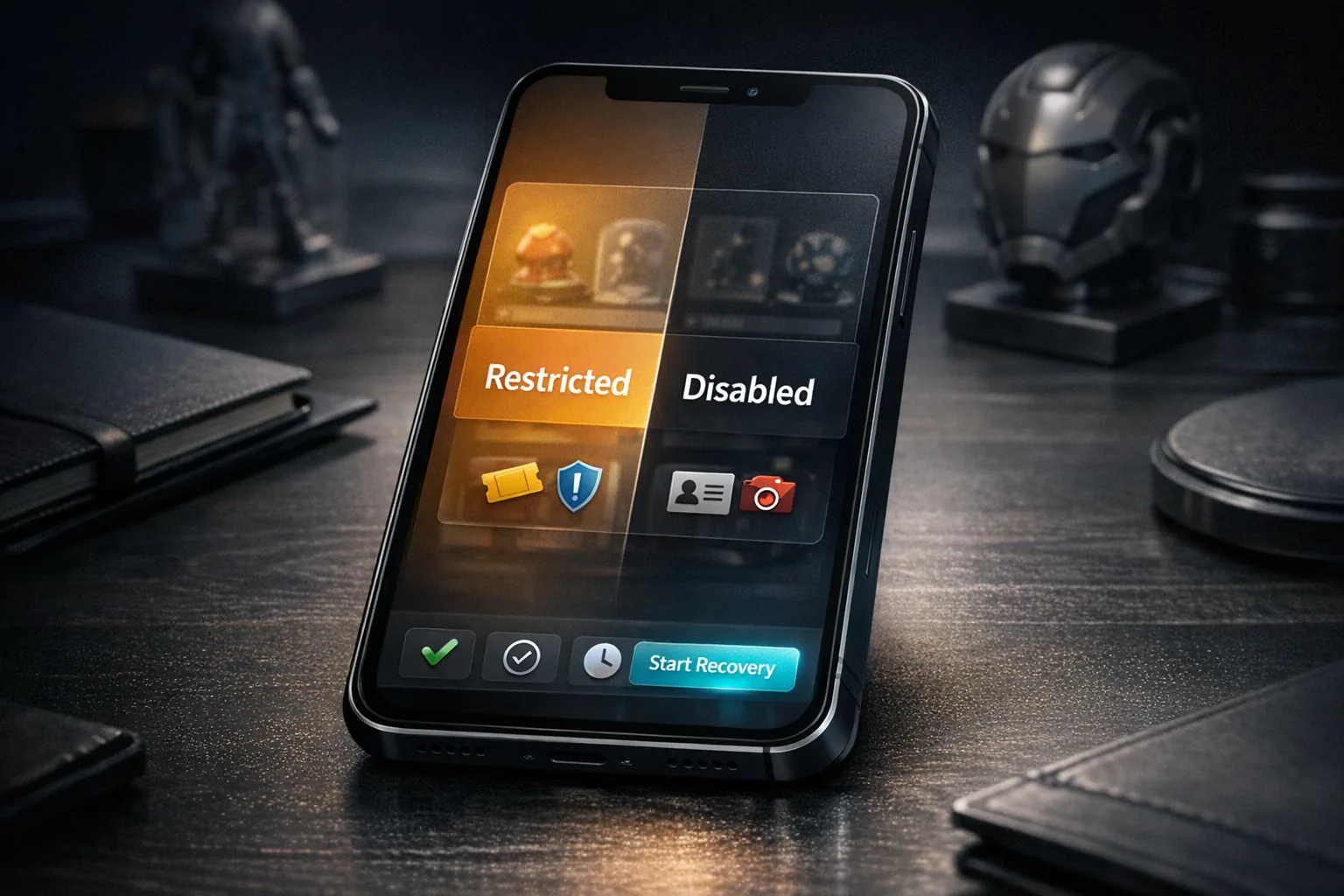
Dormant
The trigger is prolonged inactivity. The focus is on deadlines, notifications, and reactivation through renewed account use.
Restricted
Restricted usually points more toward security, verification, or compliance issues. Limited features rather than normal account access are typical. If you suspect this status, see our guide to Restricted Access and Disabled Accounts.
Disabled
Disabled is the much more serious status. This is generally no longer a matter of simple inactivity, but a more extensive suspension or account closure.
Remember: Dormancy is not automatically an accusation. Restricted or Disabled statuses, however, may be much more closely connected to risk, policy, or verification issues.
The Timeline: Which Deadlines Actually Apply?
For collectors, the sequence matters most. An account is not immediately gone just because it has been inactive for a long time, but there are clear stages of escalation.
- After 24 months without activity: The account may be considered dormant.
- Email notification: VeVe will provide notice of the dormant status at least twice.
- Reactivation window: You have 6 months from the first notice to resume activity.
- If no action is taken: VeVe may close the account after this window.
The key word here is may. The Terms do not describe an automatic process that happens at an exact second. Instead, they define a legal process involving notifications and an additional window of time.
What Counts as Activity?
VeVe has also publicly stated that you should log in at least once every two years to prevent your account from becoming dormant. In practice, this is the most important minimum requirement.
From a collector-first perspective, do more than casually open the app. Log in properly, briefly check your profile or collection, and make sure you still have access to your email. This small routine can prevent a lot of frustration later.
New to VeVe? If you sign up through our link at no additional cost to you, the current signup credit guide states that you will receive a $10 signup credit.
Quick Start: How to Reactivate a VeVe Account Safely
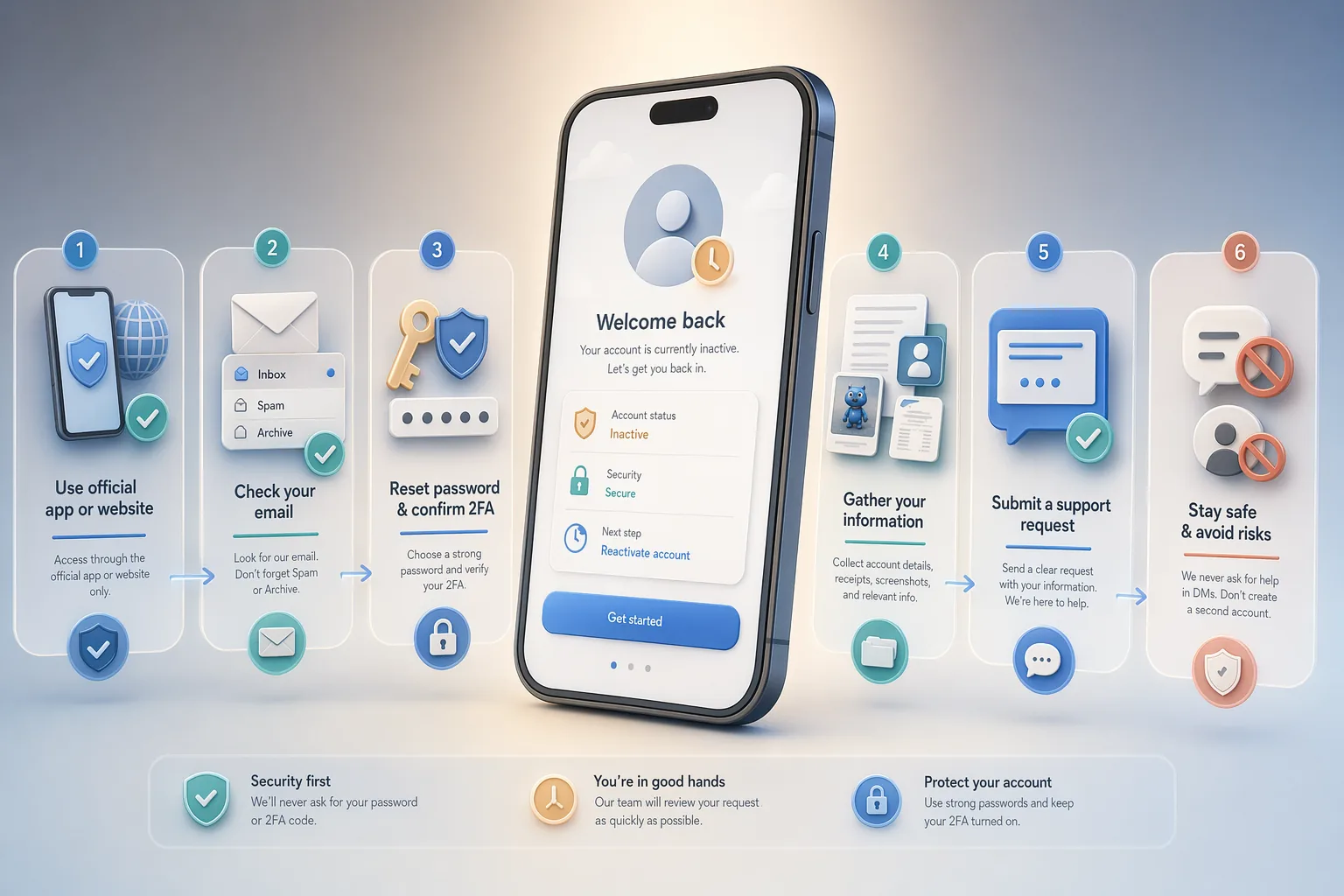
If your account behaves unexpectedly after a long break, take a structured approach. Do not rush—do it carefully.
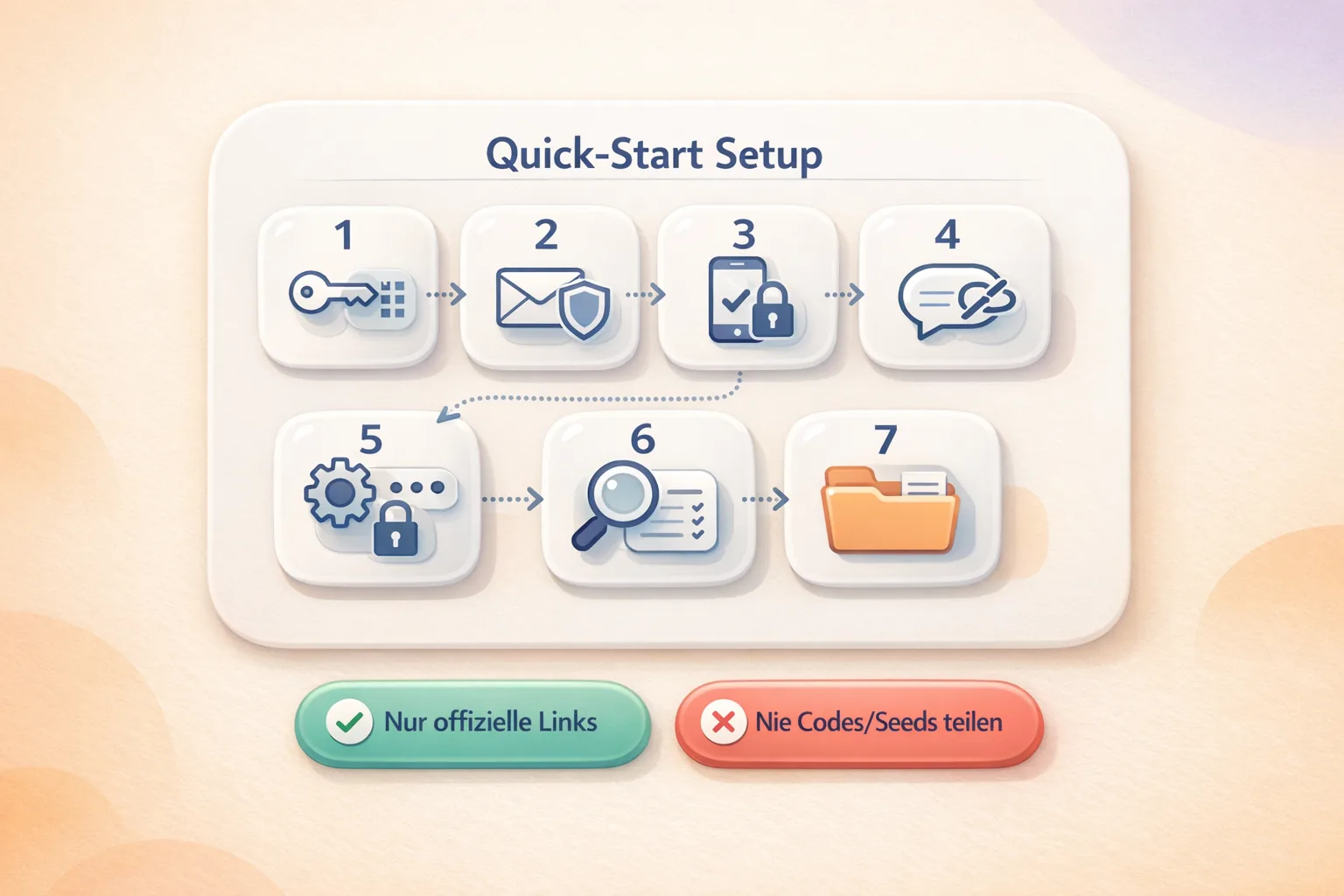
- Step 1: Use only the official VeVe app or official VeVe website. Do not use DMs, redirects from chats, or unofficial support links.
- Step 2: Check your email inbox thoroughly. Review spam, archived messages, old folders, and email filters. In dormant account cases, email access is often the real bottleneck.
- Step 3: Carefully test the password reset process and a normal login. Many apparent dormancy issues turn out to be old login credentials or a device change.
- Step 4: Check whether your 2FA, email access, and device security are still up to date. If you want to review your entire setup, see our 2026 VeVe Beginner’s Guide.
- Step 5: Gather documentation: your username, registered email, approximate date of your last login, purchase receipts, error messages, and screenshots.
- Step 6: Open a concise, factual Support ticket. Explain that your long-unused account appears potentially dormant and list the steps you have already tried.
- Step 7: Do not rush to create a second account or accept “help” through DMs. That often creates more problems than it solves.
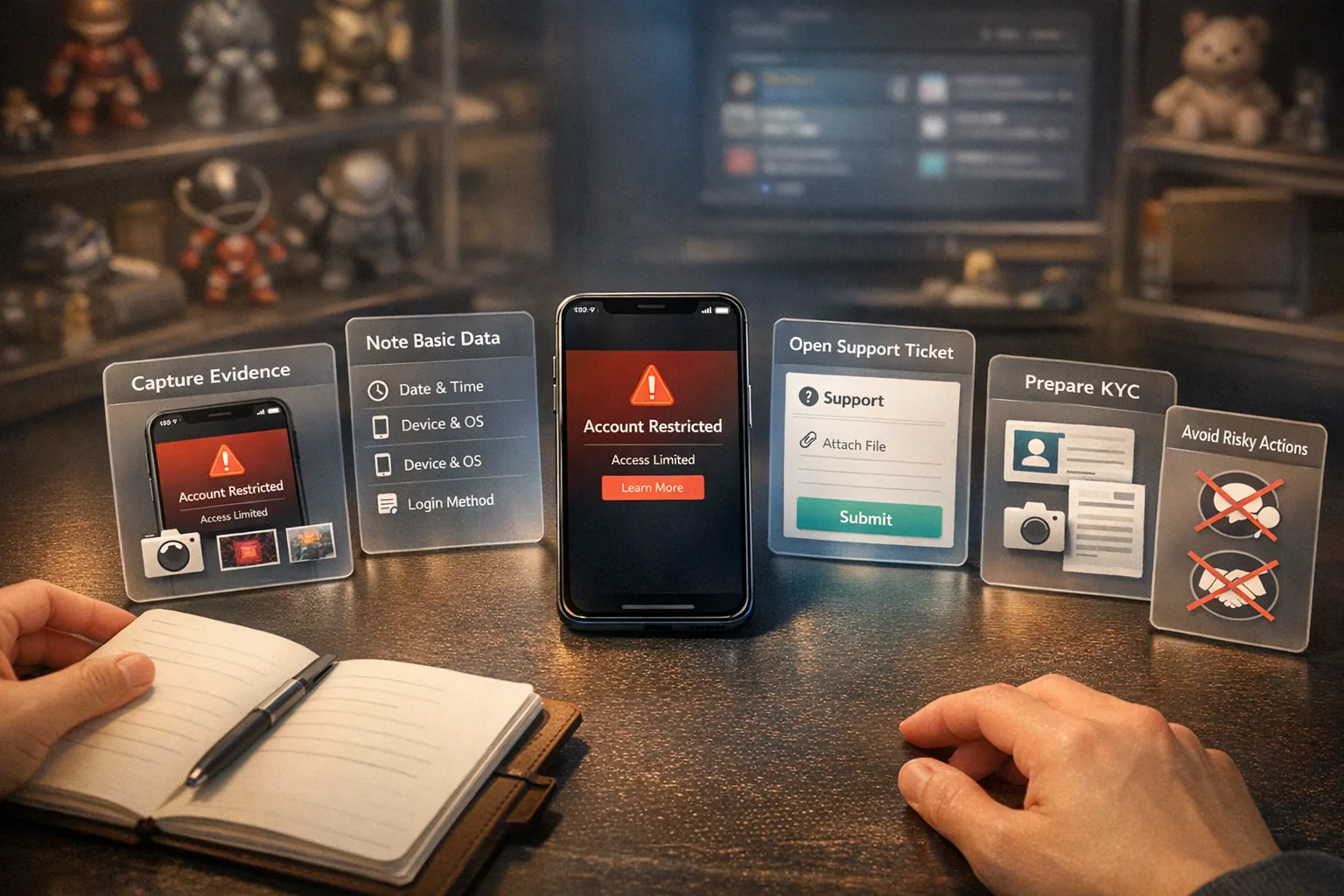
If your case also involves identity verification, our 2026 VeVe KYC Guide is the best companion resource. Dormancy and KYC are not the same, but they may overlap in real Support cases.
How to Write Your Support Ticket
Support needs clear facts, not a novel. The easier your case is to review, the better.
Example: Hello VeVe Support, I am trying to reactivate an account that I have not used for a long time. The registered email is … My account currently appears locked or is not fully accessible. I suspect that it may have been marked dormant after a prolonged period of inactivity. I have already tried resetting my password and logging in. I have attached screenshots and previous purchase receipts. Please check whether the account can be reactivated and let me know which steps you need me to complete.
That is usually all you need. Brief, precise, and supported by documentation is almost always better than an emotional, lengthy message.
Prevention: How to Keep Your Account From Becoming Dormant
The best dormancy strategy is uneventful: follow a simple maintenance routine. For collectors, a calendar reminder every 6 to 12 months is much better than thinking only about a strict 24-month limit.
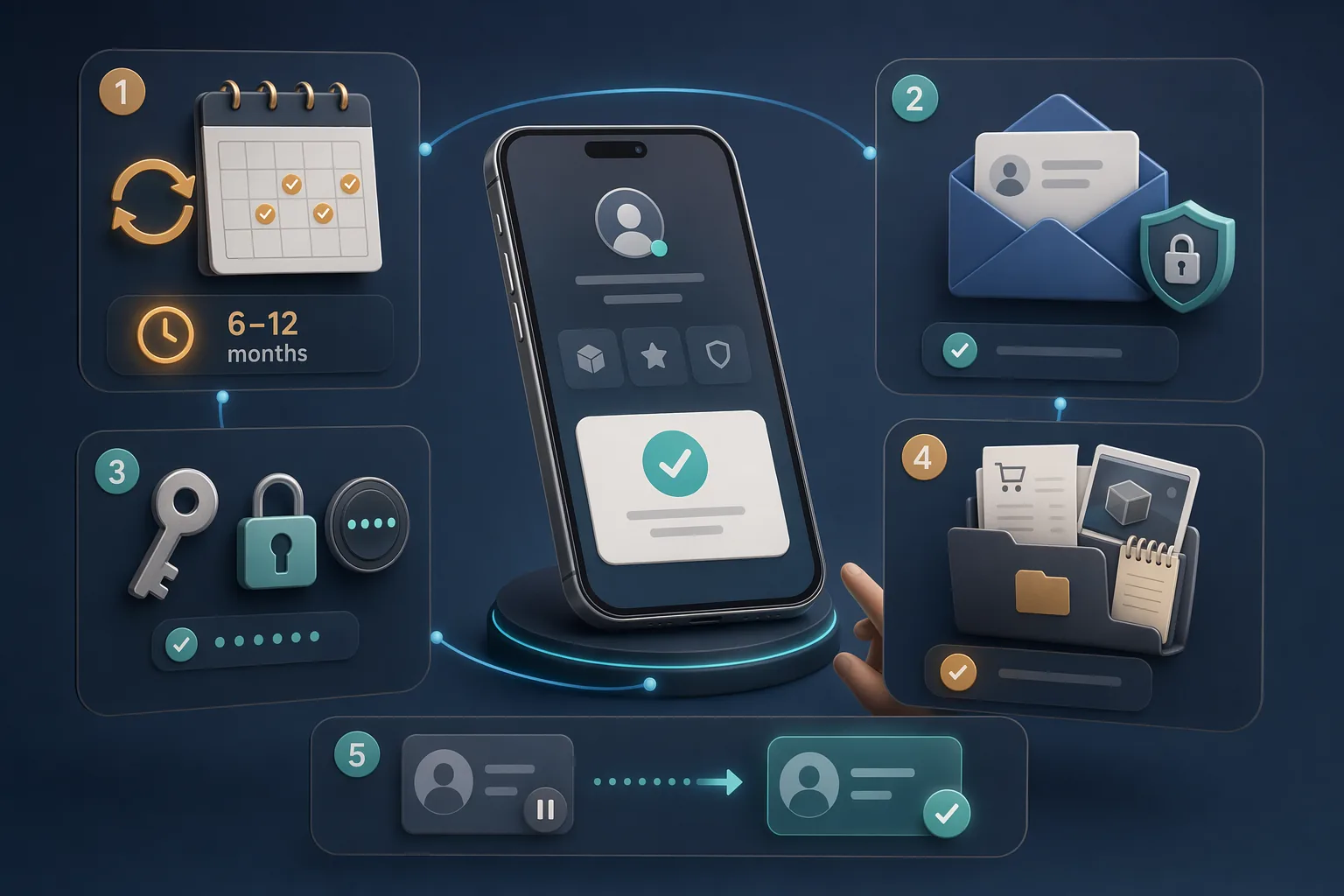
The minimum routine is simple: log in, check your email, keep track of your password and 2FA status, and make sure important purchase receipts do not get lost. If you want to strengthen your account basics, also read VeVe Beginner Mistakes & Fixes.
Collector Checklist
- Your registered email still works and is actively used.
- You have set a personal routine to log in at least once a year.
- Your password is current, strong, and not reused.
- Your 2FA, device passcode, and email security are properly maintained.
- Your purchase receipts, invoice emails, and important screenshots are backed up.
- You never log in through links from DMs, Discord, or third-party websites.
- If there is a problem, first determine the account status: dormant, restricted, or disabled.
Key Terms Explained
- Dormant: An account that enters dormant status after a prolonged period of inactivity.
- Restricted: An account with blocked or limited features.
- Disabled: An account that is subject to much more serious restrictions or has been deactivated.
- Activity: In the context of dormancy, this primarily means resuming use of the account—at minimum, logging in.
- Reactivation window: The 6-month period beginning with VeVe’s first dormant account notice.
- Support ticket: A formal request to VeVe that includes documentation, screenshots, and a clear description of the issue.
Common Mistakes to Avoid
- Confusing dormancy with a penalty: Inactivity is not automatically a rule violation.
- Ignoring notification emails: If you do not maintain your inbox, you may miss the notices that matter most.
- Focusing only on the 24-month mark: In practice, an annual check-in is much less stressful.
- Rushing to create a new account: This often makes it harder to verify ownership of your old account.
- Contacting Support without documentation: Screenshots and purchase receipts can speed up almost any case.
- Accepting help through DMs: Phishing and fake Support are real risks, especially when account access is involved.
- Underestimating email access: The outdated email account—not the VeVe account itself—is often the core problem.
FAQ
Will my VeVe account be automatically deleted after exactly 24 months?
No. Your account may be considered dormant after 24 months of inactivity. Notifications follow, and a 6-month window begins with the first email. Only after that window may VeVe close the account.
Is logging in really enough to prevent my account from becoming dormant?
According to VeVe’s public communications, this is the most important minimum requirement. For added peace of mind, briefly check that your profile, collection, and email access are working properly when you log in.
What if I never saw the dormant account emails?
Your first step should almost always be to check the email account itself. Review spam, archived messages, filters, and old inboxes. If you no longer have access, contact Support directly with as much documentation as possible.
Is Dormant the same as Restricted or Disabled?
No. Dormant refers to inactivity. Restricted or Disabled statuses usually point to other causes, such as security, verification, or policy issues.
Should I create a new account just in case?
Generally, no. As long as you can still clearly establish ownership of your old account, following the proper recovery process is almost always better than starting over with a second account.
Can Support reopen a dormant account or one that appears locked?
Support may realistically be able to help with access and account ownership issues, but help is not guaranteed. Timing, email access, and how well you can prove ownership with documentation are crucial.
Does dormancy automatically affect my collectibles?
Not immediately. Dormancy initially describes your account status due to inactivity. It only becomes critical if the account is actually closed after the notifications and reactivation window.
New to VeVe? If you sign up with our affiliate link at no additional cost to you, the current signup credit guide states that you will receive a $10 signup credit.
Sign Up for VeVe With a Signup Credit
Disclosure: Affiliate link. We may receive a commission at no additional cost to you.
Sources