When you see terms like “Collect Chain”, “migration”, “Phase 2”, or “wallet” around VeVe, the most important question is almost always: Do I need to take action now—or can I simply wait?
Last updated: February 26, 2026 (this hub is updated regularly—see the update log below).
TL;DR
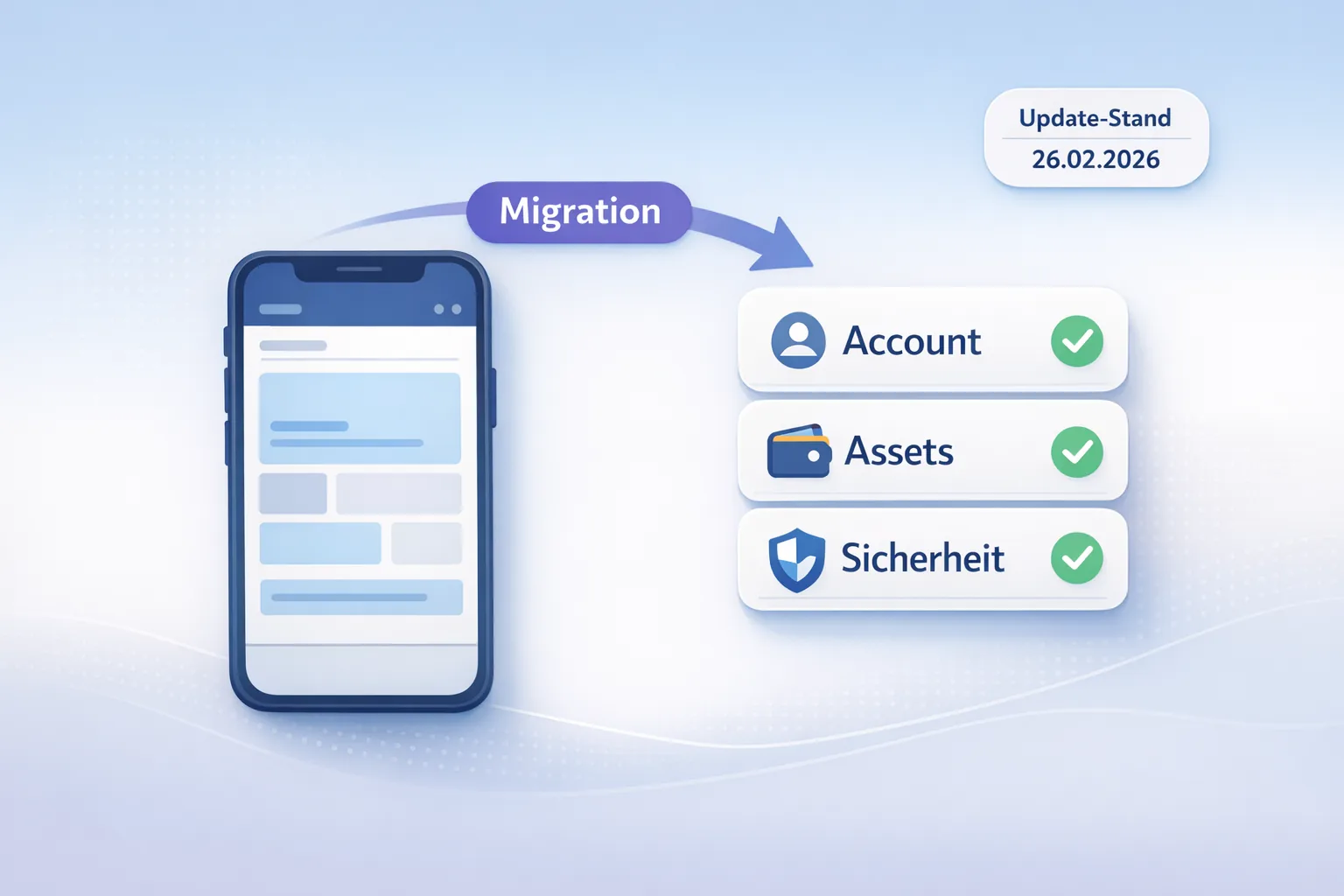
- If VeVe isn’t asking you to do anything, you generally don’t need to click anything blindly. Wait for clear in-app instructions and stick to official channels.
- Your job as a collector: Keep your account secure, record your most important information in an audit snapshot, and briefly check that everything displays correctly after a migration.
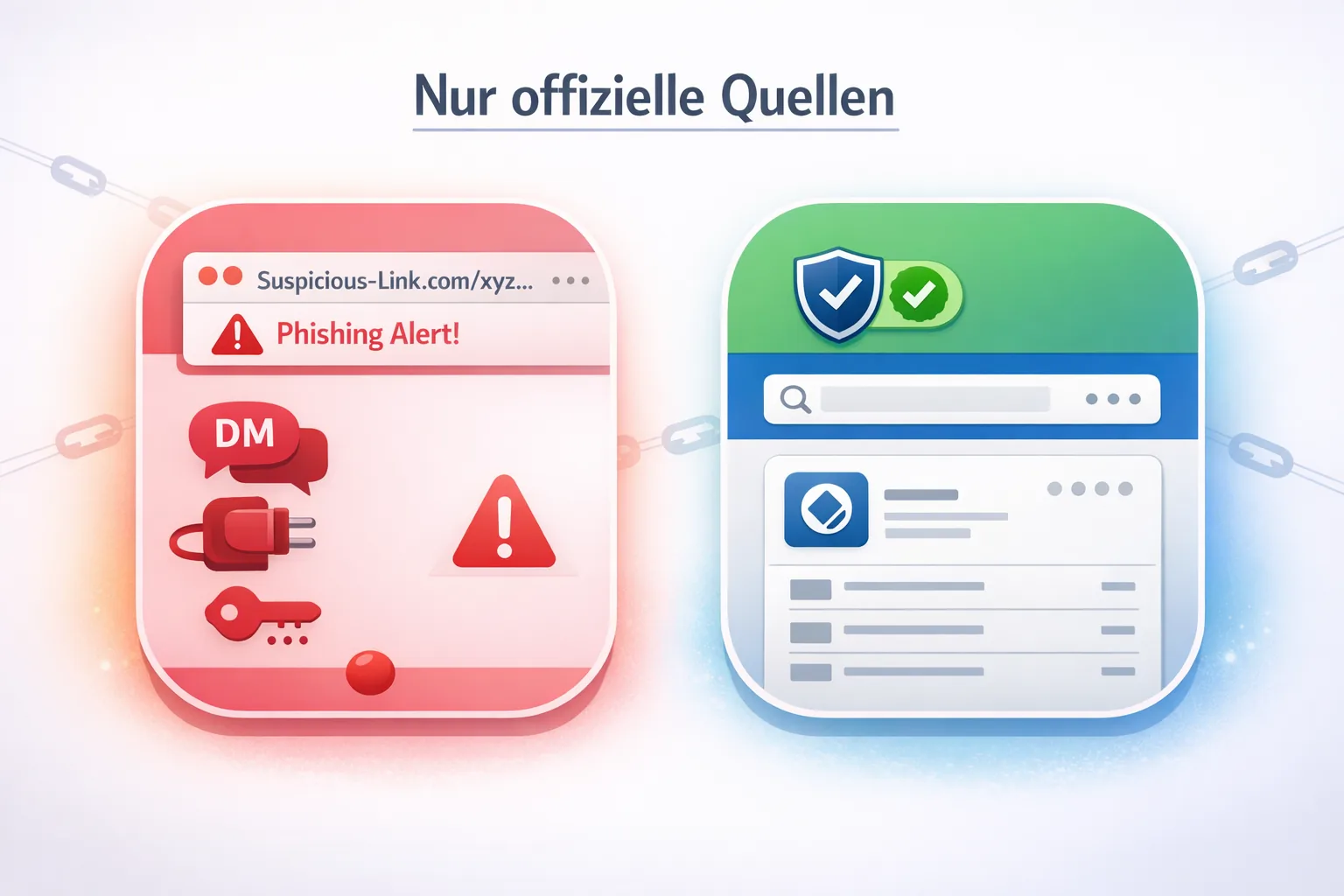
- If you’re unsure: Access the explorer only through official sources, and ignore DMs and “support” links asking for seed phrases or wallet connections.
Jump to:
- Quick answers (Do I need to do anything?)
- Quick start: 7 steps that always help
- Collector checklist (short and practical)
- Key terms explained
- Common mistakes to avoid
- Update log and changelog
- FAQ
Quick Answers: “Do I Need to Do Anything?”
Here are the most common situations—without the panic, but with clear guardrails.
1) I see the word “migration,” but nothing appears in the VeVe app
Most of the time, you don’t need to do anything. If an action is truly required, it will typically be announced clearly in the app or through official VeVe communications. Anything coming only through DMs, “support” websites, or Telegram groups poses a risk to collectors.
2) I receive an in-app prompt, such as a confirmation, update, or linking request
Take action—but do it carefully. Spend five minutes creating a quick audit snapshot (see below), then complete only the steps initiated directly in the app. If the process takes you from the app to a website, double-check that it is an official domain and not a lookalike.
3) I’m worried that my collectibles are “gone”
In practice, many cases where collectibles appear to be “gone” are display or syncing issues involving the app cache, loading problems, or indexing. Don’t act impulsively. Document everything carefully with screenshots and notes, then check again later before doing anything involving wallet connections or seed phrases.
4) I hear “Phase 2” and assume I now need a wallet or seed phrase
Important: In a Web3 context, “wallet” can mean very different things, including custodial and self-custody solutions. If anyone asks for your seed phrase “to migrate,” stop. In nearly every collector scenario, that is a common scam pattern.
5) I want to prepare proactively—what actually makes sense?
Being proactive doesn’t mean linking everything. It means securing your account, recording your most important information, avoiding phishing, and documenting your current collection status. That’s exactly what this quick start is for.
If you also want practical Phase 1 guidance with a checklist and troubleshooting steps, start here:
Quick Start: 7 Steps That Always Help (No Stress, No Hype)
These steps are intentionally designed to remain useful even if individual migration details change. You won’t “break” anything by following them—you’ll simply create clarity.
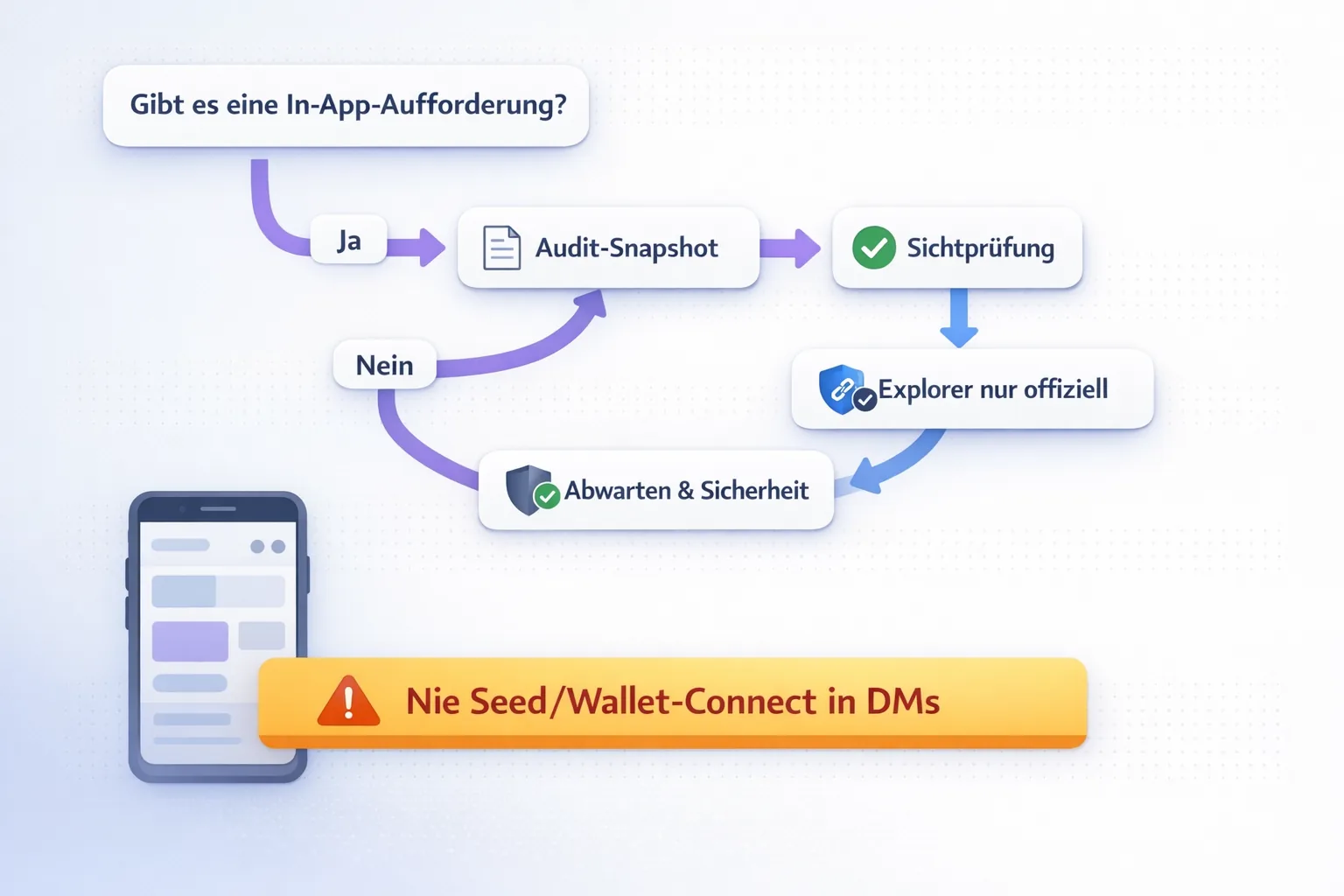
- In-app or official sources only: Take migration-related actions seriously only when they appear in the VeVe app itself or come from official VeVe channels. Ignore DMs, “support” links, and offers from people claiming they can help.
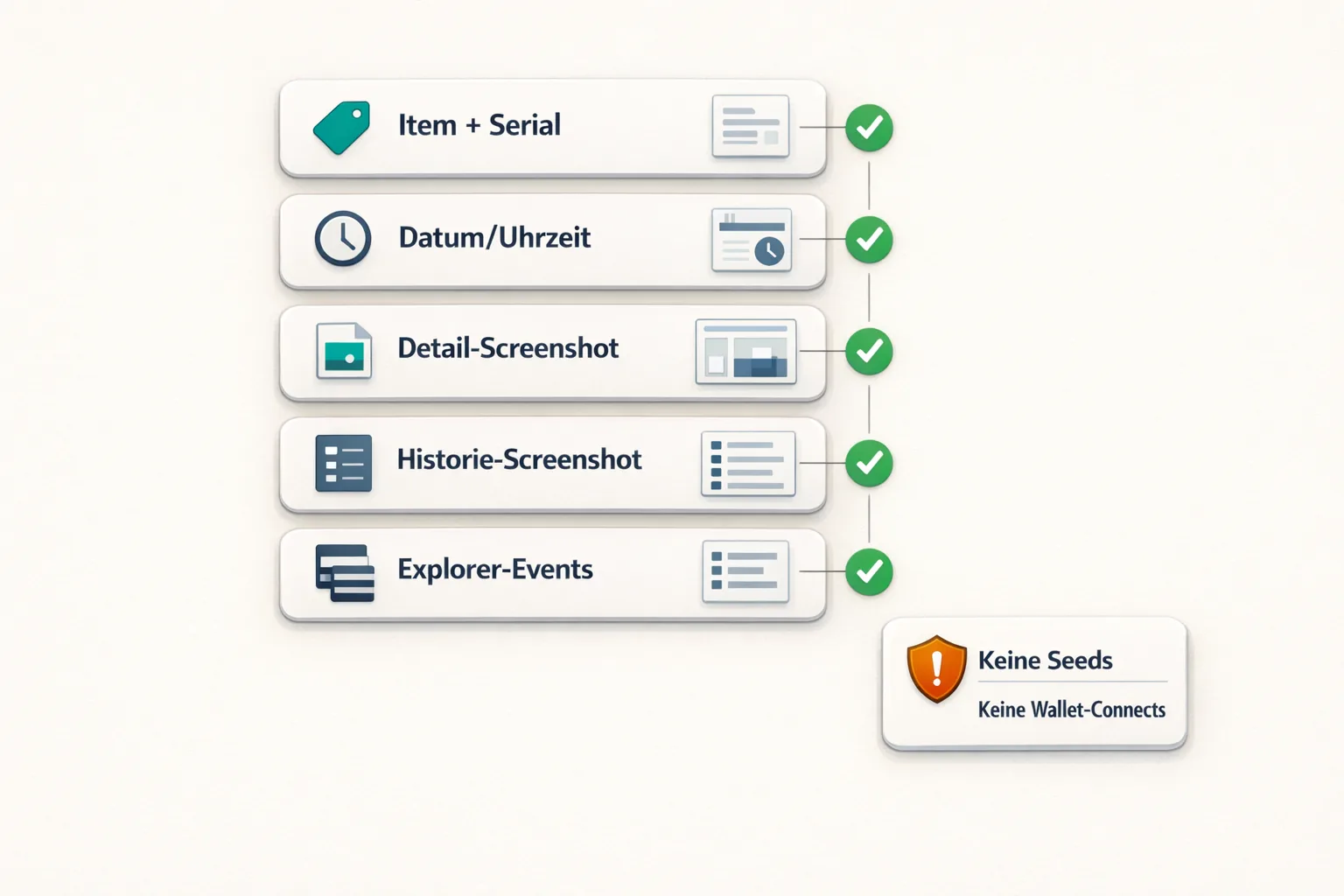
- Create an audit snapshot (5 minutes): Record 3–5 of your most important collectibles or comics, including the name, series/edition, and edition or mint number if visible. Take screenshots of the detail page and, if available, the history or transaction view.
- Check your account security: Use a password manager, create a strong password, and enable 2FA wherever it is offered. (If you have previously been targeted by phishing, change your password immediately.)
- Update the app and check your device: Update VeVe only through the official app store. Make sure your device has enough storage and check for pending system updates—but not during a critical moment.
- After an update or migration step, visually check your collection (10 minutes): Open your collection, find the items from your audit snapshot, and compare the displayed details, including edition or mint number and ownership information where visible.
- If something is missing, calmly narrow down the issue first—don’t try to “rescue” anything: Restart the app, sign out and back in if necessary (but only if you’re certain you can log back in), and switch networks. Document exactly what is missing, which item is affected, when you first noticed it, and include a screenshot.
- If you want to verify on-chain: Access a block explorer only through official sources, and never enter a seed phrase. If you want to learn how to verify information properly, use our explorer guide, which does not require you to connect a wallet.
Further reading: Collect Block Explorer Guide: VeVe Collect Chain Migration
Collector Checklist: What You Actually Need to Check Off
- Audit snapshot: You’ve documented 3–5 favorite pieces with screenshots and notes.
- Login access: You know how to log in via email or SSO and can access your email inbox.
- Security basics: You use a strong, unique password and enable 2FA where possible.
- Phishing filter: You don’t click “secure your migration now” links sent through DMs.
- Explorer discipline: Verify when needed—but without wallet connections or seed phrases.
- Patience with display issues: Narrow down the issue first, then use support or a guide instead of acting hastily.
- Current rules: Always use the latest information when dealing with topics such as KYC, fees, or payouts.
Additional practical resources, depending on where you’re stuck:
Key Terms Explained (Without Web3 Overload)
To help you understand posts and announcements more quickly, here are the most important terms in collector-friendly language.
- Migration: A planned transfer or change involving data or assets, such as moving to a new chain or technology. What ultimately matters to you is: Is my ownership displayed correctly, and can it be verified?
- Collect Chain: In simple terms, the chain or infrastructure used by VeVe where ownership and events can be recorded. The details may evolve, but the collector use case remains the same: Verify instead of speculate.
- Phase 1 / Phase 2: Milestones within a migration. Importantly, not every phase requires you to take immediate action. Some phases involve backend changes followed by checks.
- Wallet: This can mean custodial, account-based storage or true self-custody. If a seed phrase becomes part of the conversation, think twice.
- Self-custody: You hold the keys or seed phrases yourself. This gives you control, but it also brings responsibility for backups, loss prevention, and phishing risks.
- Custodial: A platform holds assets on your behalf. This is convenient, but it makes you more dependent on the platform’s rules and availability.
- Block explorer: A search and reference tool for on-chain data such as events, transfers, and token information. It is useful for verification—but dangerous if you end up on a fake explorer.
- Audit snapshot: Your personal evidence file from before and after a step, consisting of screenshots and notes that help you clearly identify any differences.
Common Mistakes to Avoid
- Mistake 1: Trusting DMs. “Support” through DMs is one of the most common entry points for scams. Official processes don’t begin with someone asking you to “send me…”
- Mistake 2: Entering a seed or recovery phrase anywhere. Anyone who has your seed phrase ultimately has control. You don’t need a seed phrase just to verify information.
- Mistake 3: Using a fake explorer. Lookalike sites are often copied exactly. If a site pressures you to connect a wallet, leave it.
- Mistake 4: Acting impulsively when something doesn’t display correctly. Thinking “my items are gone” often leads to rushed clicks. Create a snapshot first, then calmly narrow down the issue.
- Mistake 5: Installing app updates from unofficial sources. Update only through official app stores. Don’t install APKs or “special versions.”
- Mistake 6: Failing to document account access. If you sign out and then can’t access your email inbox, the situation becomes unnecessarily difficult.
- Mistake 7: Assuming “wallet” means “I need to connect everything now.” Not every user needs to move toward self-custody immediately. What matters is what VeVe actually requires—and what you personally want.
- Mistake 8: Confusing rules with rumors. Screenshots without context spread quickly, especially around Gems, fees, and KYC. Use clearly dated guides and official information.
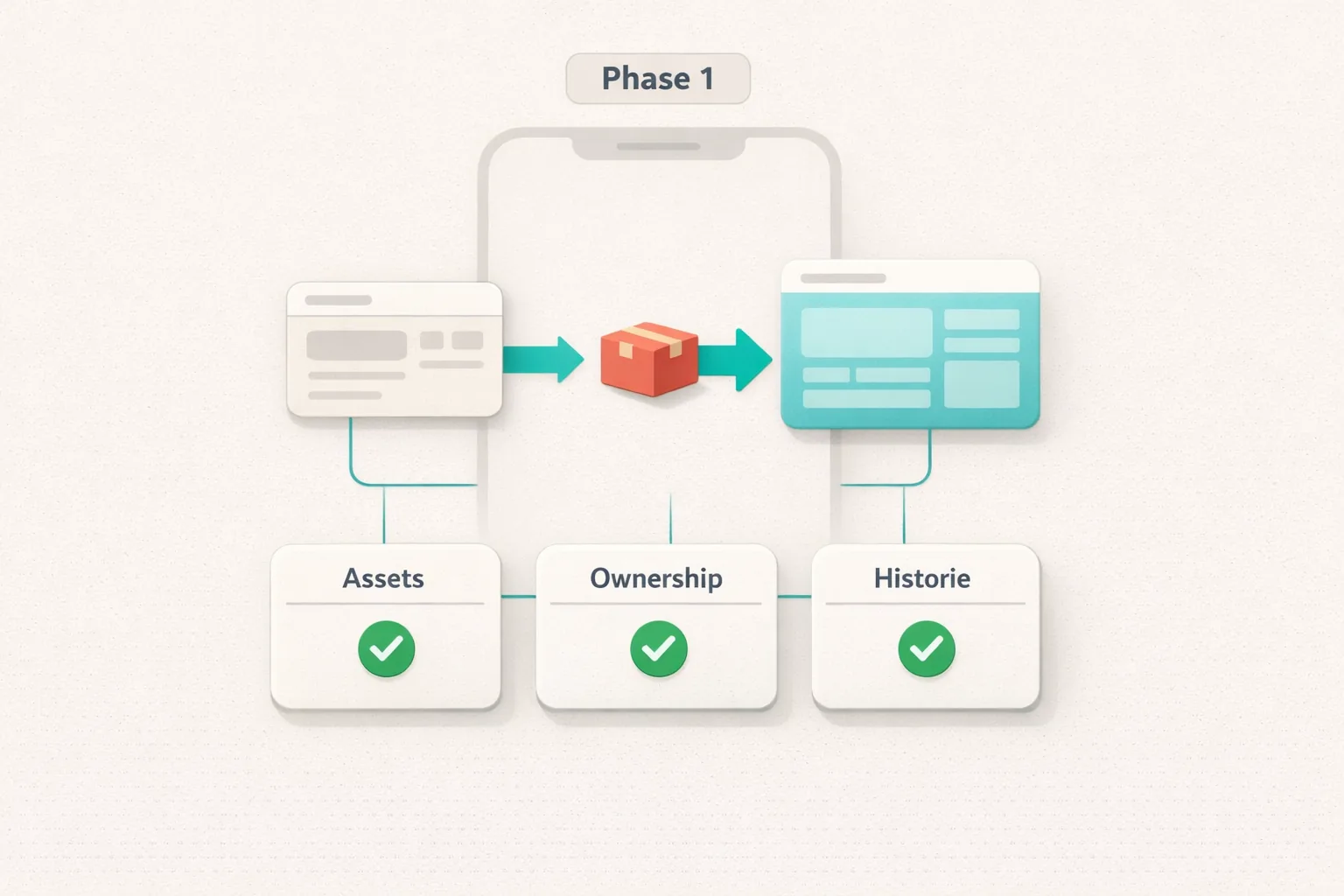
If you want to go deeper without speculation and with practical troubleshooting: Collect Chain Migration – Phase 1: Checklist & Troubleshooting
New to VeVe? According to the current signup credit guide, you’ll receive a $10 signup credit when you register through our link, at no extra cost to you.
Update Log & Changelog (This Page Is Updated Regularly)
So you don’t have to guess whether the information is still current, this hub has two layers: a last-updated date at the top and a changelog below. If you bookmark the page, a quick look here will often be enough.
How to Read the Changelog
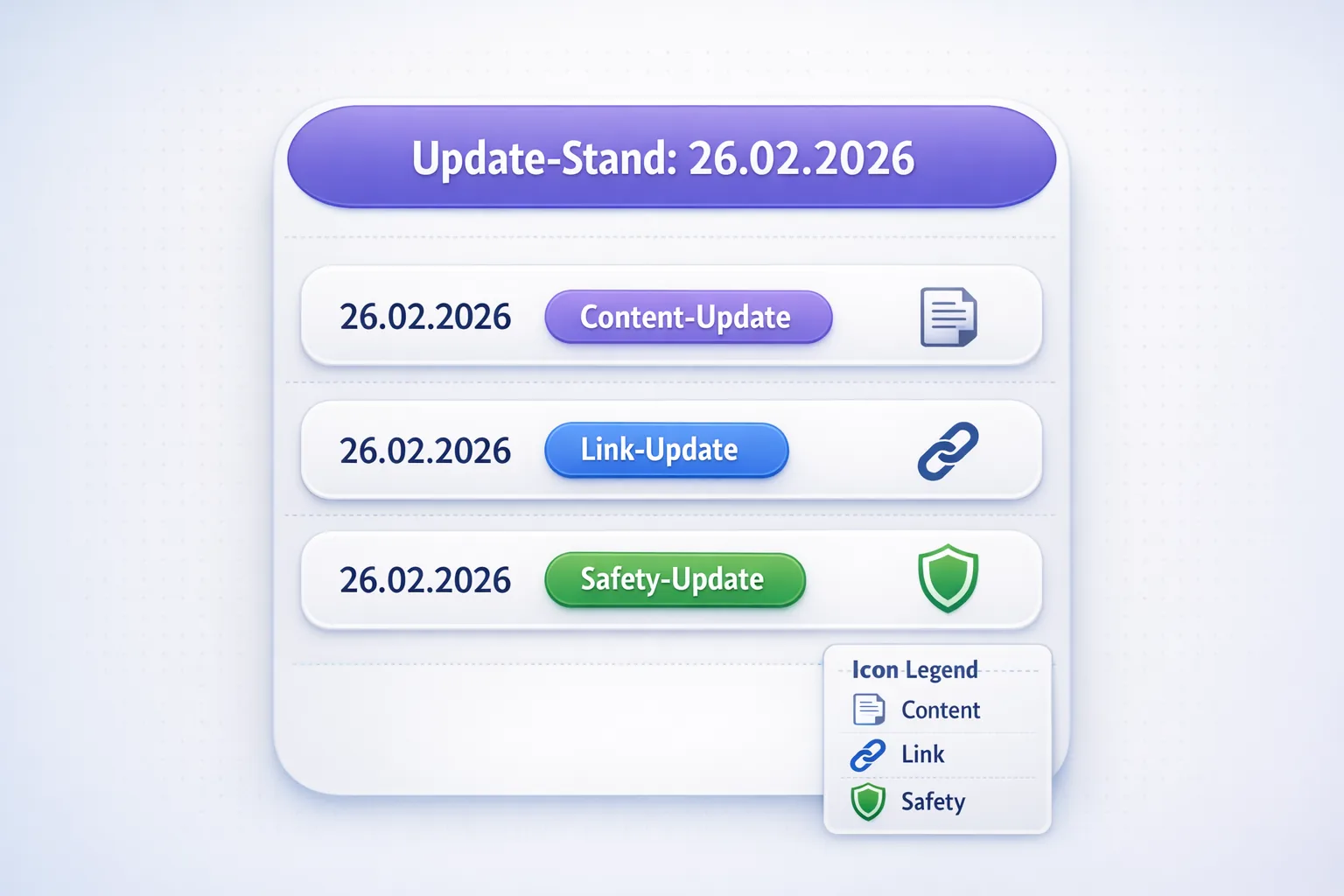
- “Content update” means we added structure, clarity, or examples without making new claims about “roadmaps.”
- “Link update” means internal links were added or reorganized to help you reach the relevant guide faster.
- “Safety update” means we strengthened our coverage of scam patterns and anti-phishing precautions.
Changelog
- February 26, 2026: Page created. Structured as a central Migration FAQ hub with jump links, a quick start, checklist, key terms, mistakes, and FAQ.
- February 26, 2026: Expanded the safety section with a prominent audit snapshot and anti-phishing reminder.
Note for regular readers: You can always find the latest articles on the VeVe Insider blog page.
FAQ (Short, Honest, Collector-First)
1) Do I need to connect an external wallet for the migration?
If VeVe requires it, the process should be clearly announced and guided in the app. You generally don’t need to connect a wallet for a quick verification—and you should never enter a seed phrase anywhere just because something is labeled “migration.”
2) What is the safest first step when I read about a “migration”?
Create an audit snapshot. It gives you a reliable basis for comparison if displayed information changes or you need to contact support later. After that, stick to official channels and avoid DMs.
3) Can I verify my collectibles in the explorer after the migration?
In general, an explorer can help you look up events, transfers, and token data. If you want to learn how, use our Collect Block Explorer Guide. The technology matters less than one key rule: Avoid fake explorers.
4) What does KYC have to do with the migration?
Not every migration is directly tied to KYC. In practice, KYC is more likely to be associated with features such as payouts or specific account permissions. For the process, see our VeVe KYC Guide (2026).
5) Why does the word “Gems” keep coming up in migration discussions?
Because Gems are the main in-app currency, and many users immediately think about buying, selling, fees, and cash-out eligibility. For a calm, dated overview, we recommend VeVe Gems Terms (November 2025) Explained and our VeVe Fees & Costs overview.
6) I’m seeing “Stackr” in a VeVe/OMI context—is it “part of the migration”?
That is a separate topic that can easily become mixed up with the migration. To understand it safely and without rushing, see Stackr Explained: Secure Setup and, if relevant, Swap OMI for Gems With Stackr – Guide (2026). For safety, use official links only.
7) What should I do if items appear to be “missing” after an update?
First, check whether it is a display or syncing issue by restarting the app or switching networks. Then compare your collection against your audit snapshot and document everything carefully. After that, work through targeted troubleshooting: Phase 1 Checklist & Troubleshooting.
8) Where can I find new migration information fastest?
This hub is designed as a reference. For new articles, updates, analysis, and guides, the blog page is the fastest place to start.
New to VeVe? According to the current signup credit guide, you’ll receive a $10 signup credit when you register through our affiliate link, at no extra cost to you.
Join VeVe With a Signup Credit
Disclosure: Affiliate link (we may receive a commission at no extra cost to you).