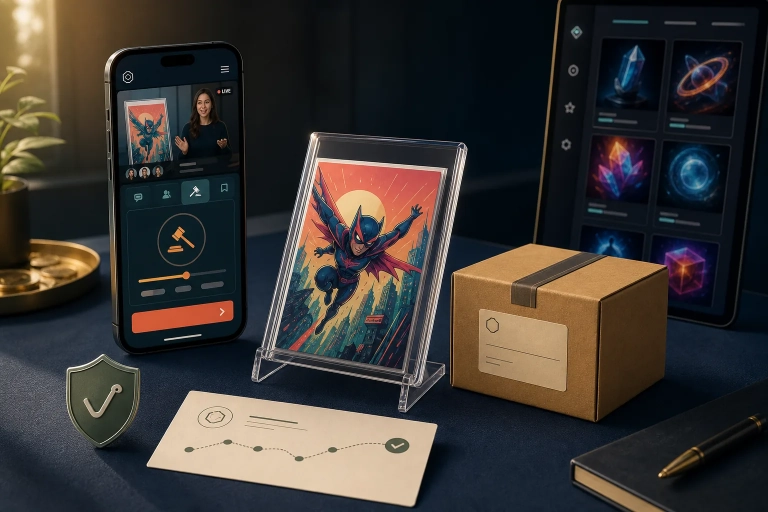
When it comes to VeVe Waitlist Drops, the collector with the wildest theory rarely comes out ahead. In practice, something far less exciting usually helps more: a properly prepared account, a clear payment method, a stable device, and a calm mindset.
That is exactly what this guide is about. No hack vibes, miracle tricks, or false promises. Instead, you get a short, repeatable routine you can follow before practically every Drop.
TL;DR
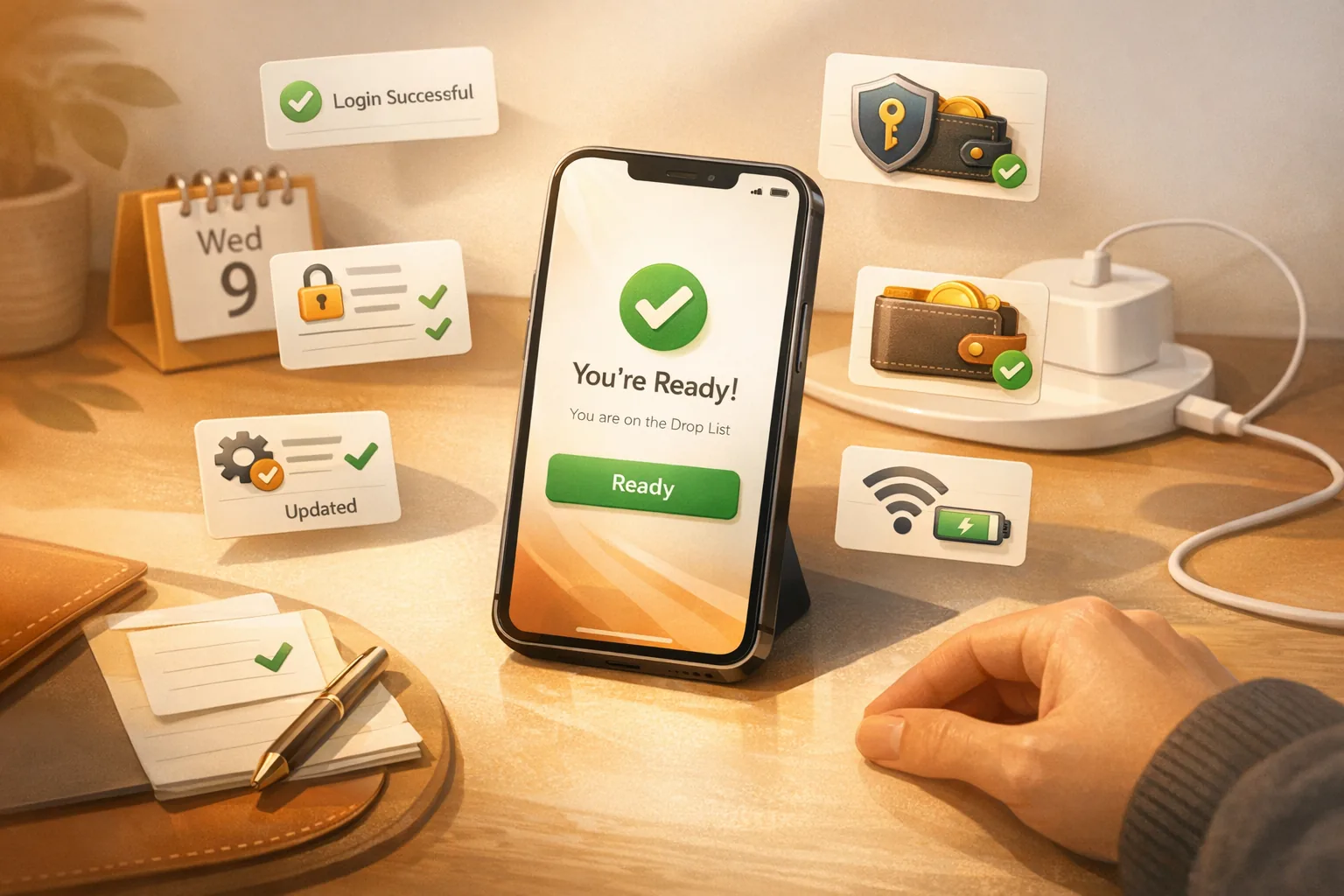
Before the Drop, check your login, 2FA, Gems, and Auto-Pay; install updates early; turn off battery-saving settings; set reminders; and decide in advance how you will handle the Waitlist, not being selected, and a possible rebound. Routine beats stress.
If you want a broader overview of the full Waitlist, Auto-Pay, and rebound process, our 2026 VeVe Drop strategy guide is the right next step. For a solid foundation, also check out the 2026 VeVe beginner’s guide.
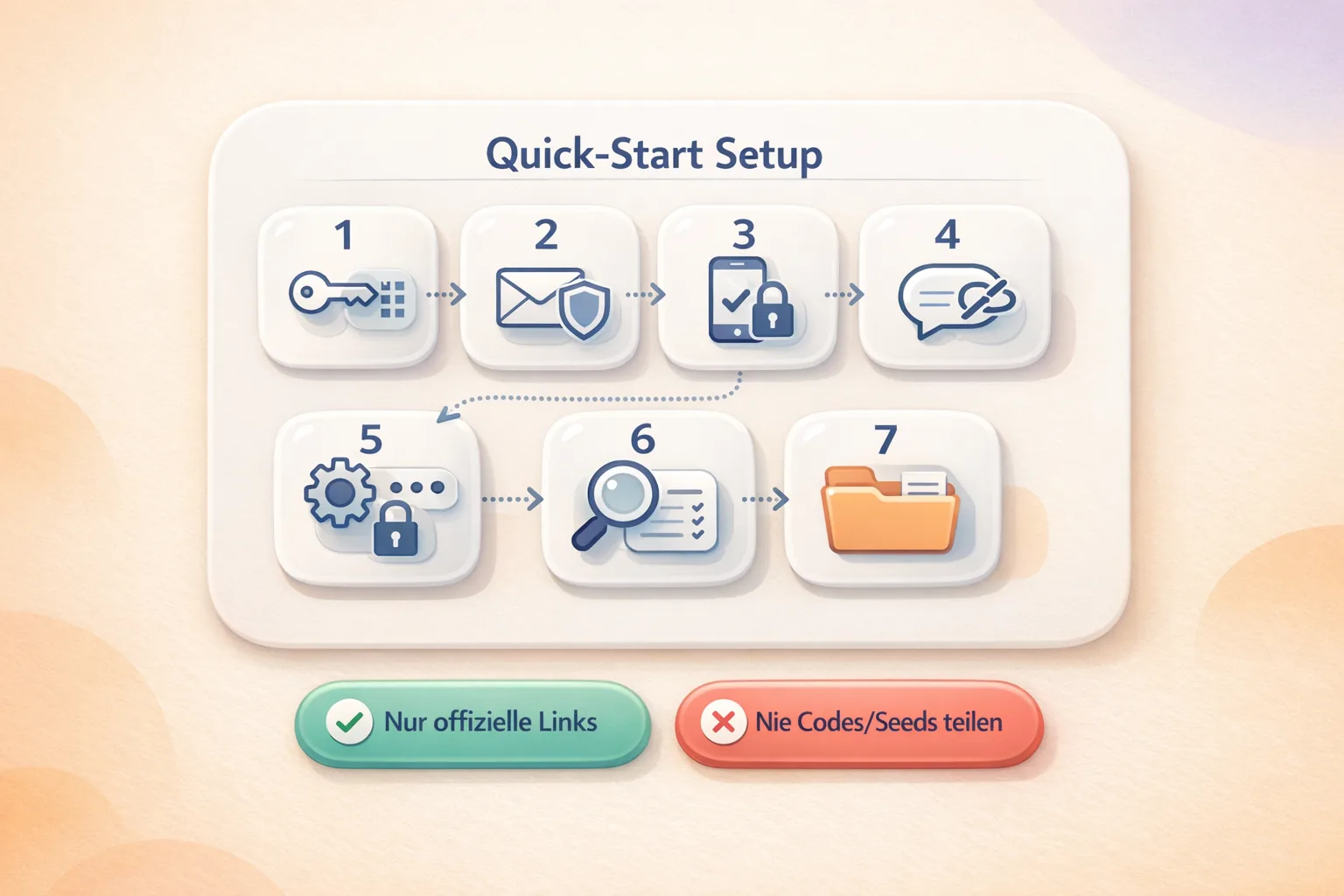
Quick Start: Your Pre-Drop Routine
This routine is intentionally simple. If you use it regularly, you will not have to think through everything before a Drop—you can just work through it one step at a time.
Open Your Account—Do Not Just Have One
The first check is basic but important: Open the app early and make sure you are actually logged in. Many problems do not start during the Drop itself. They begin beforehand, when sessions expire or a login suddenly needs to be verified again after a long break.
Also confirm that you can access the email address linked to your VeVe account. If 2FA is enabled or a security check is triggered, you do not want to discover that during crunch time.
Review 2FA and the Security Basics
2FA will not help you win a Drop. But it will help protect your account. A secure account is the foundation for everything else, especially when you buy, collect, or use the Market later.
Keep it simple—there is no need to overengineer this. Is your password correct? Can you access your email? Do you know which device you will use for the Drop? These small checks can take a lot of pressure off.
Make Sure You Are Ready to Pay
The next quick check is not about the Drop itself—it is about being ready to buy. Do you have enough Gems? Is your preferred payment method set up? If you plan to use Auto-Pay, do not leave it until the final few minutes.
Rushing to add Gems right before a Drop increases the risk of something going wrong. If you want a deeper look at the available purchase routes, see our guides to buying VeVe Gems on the website vs. in the app and why Gems are often more complicated than they first appear.

Do Not Update the App at the Last Minute
If an update is available, install it well ahead of the Drop. A new update can fix problems, but right before the start it can also take time, trigger a new login, or interrupt your flow at the worst possible moment.
The rule of thumb is simple: Update early, open the app once, run a quick check, and only then mark it complete. Do not tap “Update” five minutes before the Drop and hope everything works out.
Get Your Device Drop-Ready
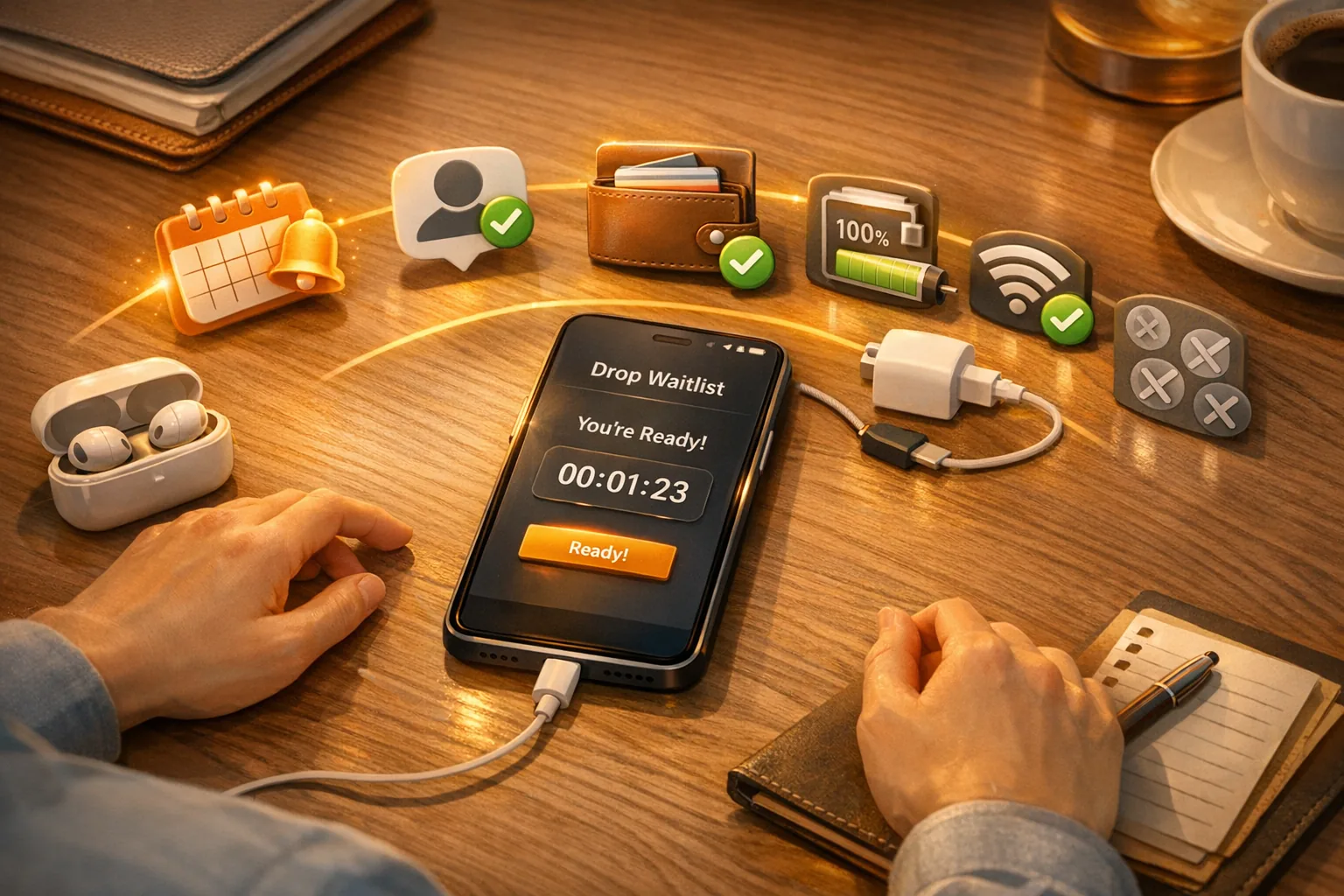
This is about removing small technical bottlenecks. Turn off battery saver, make sure your device has enough charge, and use whichever connection has proven more stable for you. Wi-Fi is not better for everyone, and neither is cellular service. What matters is not the theory but what works reliably with your setup.
It is just as important to reduce unnecessary load. Lots of open apps, old downloads running in the background, or frantic switching between devices will not help. Use one device, follow one clear process, and keep distractions to a minimum.
Plan Your Timing
Many collectors lose their calm start because of timing, not technology. A simple reminder plan can help: one alert the day before, another about an hour ahead, and one final quick reminder shortly before the Drop.
This helps you avoid the classic “Wait, it’s about to start?” moment. You do not want to stumble into the app—you want to enter prepared and in control.
Right Before the Drop: Do Not Try Anything New
Once everything is ready, the most important rule for the final few minutes is simple: Do not experiment. Do not frantically reinstall the app, switch devices or payment methods on impulse, or chase community rumors.
Last-minute panic rarely gives you an advantage during Waitlist Drops. What you need now is calm: app open, account ready, payment sorted, and mind clear.
If You Are Not Selected, Set Your Plan B in Advance
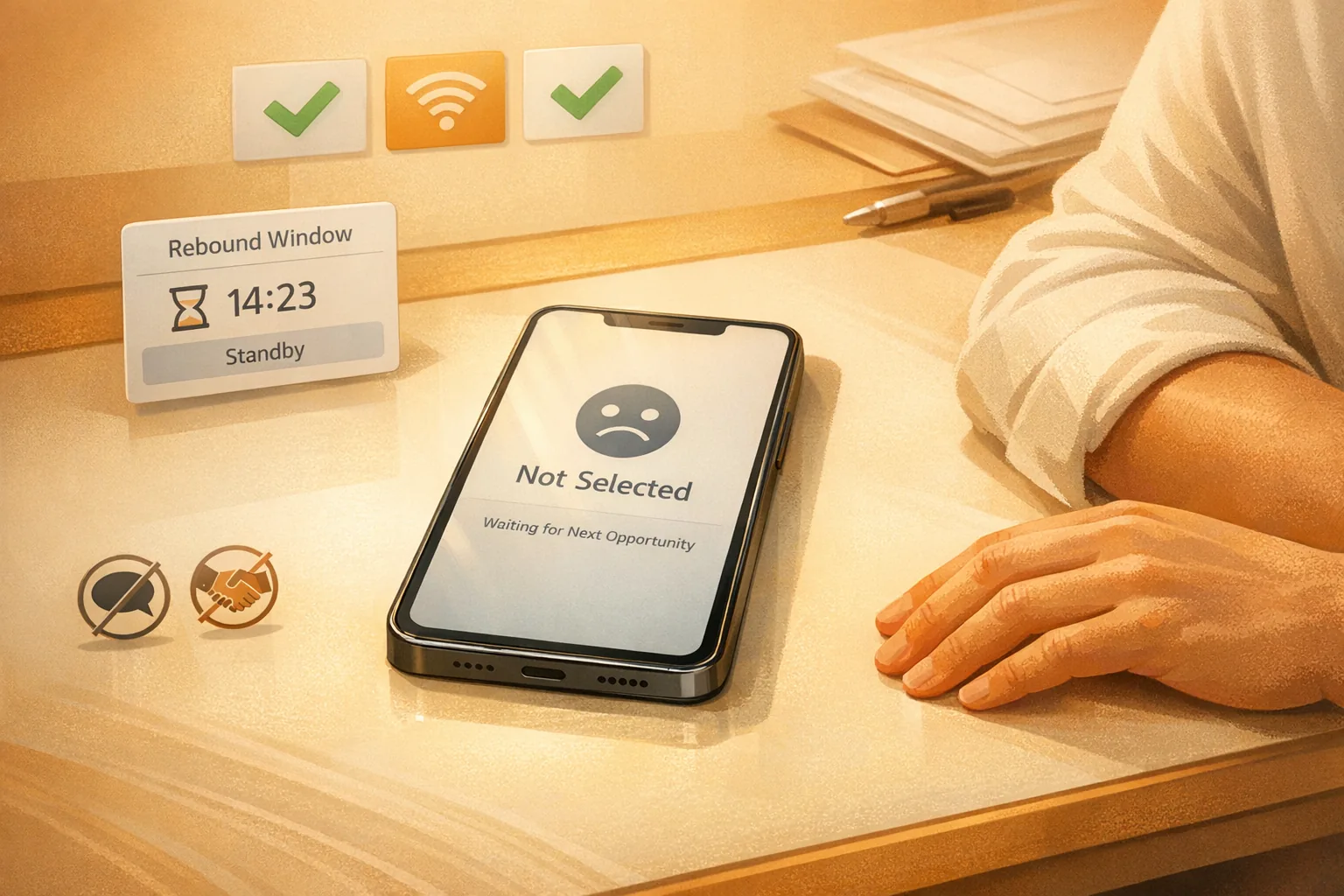
A good pre-Drop guide does not end with the Waitlist. Decide in advance how you will respond if you are not selected. Stay calm, watch carefully for a possible rebound window, and avoid emotional snap decisions.
Keep your expectations realistic: A possible rebound is not guaranteed. Think of it as a second window to monitor while staying focused. That is why having a plan in advance is more useful than reacting out of frustration.
New to VeVe? If you sign up through our link (at no extra cost to you), the current starter credit guide says you will receive $10 in free starter credit.
Collector Checklist
- Login checked: App open, session active, and email accessible.
- 2FA ready: Security basics covered, with no unresolved device questions.
- Gems ready: No last-minute pressure to buy.
- Auto-Pay considered: If you use it, review it in advance.
- App up to date: Update installed early and tested once.
- Device stable: Battery charged, battery saver off, and connection chosen deliberately.
- Plan B clear: Accept not being selected, stay calm, and only monitor a possible rebound carefully.
Key Terms Explained
- Waitlist: The Waitlist model used for a Drop. Joining does not automatically mean you will be selected.
- Auto-Pay: A payment process prepared in advance so a successful allocation does not fail because of one missing final step.
- Gems: The balance used for purchases within VeVe. It makes sense to sort this out before the Drop rather than during it.
- Rebound: A community term for a possible additional purchase window after other users fail to complete reservations or payments.
- Battery saver: A device feature that can affect background activity, performance, or network behavior. Before a Drop, it is more likely to be a bottleneck than a benefit.
- Reminder: Your personal timing safeguard. It is not exciting, but it is one of the most reliable ways to avoid last-minute panic.
Common Mistakes to Avoid
Many Drop problems feel serious in the moment, but they are often familiar patterns. Once you know these mistakes, the entire process becomes easier to manage.
- Logging in too late: Opening the app only when the Drop begins creates unnecessary risk of login or session issues.
- Buying Gems at the last minute: Extra steps right before the Drop increase pressure and the chance of errors.
- Starting an update too late: A useful update can become a problem if you install it at the wrong time.
- Switching back and forth between devices: One clear setup is usually more reliable than improvised multi-device chaos.
- Forgetting battery saver: Small settings like this have a habit of disrupting an otherwise smooth process.
- Confusing community rumors with a routine: Not every claim from a chat or X is useful guidance.
- Panicking after not being selected: Staying calm is part of the strategy. Emotional reactions usually lead to worse decisions.
If you keep getting stuck on the same basics, also read our guide to VeVe beginner mistakes and fixes. It is a useful companion to this pre-Drop routine.
Why Routine Beats Drop Myths
Before a Waitlist Drop, many collectors search for one special trick. In reality, the most useful advantages are usually far less exciting: being prepared, avoiding surprises, and not creating extra stress at the critical moment.
A good routine is repeatable. It works not only for a hyped Drop but also for the next regular release. That is why it is collector-first: It saves stress, reduces mistakes, and does not rely on myths about luck.
A clear-eyed approach to Gems and the rules is part of that. For more context, see our article VeVe Gems rules explained simply.
FAQ
Should I Always Enable Auto-Pay?
That depends on your personal process. If you use Auto-Pay, review the payment method in advance. Quickly changing something right before the Drop is usually the worse option.
Should I Buy Gems Right Before the Drop?
If you can avoid it, probably not. The more you pack into the final few minutes, the more potential points of failure you create. It is better to confirm your payment readiness beforehand.
Is Wi-Fi Automatically Better Than Cellular Service?
Not necessarily. What matters is which option is more stable at your location. For some collectors, home Wi-Fi is ideal; for others, a strong cellular connection is more reliable.
What Should I Do If the App Has Issues Right Before the Drop?
Stay calm and avoid overreacting. Do not immediately reinstall everything, switch devices blindly, or try five things at once. Check the status first, then respond with the smallest controlled action possible.
Does Not Being Selected Mean the Drop Is Completely Over?
Not necessarily. In the Waitlist context, many collectors watch for a possible rebound window afterward. Keep your expectations realistic, though: Possible does not mean guaranteed.
How Often Should I Run These Checks?
Ideally, run them in the same order before every Drop. That is how a routine develops—and your routine is the part you can actually control.
Does This Checklist Guarantee Success?
No. It cannot secure an allocation or promise a win. But it can help reduce avoidable mistakes and make your process more reliable before Waitlist Drops.
Final Thoughts
The best Drop prep often feels almost boring. That is a good sign. If your login, 2FA, Gems, device, timing, and plan for afterward are already sorted, there is less room for stress and more room for focus when the Drop begins.
That is what makes these seven checks so useful: not because they are magic, but because they are repeatable. In day-to-day life on VeVe, a repeatable routine is usually more valuable than any supposed secret trick.
New to VeVe? If you sign up with our affiliate link (at no extra cost to you), the current starter credit guide says you will receive $10 in free starter credit.
Sign up for VeVe with starter credit
Disclosure: Affiliate link (we may receive a commission at no extra cost to you).