A missing Gem purchase, an accidental purchase, or a technical error can quickly become stressful. Many collectors immediately turn to Apple, Google, their credit card company, or their bank. This is where things get complicated: A refund, a bank dispute, and an internal VeVe correction are not the same thing.
This guide explains what to check before requesting a refund, why chargebacks can affect your Gem balance within VeVe, and which steps carry the least risk. This is not legal advice, but practical guidance for collectors who want to keep clear records and avoid unnecessary account issues.
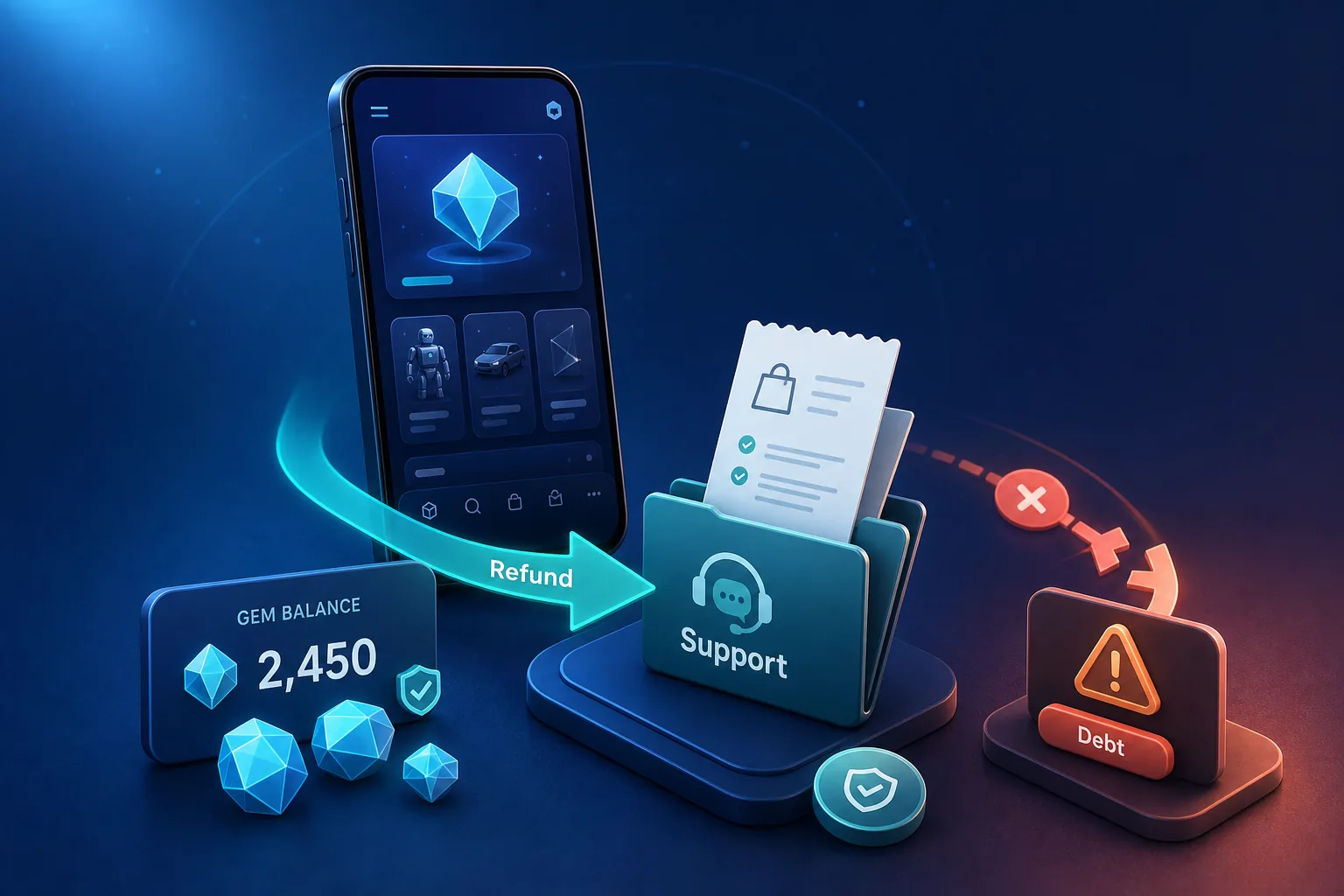
TL;DR: If Gems are missing, first check the pending status, Apple or Google receipt, email receipt, payment method, and VeVe balance. Then open a support ticket with your documentation. A bank dispute or chargeback should not be your first step because, according to VeVe’s Terms, certain chargebacks may result in a reduced balance, recorded debt, and restricted app features.
Why this matters so much on VeVe
VeVe Gems are not a standard bank balance. According to VeVe, Gems are the app’s internal exchange mechanism. They cannot be cashed out or transferred and generally can only be used within the VeVe ecosystem. For more background, see our separate guide to the VeVe Gems Terms.
That makes refund questions more complicated than they would be with a traditional online store. You are not simply buying a physical item that can be returned. You are purchasing or using digital credit that may then be spent on Drops, Store purchases, or Market transactions.
To better understand why purchase channels, app store policies, and payment methods matter, see our overview of app store fees and payment methods. For this article, however, the key questions are: Which route is official, which is risky, and what should you document first?
Key terms: Refunds, chargebacks, and VeVe corrections
Refund through Apple or Google
A refund is a reimbursement request submitted through the payment provider used for the purchase. For iOS purchases, this typically goes through Apple’s Report a Problem process. For Android purchases, use the official Google Play refund process.
Important: Apple or Google will determine whether a refund is available under their own policies. That does not automatically mean VeVe will not need to make an internal adjustment if the Gems were already credited, used, or affected by subsequent activity.
Chargeback or bank dispute
A chargeback is more serious than a standard support request. Your bank, card provider, or issuer reverses the payment. From VeVe’s perspective, this may look like money being withdrawn from a transaction that had already been completed.
The section of the VeVe Terms for Gems covering Market transactions is particularly relevant: If a bank or card provider reverses a Market transaction through a chargeback and you are the seller, VeVe may reduce your balance by the value of the chargeback. If you do not have enough Gems, the Terms state that this may create a debt, and VeVe may restrict app features.
Internal VeVe correction
An internal correction is not a bank dispute. It may be relevant when Gems appear after a delay, a transaction seems to have been duplicated, or a technical status does not match the payment. These cases should first be submitted through a clearly documented support ticket.
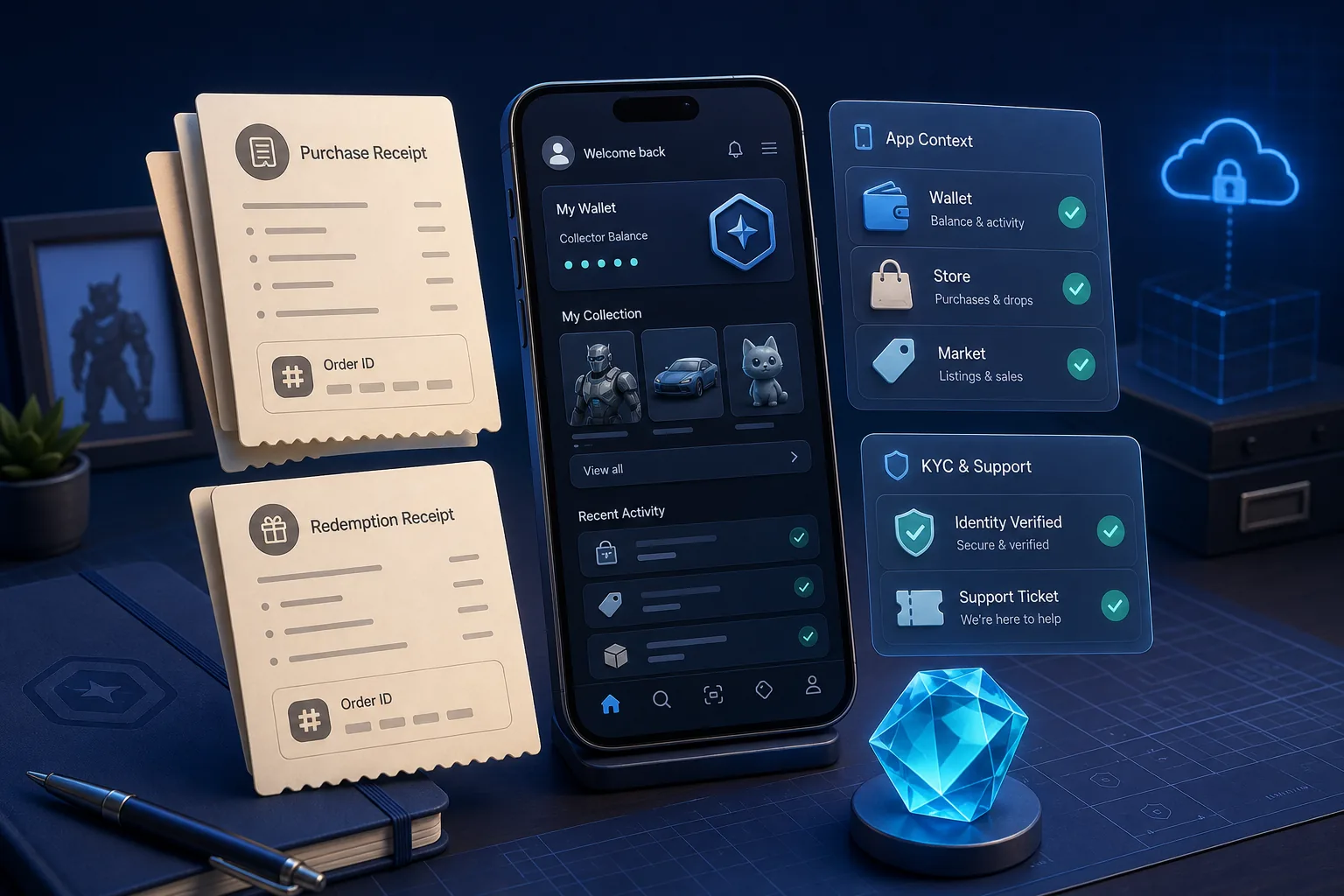
A well-organized documentation trail can make a major difference. For practical guidance, see our article on VeVe receipts and proof of purchase.
Scenario matrix: What to check for each purchase method
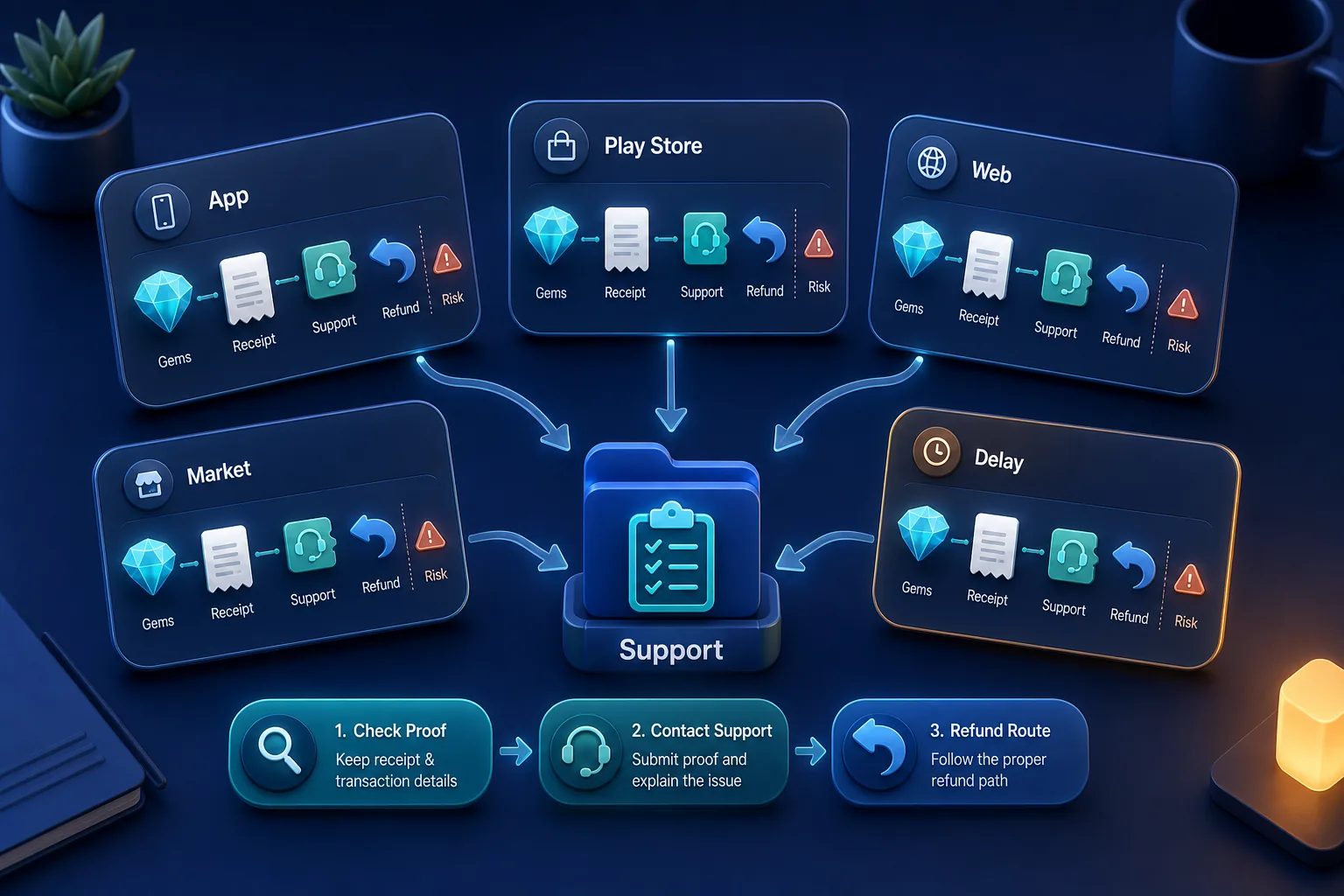
A: Buying Gems through iOS
For iOS purchases, Apple provides the official refund route. First, check whether the payment was actually completed or is still pending. Then find the Apple receipt, verify the Apple ID used, and compare the amount, date, and time with your VeVe balance.
If the Gems are missing but the receipt clearly confirms the purchase, open a VeVe support ticket first. Requesting a refund through Apple may be appropriate when that is the designated official route. A bank dispute through your card provider should not be your first step.
B: Buying Gems through Android
For Android purchases, the official refund process goes through Google Play. Google also states that users should contact the developer about in-app purchases that were not delivered or did not work as expected, especially if more time has passed since the purchase.
The same principle applies here: Save your documentation first, then contact support. Going directly to your bank to open a dispute bypasses the clearest resolution process and may create additional balance or account consequences.
C: Buying Gems through the website
Website purchases do not use the app store refund menus. Instead, they follow the applicable checkout and payment process. Check your browser, email receipt, payment confirmation, card statement, and VeVe balance. For more details, see our guide to buying Gems: Website vs. app.
If Gems purchased through the website do not appear, your first step should be a support ticket that includes the order ID and proof of payment. A bank reversal may technically be possible, but from VeVe’s perspective, it is not the same as resolving the issue through the standard process.
D: Market transactions
Market purchases and sales are particularly sensitive because they may affect multiple users. If a buyer reverses a payment, the consequences may extend beyond that buyer to the seller whose Gem balance was already credited for the sale.
That is why the chargeback section of the Terms matters. If you regularly buy or sell in the Market, document listings, sale times, screenshots, and relevant balance changes. Our VeVe Market Guide also covers risks related to buying, selling, and liquidity.
E: Gems are missing or delayed
Not every delay requires a refund. App store processing, payment reviews, device changes, connection issues, or a pending status may mean the final transaction takes longer than expected.
Do not simply wait for days without taking action, but document everything carefully. Record the purchase time, time zone, amount, purchase channel, payment status, and when you checked your balance.
How to respond safely: The best order of steps
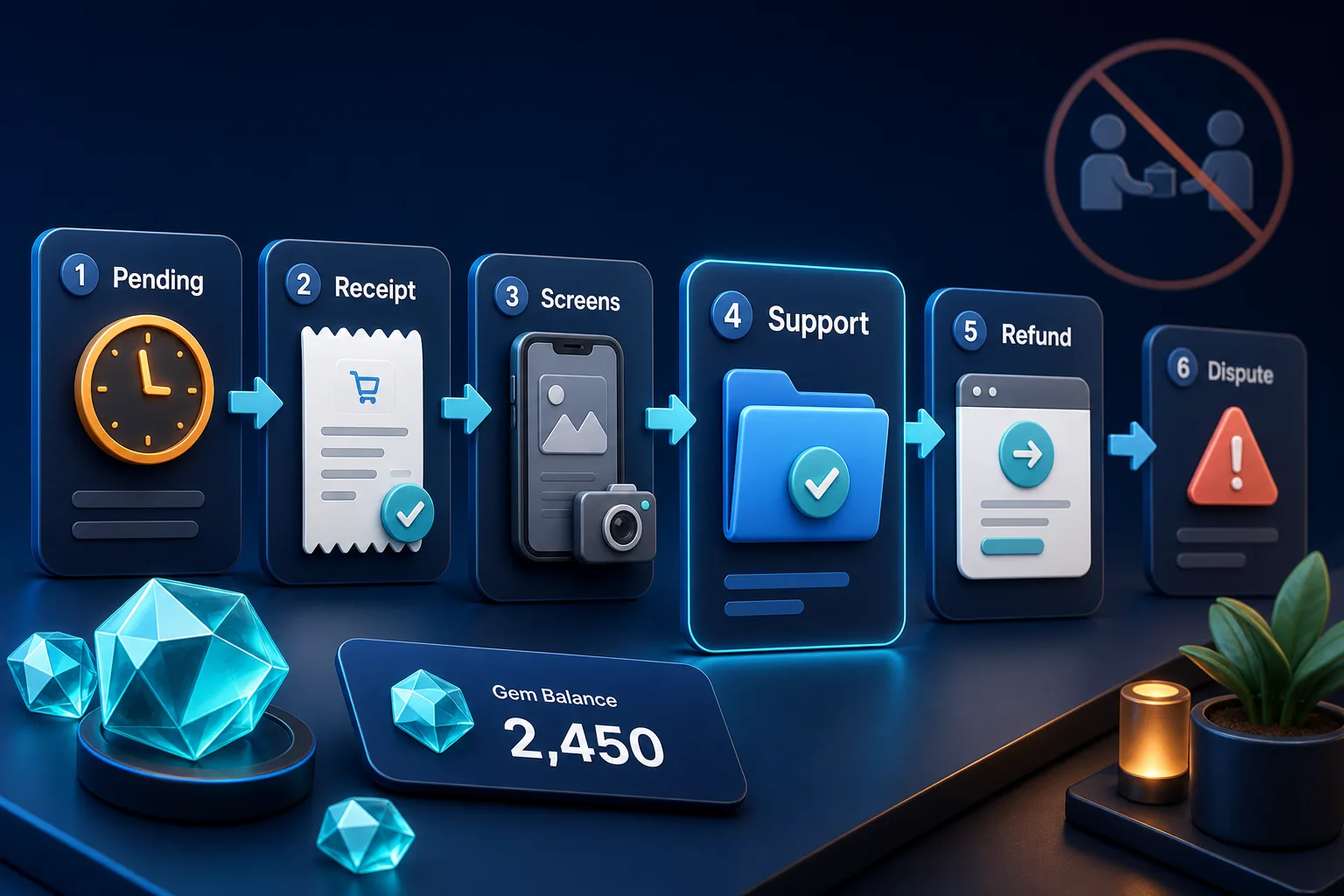
The most important rule is simple: Do not escalate first—gather proof first. The clearer your documentation is, the easier it will be for VeVe or the applicable payment provider to determine what happened.
1. Check for pending payments and delays
- Check whether the payment is only authorized or has been fully completed.
- Look for an email receipt from Apple, Google, VeVe, or the payment provider.
- Confirm that you are signed in to the correct Apple, Google, or VeVe account.
- Restart the app and check your Gem balance again.
- Take screenshots showing the time, date, and visible issue.
2. Submit a support ticket with complete documentation
A good ticket is brief, complete, and verifiable. Do not simply write, “My Gems are missing.” Include the purchase method, amount, time, expected number of Gems, actual balance, and whether the payment has already been charged.
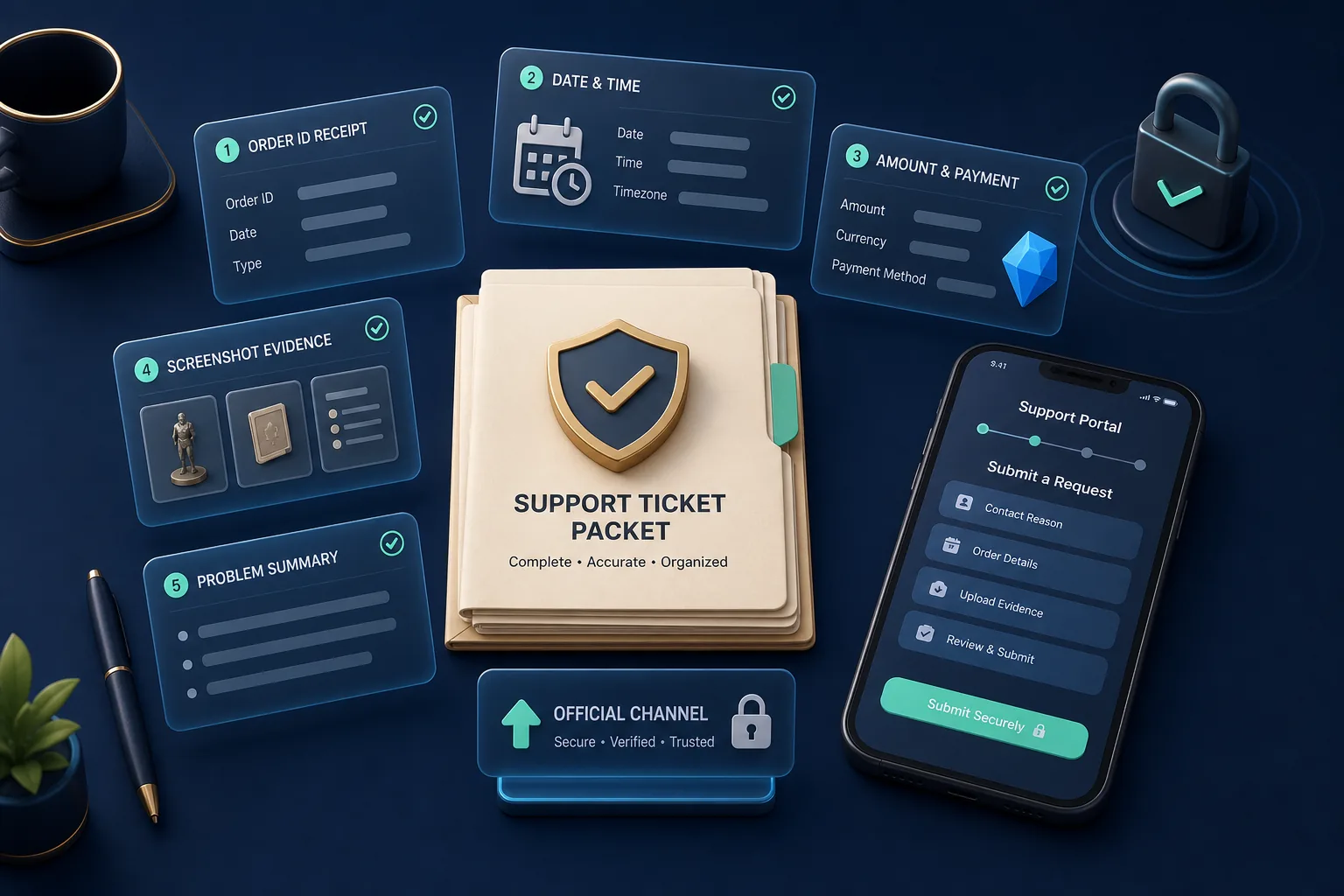
Your documentation checklist should include at least the order ID, receipt, purchase date, time with time zone, amount, payment method, a screenshot of your VeVe balance, a screenshot of your purchase history, and a brief description of the problem. For a Market purchase, also save the listing, item details, edition, and transaction context.
3. Review the refund route afterward
If support and your documentation show that a standard refund is the appropriate route, use the official channel for the original payment method. For iOS, that is Apple; for Android, Google Play; and for website purchases, the applicable payment or support process.
A bank dispute is the strongest level of escalation and should not be treated like a standard “undo” button. According to the VeVe Terms, a chargeback—especially for a Market transaction—may result in a reduced balance, debt, and restricted app functionality.
If you are new to VeVe, set up your account, payment method, and receipt-tracking routine properly before loading larger amounts of Gems. Our VeVe signup and starter credit guide explains how to get started; you may receive $10 in free starter credit when signing up. This is not a promise of value or profit, only a note about the signup bonus.
Risks: What can happen with debt and restrictions
The key term is debt. If VeVe needs to reduce a balance because of a chargeback and your Gem balance is not sufficient, the Terms state that a debt may arise between you and VeVe. This is why a negative or unexpectedly adjusted Gem balance is not merely a cosmetic issue.
The specific features affected will depend on the circumstances and account status. The VeVe Terms and Terms of Use give VeVe discretion to restrict services or certain features when a default or other relevant grounds exist. For a broader explanation of restrictions, read our guide to Restricted Access and Account Disabled.
Important: “I got my money back” does not automatically mean “the case is closed within VeVe.” If Gems were used, collectibles were purchased, or Market sales were triggered, the internal records still need to be reconciled.
Common mistakes to avoid
- Going to your bank too quickly: A chargeback may trigger consequences that a standard support request would not.
- Failing to save documentation: Without a receipt, order ID, and screenshots, a straightforward case can quickly become a confusing dispute.
- Escalating through multiple channels at once: Contacting Apple, Google, your bank, and VeVe simultaneously without documentation may create conflicting statuses.
- Using off-platform deals: Private Gem or collectible deals outside official channels significantly increase the risk.
- Treating Gems like a bank balance: According to VeVe, Gems are internal digital property, not cashable fiat funds. Learn more in our article about VeVe payouts after November 19, 2025.
Prevention: How to reduce refund stress
The best refund strategy begins before the purchase. Do not load more Gems than you reasonably expect to use in the short term because of stress or FOMO. Especially before Drops, it is better to document smaller top-ups carefully than to move large amounts in a rush.
Create a simple documentation folder with sections for Gems, Store, Market, and Support. Save receipts as PDFs or screenshots, record time zones, and document problematic cases immediately. If you collect regularly, this routine is not unnecessary paperwork—it is account protection.
Only use official support and payment channels. Nobody in your DMs should ask for passwords, 2FA codes, seed phrases, or external payments. If you are unsure, stop, document the situation, and use the official support process.
Quick FAQ
Will I immediately lose access to my account after a refund?
Not every refund automatically results in a restricted account. The risk increases if a reversal creates an outstanding balance, debt, or Terms issue. In those cases, restrictions may be possible.
Why do I have negative Gems or a reduced balance?
A negative or reduced balance may occur when a payment or Market transaction is reversed after Gems have already been credited or used. For Market chargebacks, VeVe specifically states that an insufficient balance may create a debt.
What can VeVe suspend or restrict?
The Terms refer to restrictions on certain app features, while the Terms of Use also allow broader restrictions on access to services under certain circumstances. The feature affected will depend on the specific case.
Is an Apple or Google refund safer than a bank dispute?
It is at least the officially designated refund route for app store purchases. That does not mean every request will be approved. It does mean you are not immediately using the most aggressive escalation route through your bank.
What should I do if my Gems have not arrived?
First, check whether the payment was fully completed. Collect the receipt, order ID, timestamp, and screenshots. Then open a support ticket and wait for the issue to be reviewed before requesting a refund or escalating the case.
Bottom line: Refunds are possible, but they are not risk-free
On VeVe, the issue is not only whether you receive your money back. It is also what happens afterward to the internal Gem records, your balance, and any related Market activity. That is why documentation, the order of your actions, and official channels matter.
If you encounter a problem, stay calm: Check the details, document everything, contact support, and only then choose a refund route. A chargeback may seem justified, but it should never be initiated without careful consideration because the Terms describe specific consequences for your balance, debt, and app features.
Want to try VeVe? Sign up through our affiliate link to receive $10 in free starter credit: Sign up for VeVe with $10 in starter credit. Disclosure: VeVeInsider may receive a commission; there is no additional cost to you, and you will receive $10 in free starter credit.
Sources