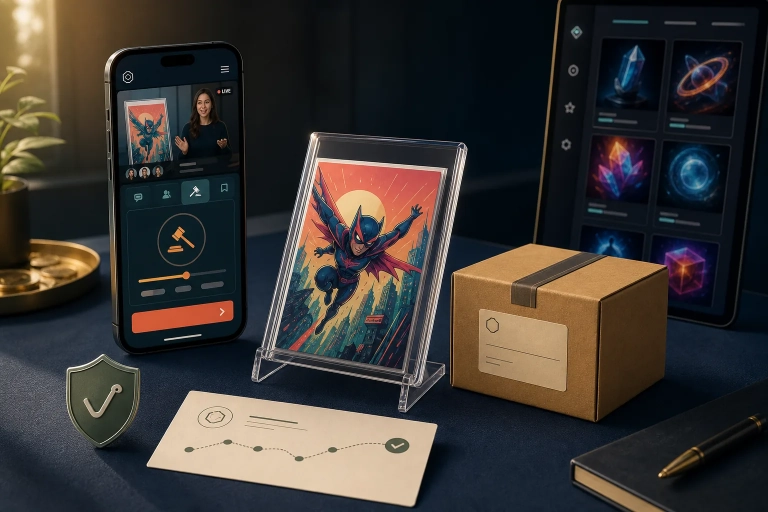
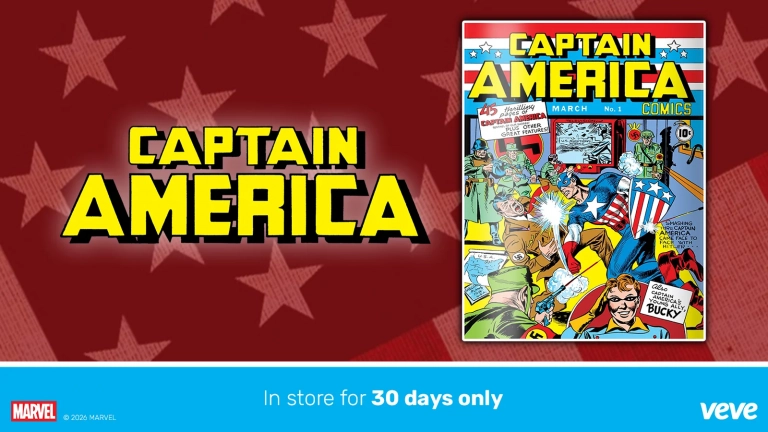
For a long time, many collectors took one thing for granted: If an older Marvel, Disney, or Star Wars comic was in the VeVe Store, they could always buy it later. In early 2025, VeVe changed that model for a clearly defined portion of its comic catalog.
Since the update, certain backlist digital comics are no longer available “in the Store until sold out.” Instead, they remain in the Store for 30 days and are then burned. It sounds simple, but it continues to cause confusion in practice—especially when distinguishing backlist from frontlist, the blue app from the green app, and when edition counts actually become final.
TL;DR
- According to the official update, the change applies to Marvel, Disney, and Star Wars backlist digital comics in the VeVe Collectibles Store, also known as the blue app.
- These titles are available in the Store for only 30 days after release; unsold editions are then permanently burned.
- There was also a one-time major burn on February 28, 2025, at 11:59 PM PT for older, still-unsold backlist editions.
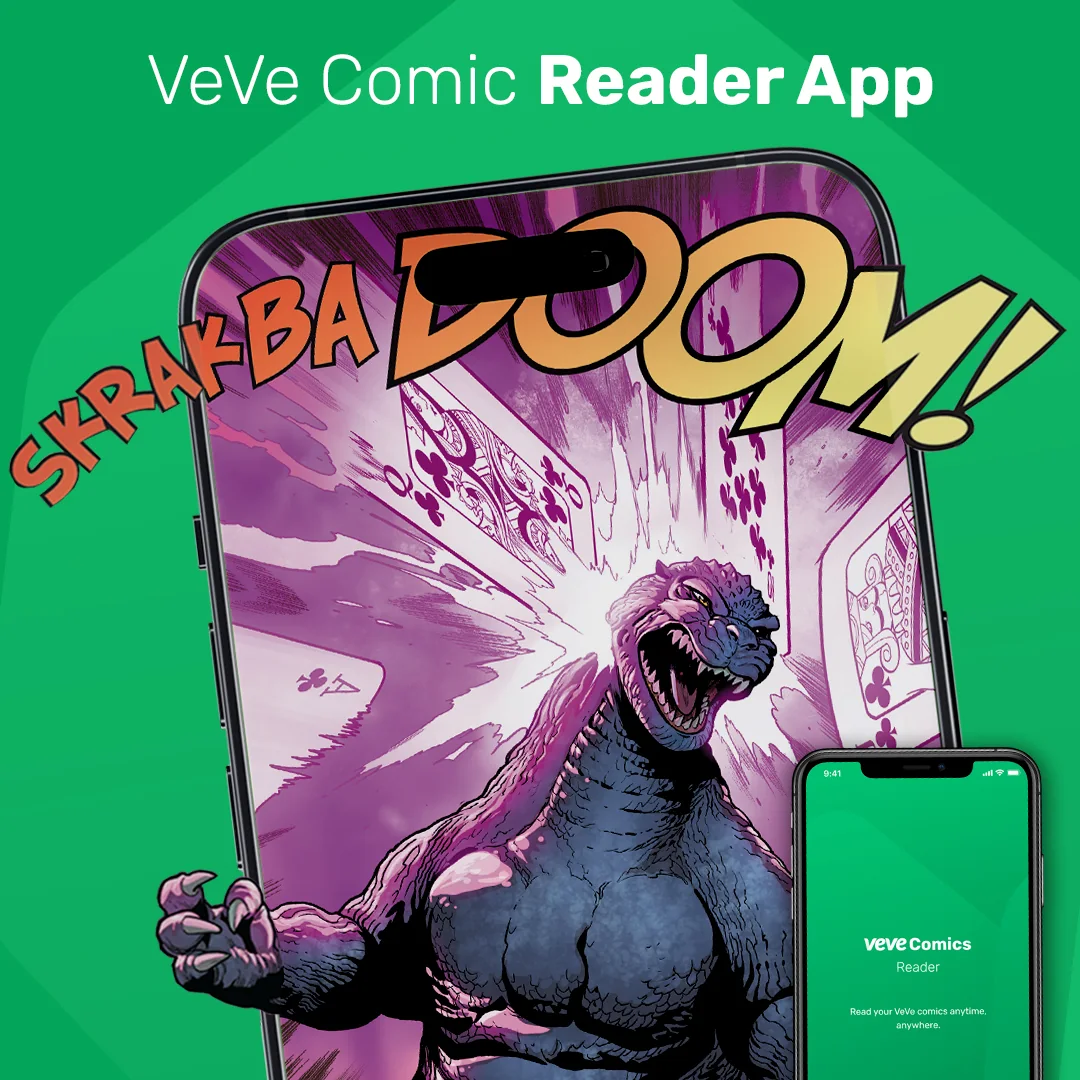
- According to the official update, frontlist comics in the VeVe Comics reader app—the green app—are not covered by this specific backlist rule.
- Important for collectors: The final supply often is not known until after the burn—not on the first day of sale.

What specifically changed at VeVe in early 2025
On January 31, 2025, VeVe announced that Marvel, Disney, and Star Wars backlist digital comics in the VeVe Collectibles Store would only be sold for a limited time going forward. The update was explicitly expanded shortly afterward to include Disney and Star Wars backlist titles.
The core change is simple: Beginning March 1, 2025, new qualifying backlist releases have a 30-day sale window. Once that window closes, unsold editions are not merely hidden or removed from the Store—they are permanently removed, which VeVe calls a burn.
There was also a one-time exception: the major burn on February 28, 2025, at 11:59 PM PT. Older, still-unsold backlist editions that met the requirements were permanently removed all at once. This combination of a cutoff date and the new 30-day rule is exactly what confused many collectors.
If you are just getting into VeVe Comics, start with our VeVe Comics guide. For broader platform context, our VeVe beginner’s guide is also helpful.
Key terms explained
Backlist: Older, previously released digital comics offered in the VeVe Collectibles Store. This is the group covered by the 30-day burn rule.
Frontlist: New comic releases that arrive around their regular publication window. According to the official update, these frontlist titles in VeVe Comics are not part of the backlist rule described here.
Blue app: The collector term commonly used for the VeVe Collectibles app or Collectibles Store. This is where the affected backlist comics are available.
Green app: The VeVe Comics reader app. It focuses on reading and frontlist comics and is not the primary app covered by the backlist update.
Burn: Unsold editions are permanently removed. For collectors, this means the theoretical maximum edition count and the number of editions that ultimately exist may differ.
Final supply: The final number of editions that actually exist after the sale window closes and the burn is complete. Only then is the available supply truly final.
Delisting: A listing disappears from the visible Store interface. That is not automatically the same as a burn. A burn permanently removes unsold editions; it is not merely a change in how they appear in the Store.
Quick start: How to check a backlist comic’s burn deadline
Step 1: Confirm that it is actually a backlist comic
The most common mistake is assuming that every VeVe comic release falls under the 30-day rule. That is not the case. First, determine whether the title is offered as a backlist comic in the Collectibles Store or as a frontlist release in the Comics environment.
Step 2: Check the app and purchase path
If the purchase goes through the VeVe Collectibles Store in the blue app, you are in the relevant area. If you are primarily using the reader/Comics environment, the title may follow a different release path.
Step 3: Record the release date right away
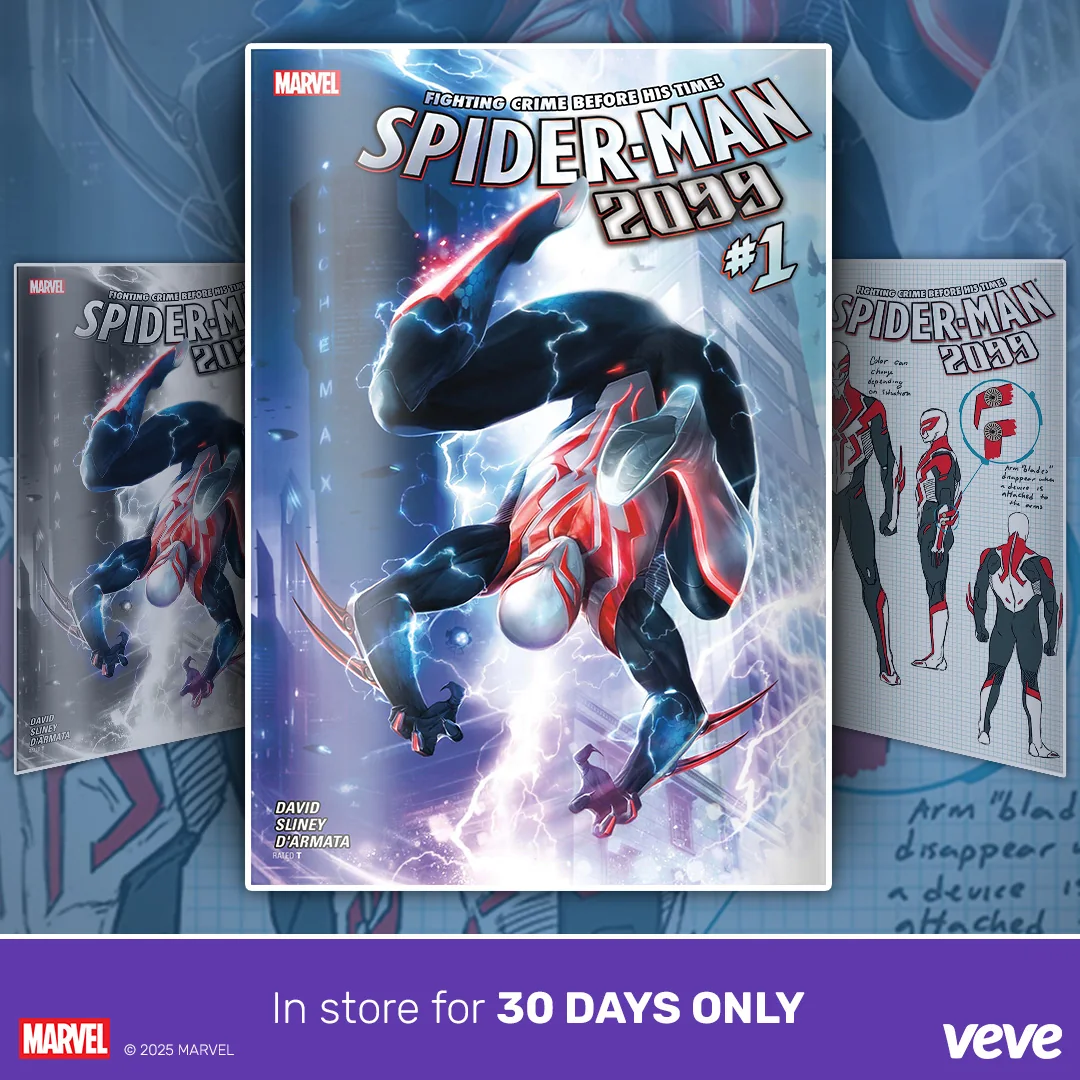
For qualifying backlist releases, the window begins at release. Save a screenshot with the date, time, title, cover, and—if visible—the in-app notice right away. If you wait until the deadline is approaching, you may be left guessing.
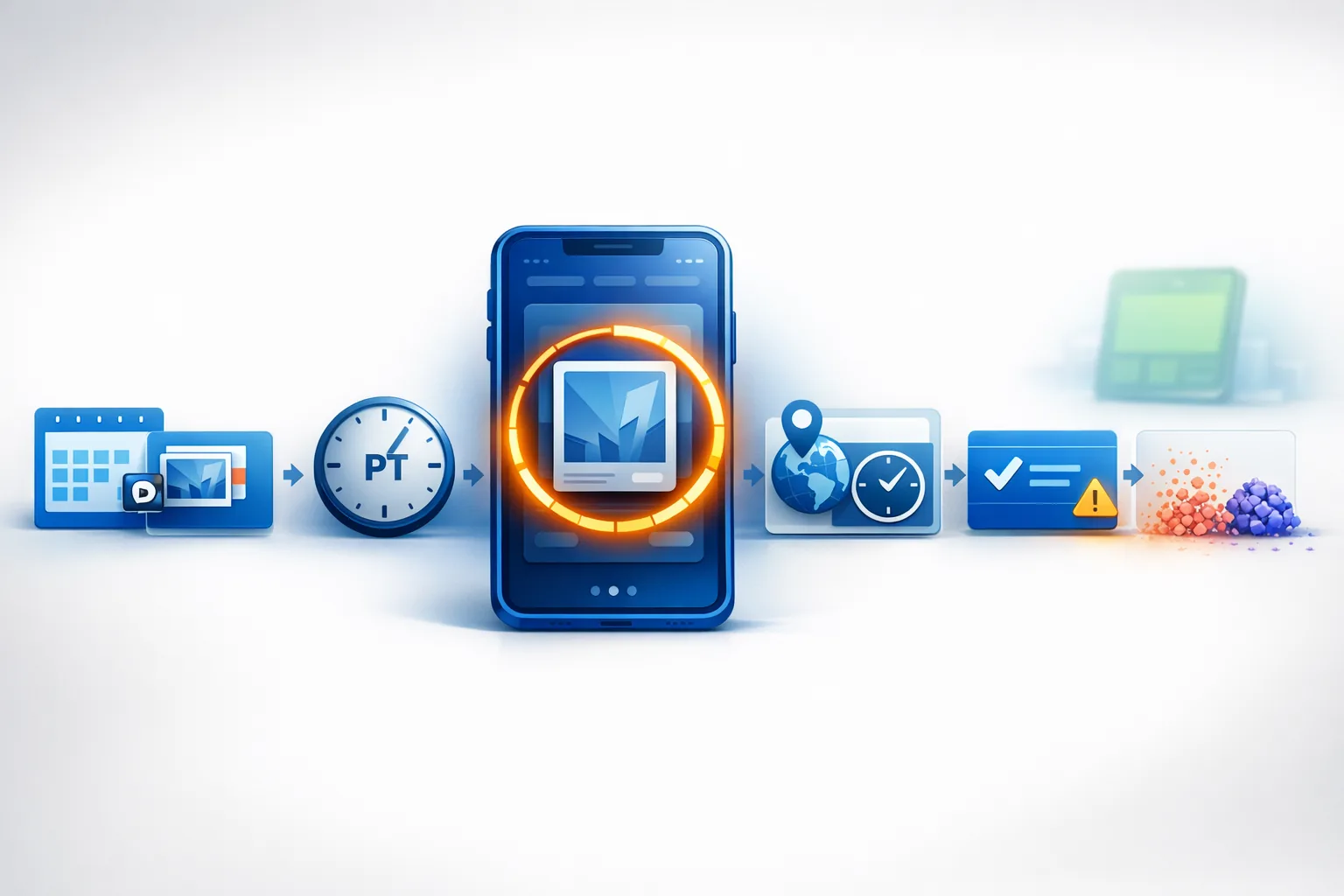
Step 4: Convert the 30-day window accurately to your time zone
VeVe often communicates deadlines in Pacific Time. This is especially important around month changes, daylight saving time, and international purchases. Do not rely on a hunch such as, “It should still be available tomorrow evening.” Convert the deadline to your local time.
Step 5: Do not confuse “still visible” with “still available to buy”
You may remember a comic as having “just been there” even though its sale window has already closed. Do not only check whether you can find the title; confirm that a Store purchase is still possible.
Step 6: Check supply and availability again after the deadline
After the burn, check whether the title can still be purchased from the Store and how its edition count or supply is displayed. This is the point at which provisional scarcity becomes final scarcity.
What a burn specifically means on VeVe
For collectors, the key takeaway is: Burn = unsold Store editions are permanently removed. This does not apply to editions already purchased and held in collector accounts. It applies to the editions that remained unsold after the 30-day window.
That is why “burn = delisted” is an oversimplification. A delisting may only affect visibility. A burn, by contrast, changes the number of editions that ultimately exist. As a result, the final edition count of an affected backlist comic only becomes reliable after the window closes and the burn is complete.
New to VeVe? If you sign up through our link (at no additional cost to you), the current sign-up credit guide says you will receive $10 in free sign-up credit.
What this changes for collectors
The new model matters to collectors even if you collect without any price hype. The most important point is that edition counts often are not final before the burn. Anyone making definitive supply claims immediately after release could be wrong.
This is not only relevant to speculation—it also matters for basic collection tracking. If you carefully document series, plan sets, or want to review your purchases later, distinguish between the initial maximum edition count and the final number of editions in existence.
Just as importantly, the Store is no longer guaranteed to be your fallback option later. With older comics, collectors could often think, “If I do not buy it today, I can pick it up eventually.” That assumption is no longer safe for affected backlist titles.
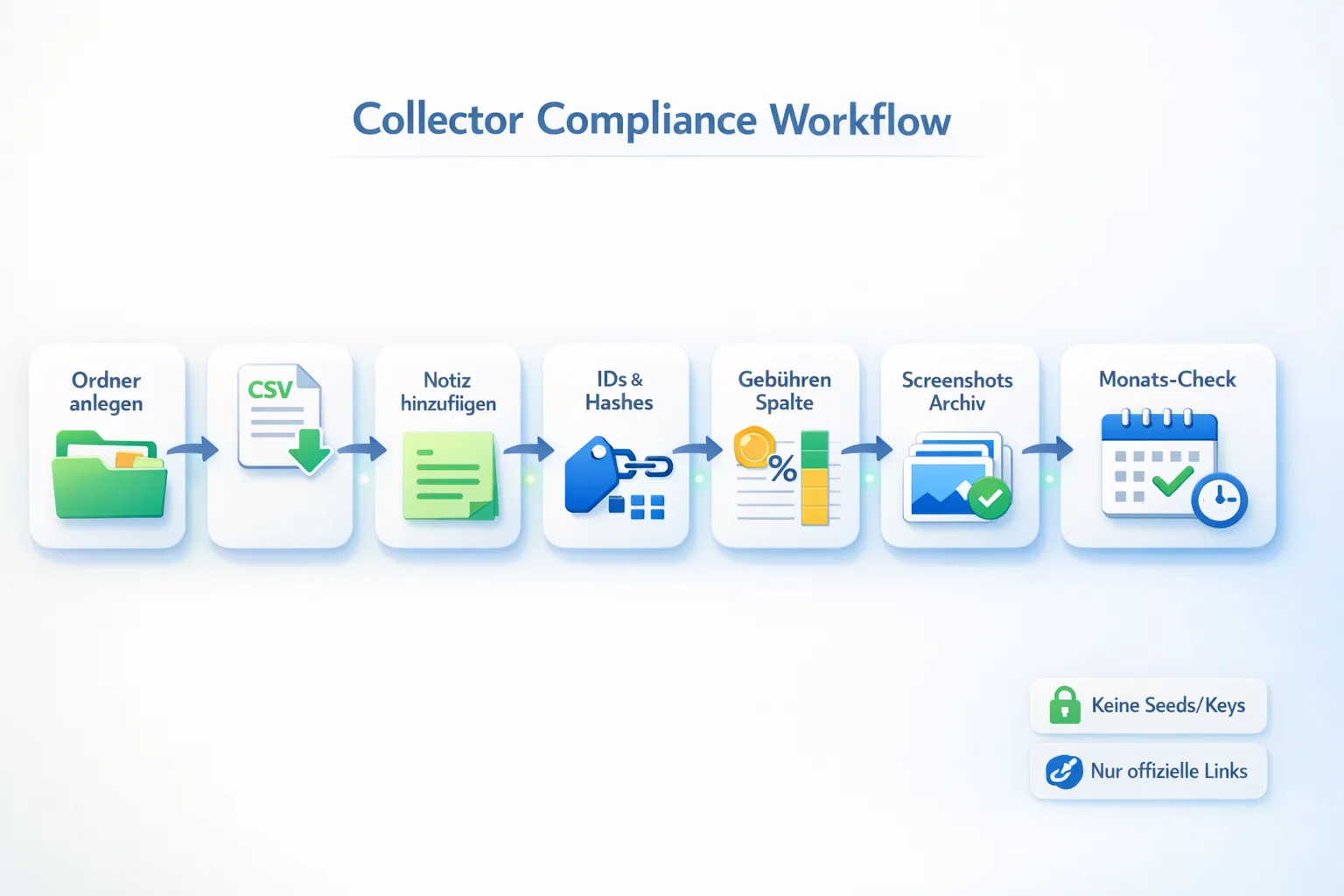
A simple collection-tracking system is therefore worthwhile. Save your purchase confirmation, date, title, any visible edition details, proof of payment, and screenshots of the listing. This can help with future support questions, disputes, personal records, and—depending on your country—KYC or tax matters.
If you want to improve your records, see our article on App Store fees and payment methods, the VeVe KYC guide, our DAC8 guide for crypto and NFT users, and the VeVe Marketplace guide.
Collector Checklist
- Check before buying: Is it actually an affected backlist comic in the blue app?
- Document the release: Save a screenshot of the date, time, and title right away.
- Account for time zones: Do not rely on your local sense of timing. Convert deadlines accurately from PT to your local time.
- Read the Store notice: Look for wording such as limited availability or references to a 30-day window.
- Save your records: Keep the purchase confirmation, proof of payment, and relevant screenshots in a dedicated folder.
- Verify after the burn: Check whether the title is still available from the Store and whether its supply or edition details have changed.
- Use official channels only: Avoid links in DMs, supposed “Early Access” links, and unofficial purchase workarounds.
Common mistakes to avoid
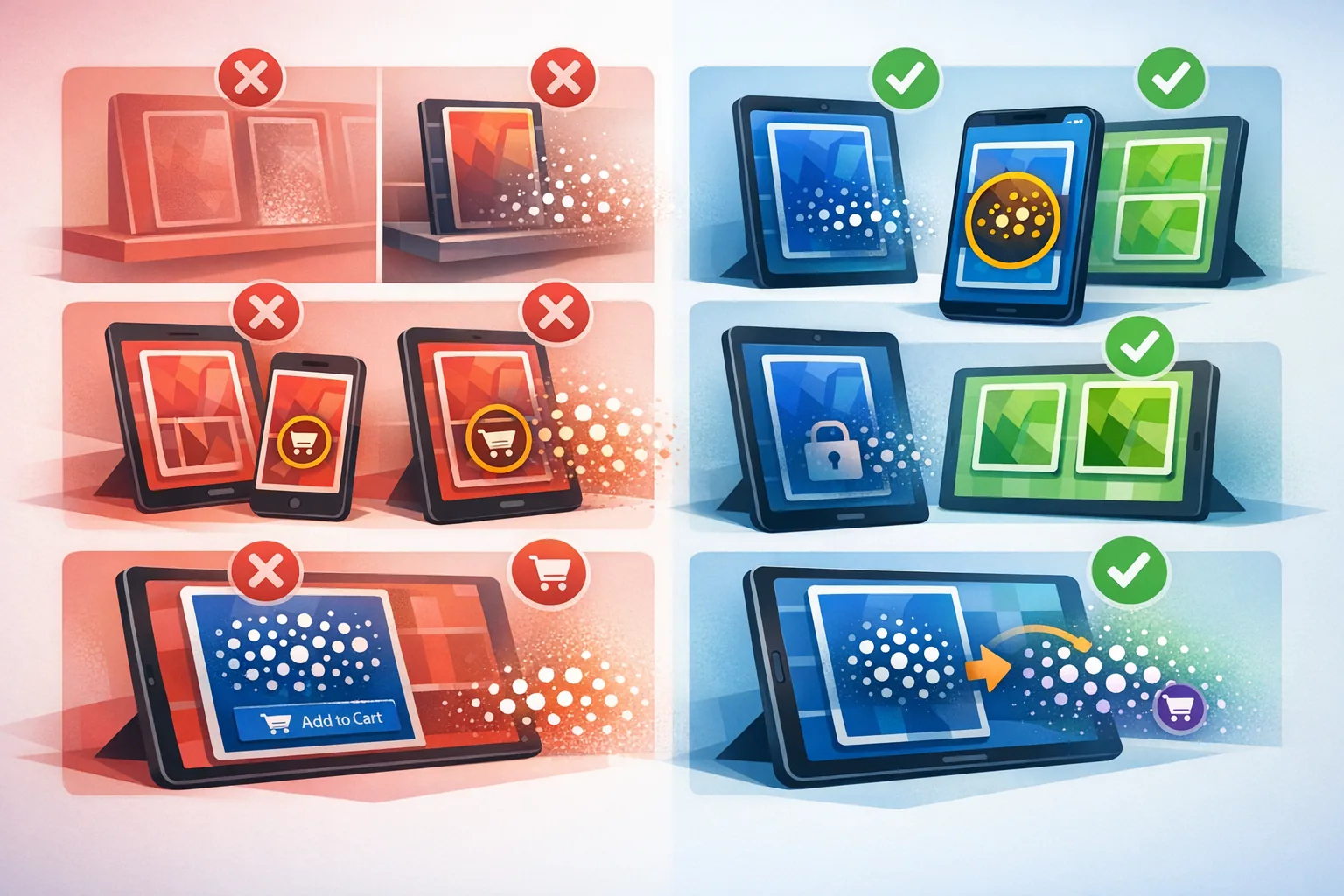
- “I can always buy it from the Store later.” That assumption has become risky for affected backlist titles. Once the 30-day window closes, the Store purchase option may be gone permanently.
- “A burn only means the listing disappears.” No—this mechanic permanently removes unsold editions. It is more than a cosmetic change to the Store.
- “All VeVe Comics are affected in the same way.” No. According to the official update, this applies to Marvel, Disney, and Star Wars backlist comics in the Collectibles Store—not every comic across the entire VeVe ecosystem.
- “The edition count is final on release day.” It is not. For burn-based backlist titles, the number of editions that ultimately exist may be lower than the original maximum edition count.
- “I will remember the title, so I do not need screenshots.” In practice, the one detail you need later is often the one you did not save: the release time, purchase path, or visible Store notice.
- “A link from Discord, Telegram, or X will save time.” For security-related matters, take a collector-first approach: Use only official VeVe channels and official app stores. Do not use deep links from DMs.
- “If a burn is mentioned, I need to buy immediately without thinking.” That is also a mistake. A short deadline never replaces your collecting goals, budget, or actual reason for collecting.
FAQ
Which comics are covered by the 30-day rule?
According to the official update, it applies to Marvel, Disney, and Star Wars backlist digital comics in the VeVe Collectibles Store in the blue app. Frontlist titles in VeVe Comics should be treated separately from this specific rule.
When did the new rule begin?
VeVe announced the change on January 31, 2025. The new 30-day sale model for affected backlist releases took effect on March 1, 2025. Before that, the one-time major burn of older inventory took place on February 28, 2025.
What happens to editions that have already been purchased?
The burn applies to unsold Store editions. It does not refer to comics already purchased and held in collector accounts. What matters to collectors is that the burn may change the title’s final supply.
How can I tell when the window ends?
Use the release date, Store notices, and your own records from the time of purchase. Always convert the deadline accurately to your time zone, and check whether the comic can still be purchased from the Store shortly before the window closes.
Does a burn automatically help the market price?
That should not be promised. A burn changes supply, but it does not automatically change demand. For collectors, the more important point is that the final supply becomes clearer after the burn.
What should I save for future records?
At minimum, keep the purchase confirmation, proof of payment, title, date, time, screenshots of the listing, and—if visible—edition details or Store notices. This keeps your records organized and can help with support, KYC, or documentation questions.
How can I avoid FOMO with 30-day comics?
Set your rules in advance: Are you genuinely collecting the series? Will you actually read the title? Does it fit your budget? Have you verified the purchase path? If your answer is no to all four questions, the short deadline is not a good reason to buy.
Ultimately, the 30-day burn model changes one thing above all: Availability for affected backlist comics is no longer open-ended. Collectors who clearly distinguish between the blue and green apps, backlist and frontlist, and provisional and final supply can avoid most misunderstandings from the start.
New to VeVe? If you sign up through our affiliate link (at no additional cost to you), the current sign-up credit guide says you will receive $10 in free sign-up credit.
Sign up for VeVe with sign-up credit
Disclosure: Affiliate link (we may receive a commission at no additional cost to you.)
Sources