Last checked: May 6, 2026.
If VeVe displays a message such as “Unavailable in your region,” it does not automatically point to one specific issue. Several layers often overlap: VeVe’s own Terms, legal country and sanctions rules, KYC requirements, and additional restrictions imposed by payment, KYC, or on-ramp providers.
This can be frustrating for collectors because app access, Gem purchases, the Market, and external services do not always have the same requirements. This guide clearly separates these areas and shows you how to determine whether you are dealing with a genuine region restriction, a KYC issue, a payment problem, or an account status issue.
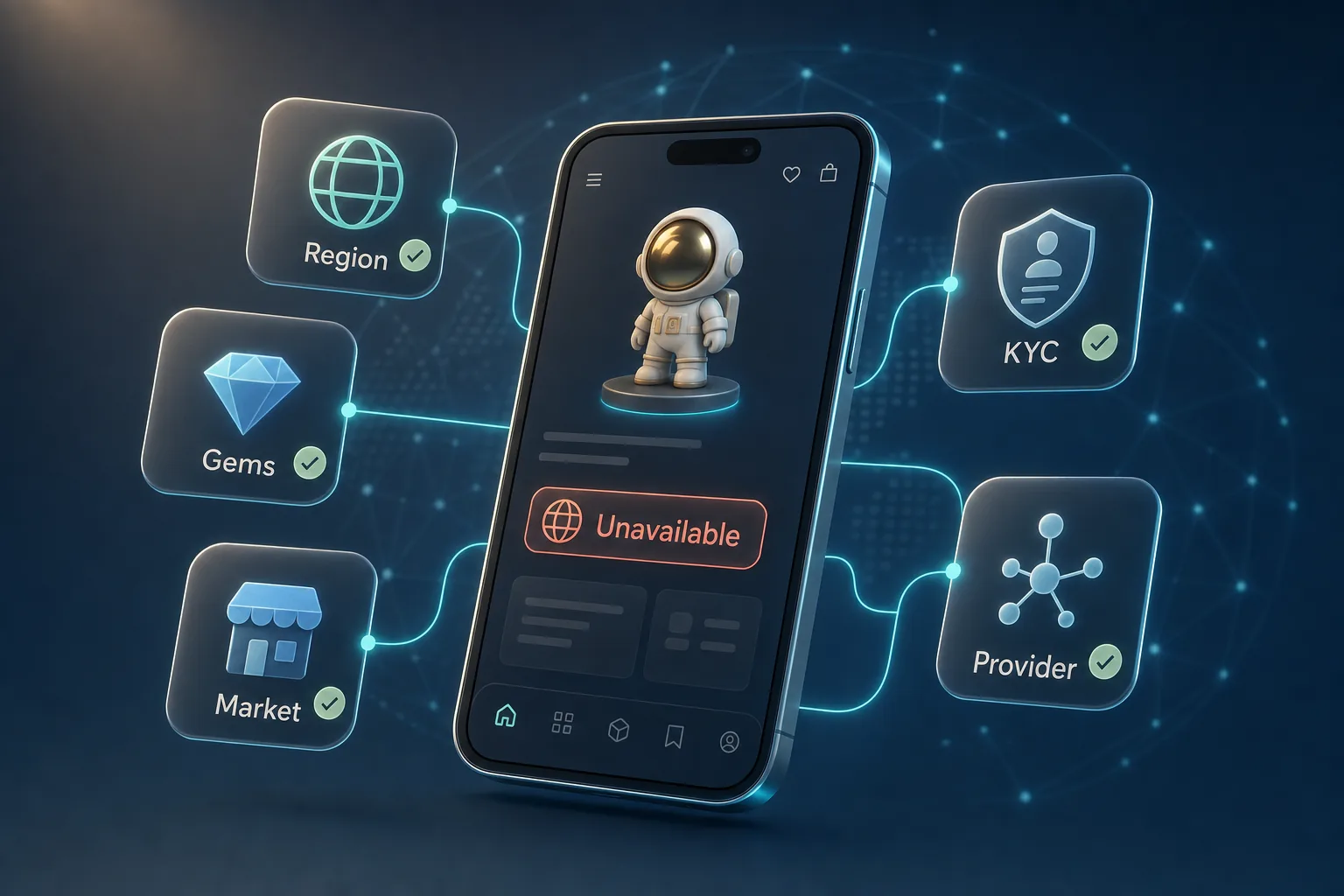
TL;DR: “Unavailable in your region” can have several causes on VeVe. First check the official VeVe Terms and Fee/Gems information, followed by your KYC status, profile country, the specific purchase or Market process, and finally any provider restrictions. VPNs and other workarounds are not a proper solution because they may violate Terms, compliance checks, or provider rules.
The key distinction: Not every VeVe feature works the same way
Many users treat all error messages as if they were the same. That makes troubleshooting much harder. On VeVe, you should distinguish between at least five areas.
- App access and account registration: Basic access, login, profile, collection, and general use.
- Buying Gems: Purchasing Gems through the app or web, depending on available checkout options, payment methods, app store rules, and provider checks.
- Market: Buying and selling on the VeVe Market, generally subject to KYC and account requirements.
- Payout: The former withdrawal feature, which must be viewed differently following VeVe’s change to the Gems rules in November 2025.
- Third-party services: Payment providers, merchants of record, KYC providers, on-ramps, or separate platform services such as StackR.
If Gems are not available through web checkout, that does not automatically mean your account has been restricted. If you cannot access the Market, that does not automatically mean the app is entirely unavailable in your country. You always need to isolate the specific feature involved.

What VeVe officially covers: Country Restrictions and sanctions
VeVe’s Terms of Use make it clear that country restrictions may apply to use of the app. Access may also be prohibited or restricted if users are located in sanctioned, embargoed, or legally unsupported jurisdictions, or if local law does not permit use of the service.
Also important: VeVe may restrict access to services, account features, or certain Digital Products due to violations, suspected violations, or regulatory changes. This does not apply only to obvious sanctioned countries. It may also become relevant when KYC data, IP signals, residency information, or provider checks do not match.
In practice, this means a country may appear to be supported at one VeVe level while a specific feature still fails. Conversely, a checkout error may come from the payment provider even though your VeVe account remains usable overall.
Buying Gems: Separate the app, web, and provider layers
Several systems are involved when you buy Gems. The VeVe app, web checkout, Apple or Google, payment processors, card issuers, and regional payment rules can all affect the transaction. If checkout fails, the cause may not be VeVe itself.
Common signs include declined cards, missing payment methods, a checkout page that will not load, or a clear region notice. In that case, first check whether you are purchasing through the app or web, which payment method you are using, and whether your card, place of residence, and profile country match.
For a closer look at the differences between buying through the app and website, read Buying VeVe Gems: Website vs. App. For more on fees and checkout, see App Store Fees and Payment Methods for Gems.
Market: Why KYC may be the deciding factor
The VeVe Market is more than a simple product listing. Buying, selling, and certain Market features may be tied to KYC, account integrity, and regional rules. According to VeVe, KYC is required to access key features such as Drops, Store purchases, and Market activity.
If you cannot use the Market, check your verification status first. Common causes include incomplete KYC steps, rejected proof of address, discrepancies between account details and identification documents, or a review that is still in progress.
As a practical precaution, do not make additional purchases or try workarounds until you understand your status. Instead, follow a structured process such as the one in the VeVe KYC Guide 2026, and use the VeVe Market Guide for Market-related questions.
Payout: Historically important, but different since November 2025
VeVe previously offered a Payout process with its own requirements, country lists, fees, and provider dependencies. The VeVe Fee Schedule dated August 13, 2025, explicitly lists countries that were ineligible for Payout and notes that Payout providers may have their own country restrictions.
The key point for 2026 is that VeVe changed the Gems rules on November 19, 2025. Since then, Gems have been described as non-transferable and non-withdrawable. Older Payout articles, fee calculations, and community experiences may therefore provide useful historical context, but they are not automatically a guide to the current situation.
For a closer look at today’s withdrawal question, read VeVe Withdrawals After November 19, 2025. For Market fees and the historical Payout context, see VeVe Fees and Costs.
If you are just getting started, check region availability, payment methods, and KYC basics before signing up. Our VeVe Sign-Up Bonus Guide walks you through the process, and you will receive a free $10 sign-up bonus when you register. Even so, only budget funds you consciously choose to spend on digital collecting.
Third-party restrictions: Why providers may be stricter than the platform
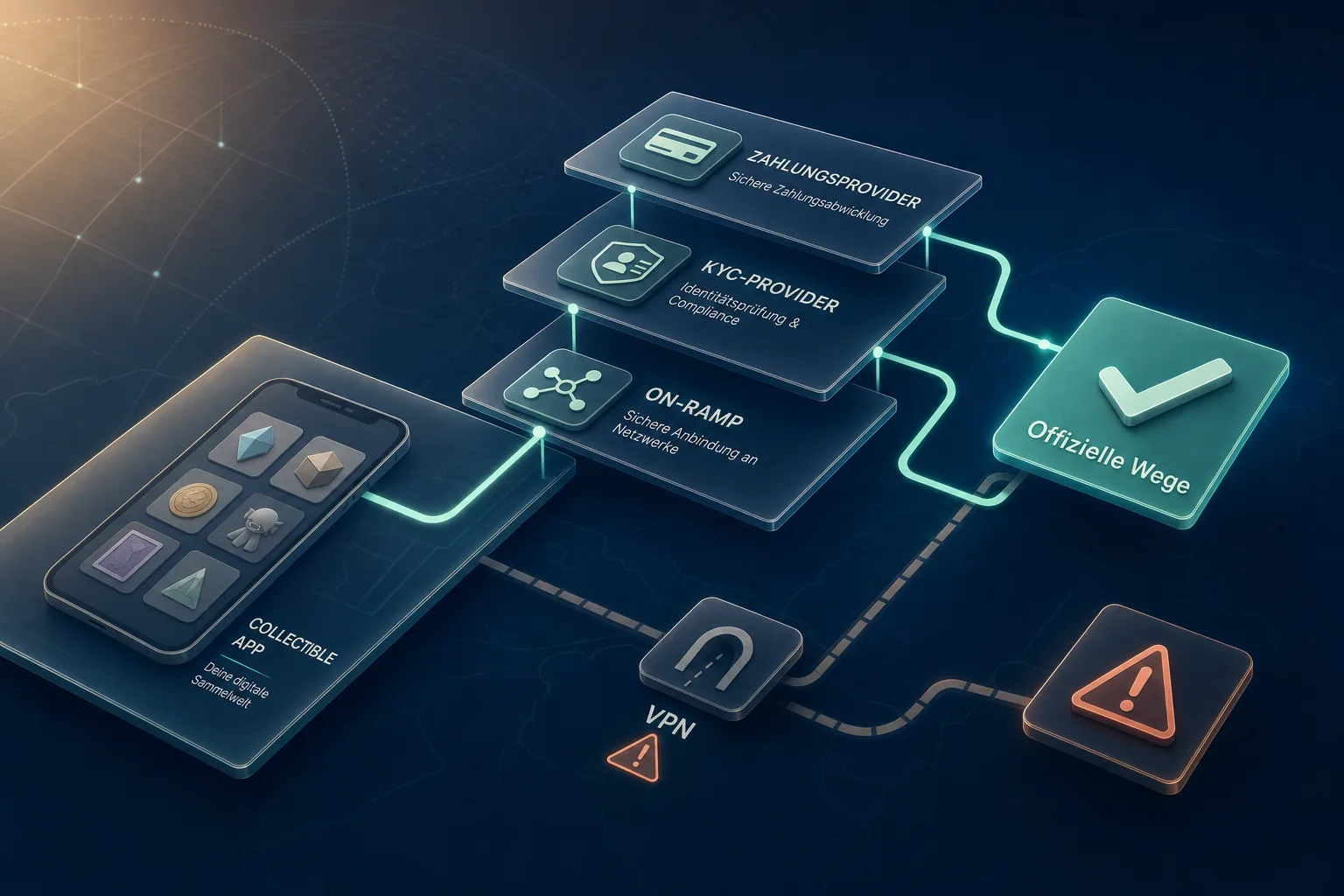
A common misconception is: “If VeVe works in my country, every payment or on-ramp option must work too.” It is not that simple. Payment providers, KYC providers, and crypto on-ramps often maintain their own lists of unsupported countries, states, or regions.
For example, Wyre’s documentation listed its own non-operational countries and US states for certain payment methods. Coinify maintains a list of blocked jurisdictions and explicitly warns against using a VPN or location masking to bypass restrictions. Mercuryo also publishes a list of non-operational countries and notes that cards may be declined depending on the country or bank policy.
These examples do not mean VeVe uses the exact same lists. They do show why restriction lists are common, dynamic, and provider-specific across payment and crypto services.
Practical checklist: How to troubleshoot “Unavailable in your region”
Do not immediately assume that your account is lost. Instead, work from the broadest level down to the most specific one.
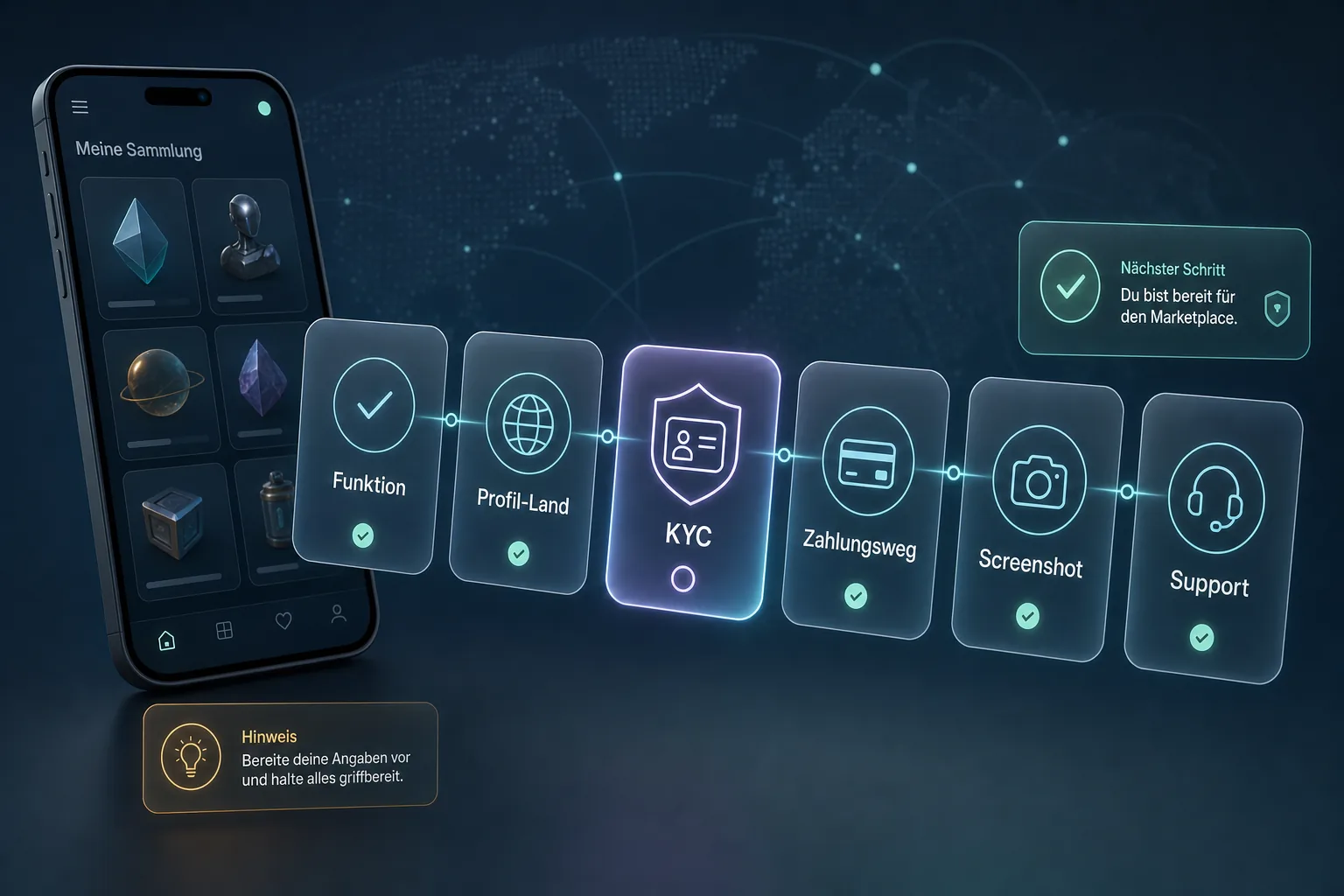
- 1. Check official VeVe pages: The Terms of Use, Terms for Gems, Fee Schedule, and Help Center articles should be your first points of reference.
- 2. Isolate the feature: Does the issue affect the app download, login, Gem purchases, KYC, the Market, a Drop, the web app, or a third-party service?
- 3. Check your country and profile: Do your residence, KYC address, identification document, app store country, payment country, and bank country all match?
- 4. Save the error message: Take a screenshot showing the date, time, device, app version, and exact wording.
- 5. Record the payment method: Note whether you used the app or web, a card or another checkout method, the currency, the card’s country, and any message from your bank.
- 6. Do not try to bypass restrictions: Do not use a VPN, false address, second account, or off-platform deal.
- 7. Contact Support with clear details: Once you have gathered the information, submit a ticket with a precise description.
If the message sounds more like an account restriction than a region issue, follow the immediate action plan in Restricted Access and Account Disabled on VeVe. It covers supporting evidence, Support tickets, and the proper steps to take after a restriction.
Common error messages and what they may indicate
“Unavailable in your region” when accessing the app
This may indicate actual country restrictions, app store availability, or a location-based access check. Start by reviewing official VeVe information and your app store location. Avoid experimenting with a different store country or VPN before you understand the cause.
Checkout fails or a payment method is missing
This is more likely to point to payment, card, or provider rules. Possible causes include the card’s country, bank policies, regional payment availability, or an unsupported checkout option.
KYC is rejected or stuck
Document quality, mismatched data, or proof-of-address issues are often responsible. Screenshots instead of original documents, outdated supporting documents, or different names can make verification more difficult.
The Market is unavailable
This may be related to KYC, account status, acceptance of the Terms, or regional restrictions. First check whether you can access other areas normally and whether a specific KYC or Support message appears.
Why VPNs and workarounds are risky
A VPN may initially appear to solve a region issue, but compliance systems often treat it as an additional risk signal. If the IP address, KYC address, payment country, and device location do not match, this may trigger reviews or cause a transaction to fail.
False addresses, someone else’s payment details, second accounts, and off-Market Gem deals are even more problematic. VeVe may restrict accounts and features due to Terms violations or suspicious activity. Providers may also decline or hold transactions, or request additional documentation.
The safe alternative is unexciting but appropriate: Use only officially supported methods, keep your information consistent, and document problems carefully. For StackR- or OMI-related services, you should also use official links only and never share seed phrases, codes, or wallet approvals through DMs. For a basic overview, see How to Set Up StackR Safely.
Why restriction lists can change without much notice
Regional availability is not static. VeVe may update its Terms, fees, Gems rules, or Country Restriction notices. Providers may also change their own lists due to sanctions, local licenses, banking partners, risk decisions, or new regulatory requirements.
That is why you should always record the date of any error message. A screenshot from 2024 or a community post from 2022 may provide context, but it does not replace checking current official information in 2026.
The best routine for collectors is to check official pages before major purchases, accept updated Terms when required, keep KYC information current, and store all supporting documents in one folder. This saves time if Support or another review becomes necessary later.
FAQ
Does “Unavailable in your region” mean my account is restricted?
Not necessarily. The message may apply only to a specific feature, such as checkout, KYC, the Market, or a provider service. First check whether your login, collection, and other areas work normally.
Can VeVe work in a country while Gem purchases do not?
Yes. App access and Gem purchases may follow different rules because payment providers, app store requirements, card issuers, and regional payment rules also apply to purchases.
Why is KYC so important for the Market?
VeVe requires successful identity verification for key features such as buying and selling on the Market and other app functions. If KYC is incomplete or your information does not match, features may remain restricted.
Should I use a VPN if VeVe is unavailable in my region?
No. VPNs and location masking may violate Terms or provider rules and trigger additional reviews. Use only officially supported methods.
Where should I check first?
Start with the official VeVe Terms, Gems and fee information, and the Help Center. Then review the specific point of failure: the app, Gems, KYC, the Market, or a third-party provider.
Conclusion: Region errors are easier to resolve when you separate the layers
“Unavailable in your region” is not a definitive error code. It is a notice that may point to a restriction. The most important step is identifying the affected layer: VeVe’s Terms, Gem purchases, KYC, the Market, historical Payout information, or an external provider.
Collectors who document the issue carefully, check official sources, and avoid workarounds have the best chance of receiving a clear answer from Support. Ultimately, the goal is not the fastest workaround but stable, compliant access to your account, collection, and the Market.
Affiliate disclosure: If you are new to VeVe, you can sign up through our link: Sign up for VeVe with a $10 bonus. VeVeInsider may receive a commission; there is no additional cost to you, and you will receive a free $10 sign-up bonus.
Sources